How to Automate Code Reviews in 2026 - Complete Setup Guide
Automate code reviews with AI tools, linters, and CI/CD pipelines. Covers GitHub Actions, GitLab CI, and tool configuration for every team size.
Published:
Last Updated:
Why automate code reviews?
Code review is essential to shipping reliable software. It catches bugs, enforces standards, and spreads knowledge across teams. But manual code review has a serious scaling problem: it is slow, inconsistent, and it burns out your senior engineers.
Research from Google’s engineering practices group shows that the average pull request waits 24 hours for its first human review. Microsoft’s internal studies found that developers spend 6 to 12 hours per week reviewing code written by others. At that rate, a team of ten engineers is spending the equivalent of one to two full-time salaries just on review overhead every year.
The impact goes beyond time. A study published in the IEEE Transactions on Software Engineering found that review quality drops significantly when reviewers are handling more than 200-400 lines of code in a single session. When backlogs grow and reviewers rush, defects slip through. The mechanical parts of review - checking for null safety, catching missing error handling, enforcing style conventions - are exactly the parts that suffer first under time pressure, and they are also exactly the parts that machines are best at handling.
Automated code review addresses these problems by offloading the repetitive, pattern-based aspects of review to tools that never get tired, never rush, and never skip a file. When done well, automation handles 60 to 80 percent of review comments so that human reviewers can focus on architecture, business logic, and design decisions - the things that actually require human judgment.
Here is what teams typically see after implementing automated code review:
- 30 to 60 percent reduction in review cycle time. Automated tools respond in minutes, not hours. By the time a human reviewer opens the pull request, the mechanical issues are already flagged and often already fixed.
- Higher consistency across the codebase. Linters and static analysis apply the same rules to every line of code, regardless of which developer wrote it or who reviews it.
- Fewer bugs reaching production. Automated tools catch entire categories of defects - null pointer dereferences, SQL injection vulnerabilities, resource leaks - that human reviewers miss under time pressure.
- Better developer experience. Junior developers get instant, actionable feedback instead of waiting hours or days for a senior engineer to point out a missing null check. Senior engineers spend their review time on meaningful feedback instead of repetitive style comments.
The rest of this guide walks through exactly how to set up automated code review for your team, step by step. We will cover the three layers of automation, provide actual configuration files you can copy, and explain how to tune the system to minimize false positives and maximize the signal your team receives.
The three layers of automated code review
Effective code review automation is not a single tool. It is a stack of tools, each operating at a different level of abstraction. Think of it as a pipeline where each layer catches a different category of issues.
Layer 1: Linting - style, formatting, and syntax
Linters are the foundation. They enforce consistent code style, catch syntax errors, flag unused variables, and ensure that every developer on the team writes code that looks the same. Linters are fast, deterministic, and produce zero ambiguity - a rule either passes or fails.
Examples of linters by language:
- JavaScript/TypeScript: ESLint, Biome
- Python: Ruff, Flake8, Black (formatter)
- Go: golangci-lint
- Java: Checkstyle, SpotBugs
- Rust: clippy
- General formatting: Prettier, EditorConfig
Linters catch issues like inconsistent indentation, unused imports, unreachable code, overly complex functions, and naming convention violations. These are the issues that generate the most noise in manual reviews and the least value from human attention.
Layer 2: Static analysis - bugs, vulnerabilities, and code smells
Static analysis tools go deeper than linters. They analyze control flow, data flow, and code paths to detect bugs that are syntactically correct but logically wrong. They also scan for security vulnerabilities by matching code patterns against databases of known weaknesses.
Key tools in this layer:
- SonarQube: Over 5,000 rules across 30+ languages, covering bugs, vulnerabilities, code smells, and security hotspots
- Semgrep: Lightweight, fast static analysis with a pattern-based rule syntax that makes custom rules easy to write
- DeepSource: Combines static analysis with AI-powered suggestions and maintains a sub-5% false positive rate
- Codacy: Aggregates multiple analysis engines into a single dashboard with quality gates
Static analysis catches issues like SQL injection, cross-site scripting, resource leaks, null pointer dereferences, race conditions, and hardcoded credentials. These are the issues that are most dangerous when missed and most tedious to catch manually.
Layer 3: AI-powered review - logic, context, and intent
AI review tools use large language models to understand code semantics at a level that rule-based tools cannot reach. They can evaluate whether a function does what its name suggests, identify logic errors that are syntactically valid, and provide feedback that reads like a comment from a knowledgeable colleague.
Key tools in this layer:
- CodeRabbit: Generates PR walkthroughs, leaves inline comments with one-click fix suggestions, supports 30+ languages
- GitHub Copilot: Native code review integration within GitHub’s UI
- PR-Agent: Open-source AI review tool by Qodo, self-hostable with your own LLM API keys
- Sourcery: AI-powered refactoring suggestions, strongest for Python
AI review catches issues like logic errors in business rules, missing edge case handling, inconsistent error handling patterns, poorly named functions, and code that works but does not follow the team’s established conventions.
Why you need all three layers
Each layer catches issues that the others miss. Linters will never catch a logic error. Static analysis will never enforce your team’s naming conventions. AI review will never be as fast or deterministic as a linter for checking formatting.
Here is a practical example. Consider this Python function:
def get_user_discount(user_id: str, order_total: float) -> float:
    user = db.users.find_one({"id": user_id})
    if user.membership == "premium":
        discount = order_total * 0.15
    elif user.membership == "basic":
        discount = order_total * 0.05
return discount- A linter (Ruff) would flag that
discountmight be referenced before assignment if the membership is neither “premium” nor “basic.” - Static analysis (Semgrep) would flag that
usercould beNoneif the database query returns no results, creating a potentialAttributeErroronuser.membership. - AI review (CodeRabbit) would point out that the function has no input validation, does not handle the case where
order_totalis negative, and should probably include a default discount value or raise an explicit error for unknown membership types.
Three layers, three different categories of issues, all from the same six lines of code.
Step-by-step: Setting up automated review on GitHub
This section walks through setting up all three layers on a GitHub repository using GitHub Actions. Every configuration file shown here is production-ready and can be copied directly into your repository.
Layer 1: Add linting to your CI pipeline
We will start with the most impactful linter for your primary language. The examples below cover the three most common setups.
JavaScript/TypeScript projects with ESLint
Create a GitHub Actions workflow file at .github/workflows/lint.yml:
name: Lint

on:
  pull_request:
    branches: [main, develop]
  push:
    branches: [main]

jobs:
  eslint:
    name: ESLint
    runs-on: ubuntu-latest
    steps:
      - uses: actions/checkout@v4

      - uses: actions/setup-node@v4
        with:
          node-version: 20
          cache: 'npm'

      - run: npm ci

      - name: Run ESLint
        run: npx eslint . --format=json --output-file=eslint-report.json
        continue-on-error: true

      - name: Annotate ESLint results
        uses: ataylorme/eslint-annotate-action@v3
        with:
          report-json: eslint-report.json
This workflow runs ESLint on every pull request and annotates the results directly on the PR diff, so developers see the issues inline without leaving GitHub.
If you prefer a faster, all-in-one alternative, replace ESLint with Biome:
      - name: Run Biome
        run: npx @biomejs/biome ci --reporter=github .
Biome handles both linting and formatting in a single tool and runs significantly faster than ESLint plus Prettier combined.
Python projects with Ruff
For Python projects, Ruff has become the standard linter due to its speed and comprehensive rule set:
name: Lint

on:
  pull_request:
    branches: [main, develop]

jobs:
  ruff:
    name: Ruff
    runs-on: ubuntu-latest
    steps:
      - uses: actions/checkout@v4

      - name: Run Ruff linter
        uses: astral-sh/ruff-action@v3
        with:
          args: "check --output-format=github"

      - name: Run Ruff formatter check
        uses: astral-sh/ruff-action@v3
        with:
          args: "format --check"
Configure Ruff in your pyproject.toml:
[tool.ruff]
target-version = "py312"
line-length = 100

[tool.ruff.lint]
select = [
  "E",   # pycodestyle errors
  "W",   # pycodestyle warnings
  "F",   # pyflakes
  "I",   # isort
  "B",   # flake8-bugbear
  "S",   # flake8-bandit (security)
  "UP",  # pyupgrade
  "N",   # pep8-naming
]
ignore = ["E501"]  # line length handled by formatter

[tool.ruff.lint.per-file-ignores]
"tests/**" = ["S101"]  # allow assert in tests
Go projects with golangci-lint
name: Lint

on:
  pull_request:
    branches: [main]

jobs:
  golangci-lint:
    name: golangci-lint
    runs-on: ubuntu-latest
    steps:
      - uses: actions/checkout@v4

      - uses: actions/setup-go@v5
        with:
          go-version: '1.22'

      - name: Run golangci-lint
        uses: golangci/golangci-lint-action@v6
        with:
          version: latest
          args: --timeout=5m
Layer 2: Add static analysis
With linting in place, the next step is to add static analysis for deeper bug detection and security scanning. We will cover the two most popular options: SonarQube and Semgrep.
Option A: SonarQube with GitHub Actions
SonarQube provides the deepest rule coverage of any static analysis tool. You can use SonarQube Cloud (hosted) or self-host the Community Build.
Setting up SonarQube Cloud:
- Go to sonarcloud.io and sign in with your GitHub account
- Import your repository
- Create an organization-level token and add it as a GitHub secret named
SONAR_TOKEN - Add the workflow file:
name: SonarQube Analysis

on:
  pull_request:
    branches: [main, develop]
  push:
    branches: [main]

jobs:
  sonarqube:
    name: SonarQube Scan
    runs-on: ubuntu-latest
    steps:
      - uses: actions/checkout@v4
        with:
          fetch-depth: 0  # full history needed for blame data

      - name: SonarQube Scan
        uses: SonarSource/sonarqube-scan-action@v5
        env:
          SONAR_TOKEN: ${{ secrets.SONAR_TOKEN }}

      - name: SonarQube Quality Gate
        uses: SonarSource/sonarqube-quality-gate-action@v1
        timeout-minutes: 5
        env:
          SONAR_TOKEN: ${{ secrets.SONAR_TOKEN }}
Add a sonar-project.properties file to your repository root:
sonar.projectKey=your-org_your-repo
sonar.organization=your-org

# Source configuration
sonar.sources=src
sonar.tests=tests
sonar.exclusions=**/node_modules/**,**/dist/**,**/*.test.ts,**/*.spec.ts

# Coverage (if you generate coverage reports)
sonar.javascript.lcov.reportPaths=coverage/lcov.info

# Encoding
sonar.sourceEncoding=UTF-8
The quality gate step is crucial: it will fail the GitHub check if the code does not meet your quality thresholds, blocking the merge until issues are resolved.
Option B: Semgrep with GitHub Actions
Semgrep is lighter weight than SonarQube and particularly strong for security scanning. Its pattern-based rule syntax also makes it easy to write custom rules specific to your codebase.
name: Semgrep

on:
  pull_request:
    branches: [main, develop]
  push:
    branches: [main]

jobs:
  semgrep:
    name: Semgrep Scan
    runs-on: ubuntu-latest
    container:
      image: semgrep/semgrep
    steps:
      - uses: actions/checkout@v4

      - name: Run Semgrep
        run: semgrep ci
        env:
          SEMGREP_APP_TOKEN: ${{ secrets.SEMGREP_APP_TOKEN }}
To use Semgrep without the cloud platform (fully local), replace the last step with:
      - name: Run Semgrep (local rules)
        run: semgrep scan --config=auto --config=.semgrep/ --sarif --output=semgrep.sarif .

      - name: Upload SARIF
        uses: github/codeql-action/upload-sarif@v3
        with:
          sarif_file: semgrep.sarif
        if: always()
You can also write custom Semgrep rules for your team’s patterns. Create a .semgrep/ directory and add rules like this:
# .semgrep/custom-rules.yml
rules:
  - id: no-console-log-in-production
    pattern: console.log(...)
    message: "Remove console.log before merging to production"
    languages: [javascript, typescript]
    severity: WARNING
    paths:
      exclude:
        - "**/*.test.*"
        - "**/*.spec.*"
        - "scripts/**"

  - id: require-error-handling-on-fetch
    patterns:
      - pattern: |
          await fetch(...)
      - pattern-not-inside: |
          try { ... } catch (...) { ... }
    message: "fetch() calls must be wrapped in try/catch for error handling"
    languages: [javascript, typescript]
    severity: ERROR

  - id: no-raw-sql-queries
    pattern: |
      $DB.query("..." + $VAR + "...")
    message: "Use parameterized queries instead of string concatenation to prevent SQL injection"
    languages: [javascript, typescript, python]
    severity: ERROR
Using both together
SonarQube and Semgrep complement each other well. SonarQube provides broader code quality coverage (complexity, duplication, maintainability), while Semgrep excels at security scanning and custom rules. Many teams run both:
name: Static Analysis

on:
  pull_request:
    branches: [main]

jobs:
  sonarqube:
    name: SonarQube
    runs-on: ubuntu-latest
    steps:
      - uses: actions/checkout@v4
        with:
          fetch-depth: 0
      - uses: SonarSource/sonarqube-scan-action@v5
        env:
          SONAR_TOKEN: ${{ secrets.SONAR_TOKEN }}

  semgrep:
    name: Semgrep Security
    runs-on: ubuntu-latest
    container:
      image: semgrep/semgrep
    steps:
      - uses: actions/checkout@v4
      - run: semgrep ci
        env:
          SEMGREP_APP_TOKEN: ${{ secrets.SEMGREP_APP_TOKEN }}
Both jobs run in parallel, so there is no additional wait time compared to running either alone.
Layer 3: Add AI-powered review
This is the layer that has changed the most in the past two years. AI review tools now provide feedback that is genuinely useful - catching logic errors, suggesting better algorithms, and explaining why a change might cause problems downstream.
Option A: CodeRabbit (recommended for most teams)
CodeRabbit is the fastest to set up and provides the most comprehensive AI review out of the box.
Setup steps:
- Go to coderabbit.ai and click “Get Started Free”
- Sign in with your GitHub account
- Select the repositories you want to enable (or enable for all repositories in your organization)
- That is it. CodeRabbit installs as a GitHub App and will automatically review every new pull request
There is no GitHub Actions workflow to configure. CodeRabbit runs on its own infrastructure and posts comments directly to your PRs as a GitHub App.
Configuring CodeRabbit with .coderabbit.yaml:
For more control, add a .coderabbit.yaml file to your repository root:
# .coderabbit.yaml
language: en-US

reviews:
  profile: chill  # Options: chill, assertive, followup
  request_changes_workflow: false
  high_level_summary: true
  high_level_summary_placeholder: "@coderabbitai summary"
  auto_title_placeholder: "@coderabbitai"
  poem: false
  review_status: true
  collapse_walkthrough: false
  sequence_diagrams: true
  changed_files_summary: true
  labeling_instructions: []
  path_filters:
    - "!**/*.lock"
    - "!**/*.generated.*"
    - "!**/dist/**"
    - "!**/node_modules/**"
    - "!**/*.min.js"
  path_instructions:
    - path: "src/api/**"
      instructions: |
        Review all API endpoints for:
        - Input validation on all parameters
        - Proper error handling with appropriate HTTP status codes
        - Authentication and authorization checks
        - Rate limiting considerations
    - path: "src/db/**"
      instructions: |
        Review all database code for:
        - SQL injection prevention (parameterized queries only)
        - Proper connection handling and cleanup
        - Transaction usage where multiple writes occur
        - Index usage for frequently queried fields
    - path: "**/*.test.*"
      instructions: |
        For test files, focus on:
        - Test coverage of edge cases
        - Proper assertion usage (not just checking that code runs without error)
        - Mock cleanup and isolation between tests

chat:
  auto_reply: true

knowledge_base:
  opt_out: false
  learnings:
    scope: auto
The path_instructions feature is particularly powerful. It lets you define different review criteria for different parts of your codebase, so the AI applies domain-specific expertise rather than generic advice.
Interacting with CodeRabbit:
CodeRabbit is conversational. You can reply to any of its comments to ask for clarification, request a different approach, or tell it to ignore a finding:
- Reply
@coderabbitai resolveto dismiss a comment - Reply
@coderabbitai explainto get a detailed explanation of a finding - Reply
@coderabbitai generate docstringto generate documentation for a function - Comment
@coderabbitai reviewon a PR to trigger a re-review
Option B: PR-Agent (self-hosted, open source)
PR-Agent by Qodo is the best option for teams that need to keep code on their own infrastructure. It is fully open source and uses your own LLM API keys.
Setup with GitHub Actions:
name: PR-Agent

on:
  pull_request:
    types: [opened, reopened, ready_for_review]
  issue_comment:
    types: [created]

jobs:
  pr-agent:
    name: PR-Agent Review
    runs-on: ubuntu-latest
    if: ${{ github.event.sender.type != 'Bot' }}
    steps:
      - name: PR-Agent Review
        uses: qodo-ai/pr-agent@main
        env:
          OPENAI_KEY: ${{ secrets.OPENAI_KEY }}
          GITHUB_TOKEN: ${{ secrets.GITHUB_TOKEN }}
          github_action_config.auto_review: "true"
          github_action_config.auto_describe: "true"
          github_action_config.auto_improve: "true"
Configuration with .pr_agent.toml:
# .pr_agent.toml
[pr_description]
publish_labels = true
publish_description_as_comment = false
add_original_user_description = true
generate_ai_title = false

[pr_reviewer]
require_focused_review = false
require_score_review = false
require_tests_review = true
require_security_review = true
require_effort_to_review_estimation = true
num_code_suggestions = 4
inline_code_comments = true
ask_and_reflect = true
extra_instructions = """
Focus on:
- Null safety and error handling
- Security vulnerabilities
- Performance issues in hot paths
- Missing test coverage for edge cases
"""

[pr_code_suggestions]
num_code_suggestions = 4
summarize = true
PR-Agent supports OpenAI, Anthropic, Azure OpenAI, and various other LLM providers. The trade-off compared to CodeRabbit is that you manage the infrastructure and pay for LLM API calls directly, but you get full control over where your code is processed.
Option C: GitHub Copilot Code Review
GitHub Copilot now includes native code review capabilities built directly into the GitHub interface.
Setup steps:
- Ensure your organization has GitHub Copilot Enterprise or Business enabled
- Navigate to your repository settings, then to “Code review” under “Code security and analysis”
- Enable “Copilot code review”
- Copilot will automatically review PRs when requested or when configured to auto-review
You can request a Copilot review on any PR by clicking the “Reviewers” dropdown and selecting “Copilot.” For automatic reviews on every PR, configure it in your repository or organization settings.
GitHub Copilot’s main advantage is its native integration - there is nothing to install, no external service, and no additional billing if you already have Copilot Enterprise. The trade-off is that its review capabilities are less configurable than dedicated tools like CodeRabbit, and it is only available on GitHub (not GitLab, Azure DevOps, or Bitbucket).
Step-by-step: Setting up automated review on GitLab
If your team uses GitLab instead of GitHub, the same three-layer approach applies. GitLab CI uses .gitlab-ci.yml instead of GitHub Actions workflow files, and the syntax differs, but the concepts are identical.
Layer 1: Linting on GitLab CI
# .gitlab-ci.yml
stages:
  - lint
  - analysis
  - review

lint:eslint:
  stage: lint
  image: node:20
  cache:
    key: ${CI_COMMIT_REF_SLUG}
    paths:
      - node_modules/
  script:
    - npm ci
    - npx eslint . --format=json --output-file=gl-code-quality-report.json || true
  artifacts:
    reports:
      codequality: gl-code-quality-report.json
    when: always
  rules:
    - if: $CI_PIPELINE_SOURCE == "merge_request_event"

lint:ruff:
  stage: lint
  image: python:3.12
  script:
    - pip install ruff
    - ruff check --output-format=gitlab .
  artifacts:
    reports:
      codequality: gl-code-quality-report.json
  rules:
    - if: $CI_PIPELINE_SOURCE == "merge_request_event"
GitLab’s Code Quality report format integrates directly into the merge request UI, showing linting issues inline on the diff, just like GitHub’s annotation system.
Layer 2: Static analysis on GitLab CI
semgrep:
  stage: analysis
  image: semgrep/semgrep
  script:
    - semgrep ci
  variables:
    SEMGREP_APP_TOKEN: $SEMGREP_APP_TOKEN
  rules:
    - if: $CI_PIPELINE_SOURCE == "merge_request_event"

sonarqube:
  stage: analysis
  image:
    name: sonarsource/sonar-scanner-cli:latest
    entrypoint: [""]
  variables:
    SONAR_HOST_URL: $SONAR_HOST_URL
    SONAR_TOKEN: $SONAR_TOKEN
  script:
    - sonar-scanner
  rules:
    - if: $CI_PIPELINE_SOURCE == "merge_request_event"
Layer 3: AI review on GitLab
CodeRabbit supports GitLab natively. The setup is similar to GitHub:
- Go to coderabbit.ai and select GitLab as your platform
- Authenticate with your GitLab account
- Enable repositories
- Add
.coderabbit.yamlto your repository root (same configuration as shown in the GitHub section)
For PR-Agent on GitLab, the setup uses a webhook-based approach or a GitLab CI job:
pr-agent:
  stage: review
  image: codiumai/pr-agent:latest
  script:
    - pr-agent --pr_url="$CI_MERGE_REQUEST_PROJECT_URL/-/merge_requests/$CI_MERGE_REQUEST_IID" review
    - pr-agent --pr_url="$CI_MERGE_REQUEST_PROJECT_URL/-/merge_requests/$CI_MERGE_REQUEST_IID" improve
  variables:
    OPENAI_KEY: $OPENAI_KEY
    CONFIG.GIT_PROVIDER: gitlab
  rules:
    - if: $CI_PIPELINE_SOURCE == "merge_request_event"
Tool deep dives
Now that you understand the three-layer architecture and have seen the CI/CD setup, let us look at each recommended tool in more detail. Every tool listed here has been tested on production codebases and is actively maintained as of 2026.
CodeRabbit - Best overall AI review tool

CodeRabbit is the most widely installed AI code review app on GitHub, with over 2 million connected repositories. It installs as a GitHub App (or GitLab integration) and automatically reviews every pull request within minutes of it being opened.
What sets CodeRabbit apart from other AI review tools is the combination of breadth and configurability. It supports over 30 languages, generates structured PR walkthroughs, leaves inline comments with one-click fix suggestions, and includes over 40 built-in linters for deterministic checks alongside the AI analysis. The natural language instruction system in .coderabbit.yaml lets you customize review behavior without learning a rule syntax.
The free tier is unusually generous: unlimited public and private repositories, unlimited contributors, and full access to the AI review engine. Paid plans at $24/user/month add features like custom review profiles and priority processing.
Best for: Teams of any size that want comprehensive AI review with minimal setup. Particularly strong for teams that work across multiple languages and platforms.
GitHub Copilot - Best for GitHub-native teams
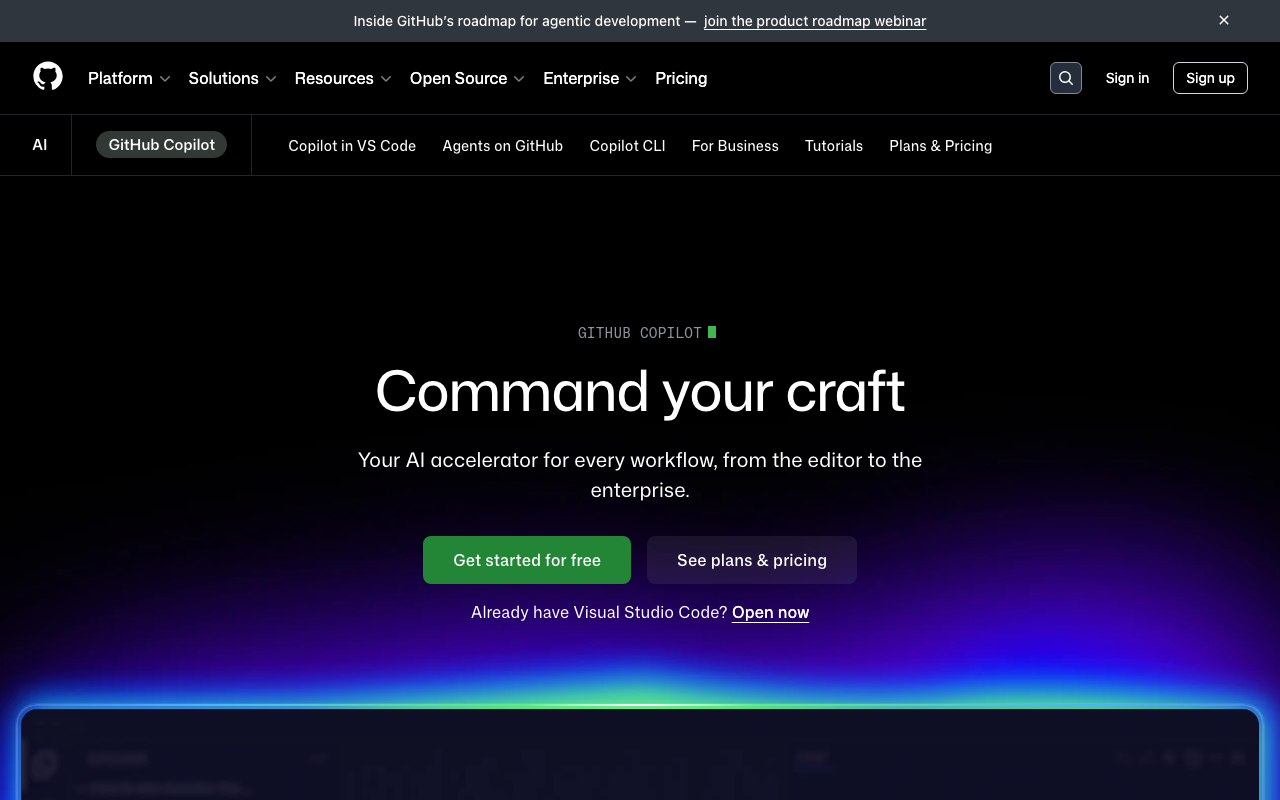
GitHub Copilot code review is built directly into GitHub’s interface, making it the lowest-friction option for teams already using GitHub Copilot for code completion. You can request a Copilot review on any PR using the standard GitHub reviewer dropdown.
Copilot’s code review focuses on catching bugs, suggesting improvements, and flagging potential issues. Because it is deeply integrated with GitHub, review comments appear as native GitHub review comments, and the experience feels like getting feedback from another team member rather than an external tool.
The main limitation is platform lock-in. Copilot code review only works on GitHub, so teams using GitLab, Azure DevOps, or Bitbucket need an alternative. The review capabilities are also less configurable than dedicated tools - you cannot define custom review instructions or path-specific rules the way you can with CodeRabbit.
Best for: Teams that are fully committed to the GitHub ecosystem and already have Copilot Enterprise licenses.
PR-Agent - Best for self-hosted AI review
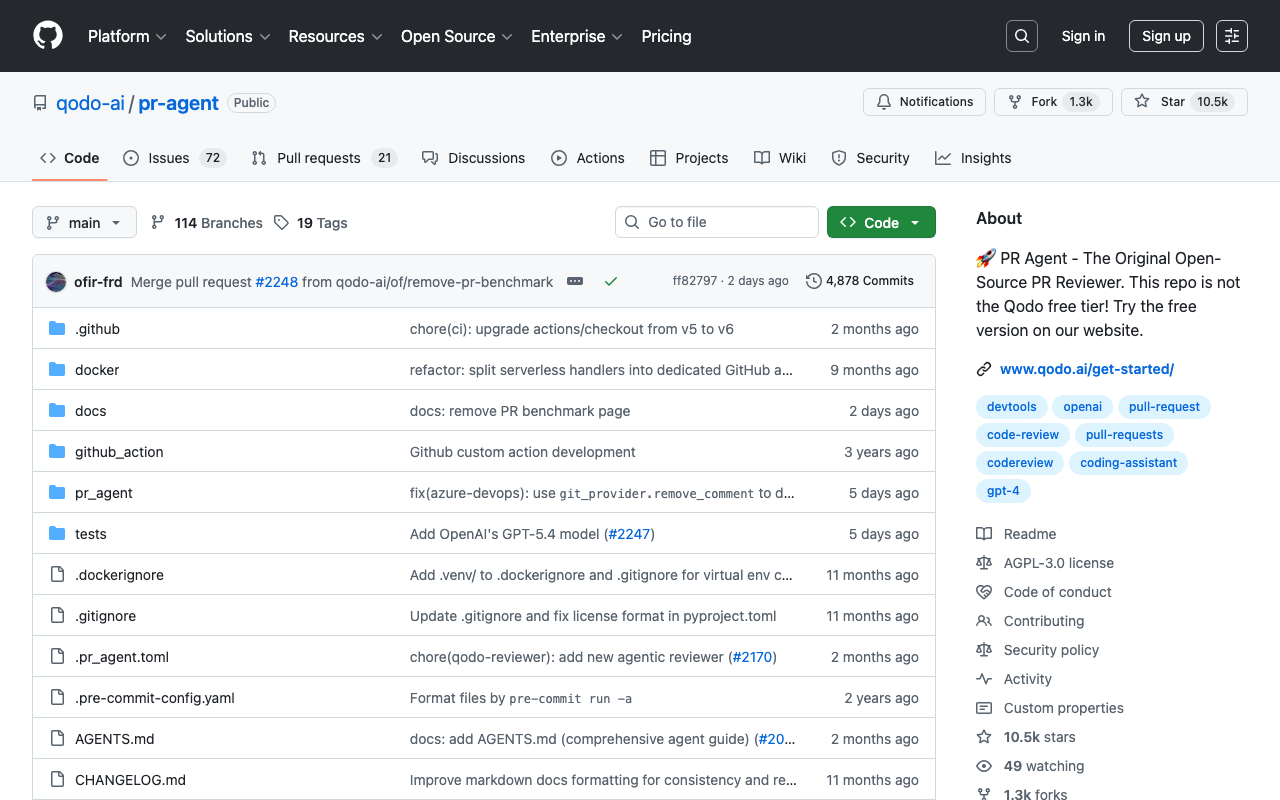
PR-Agent by Qodo is the leading open-source AI code review tool. It can be self-hosted using your own LLM API keys (OpenAI, Anthropic, Azure OpenAI, and others), giving teams full control over where their code is processed.
PR-Agent provides several commands that can be triggered via PR comments: /review for full code review, /describe for PR description generation, /improve for code improvement suggestions, and /ask for freeform questions about the code. It supports GitHub, GitLab, Bitbucket, and Azure DevOps.
The trade-off is setup complexity. Unlike CodeRabbit (one-click install), PR-Agent requires configuring a GitHub Actions workflow or deploying a standalone server. You also pay for LLM API calls directly, which can be harder to budget than a per-seat subscription.
Qodo also offers a hosted version called Qodo Merge at $30/user/month, which provides the PR-Agent functionality without the self-hosting overhead.
Best for: Teams with strict data residency requirements or organizations that want full control over their AI review infrastructure.
SonarQube - Best for rule-based static analysis

SonarQube is the most established static analysis platform, offering over 5,000 rules across 30+ languages. It provides comprehensive quality gates that evaluate code against configurable thresholds for bugs, vulnerabilities, code smells, duplication, and coverage.
SonarQube comes in four editions: Community Build (free, self-hosted), Developer, Enterprise, and Data Center. The Community Build is fully functional for single-branch analysis but lacks pull request decoration and branch analysis. The Cloud version starts at approximately $150/year and includes PR decoration.
For automated code review specifically, SonarQube’s pull request analysis is the key feature. When configured with your CI pipeline, it scans every pull request and posts a summary showing new issues, quality gate status, and inline annotations on the diff. The quality gate is configurable - you can set thresholds for maximum new bugs, minimum coverage on new code, and maximum duplication percentage.
Best for: Enterprise teams that need comprehensive quality gates, compliance tracking, and the deepest built-in rule coverage available.
Semgrep - Best for security scanning
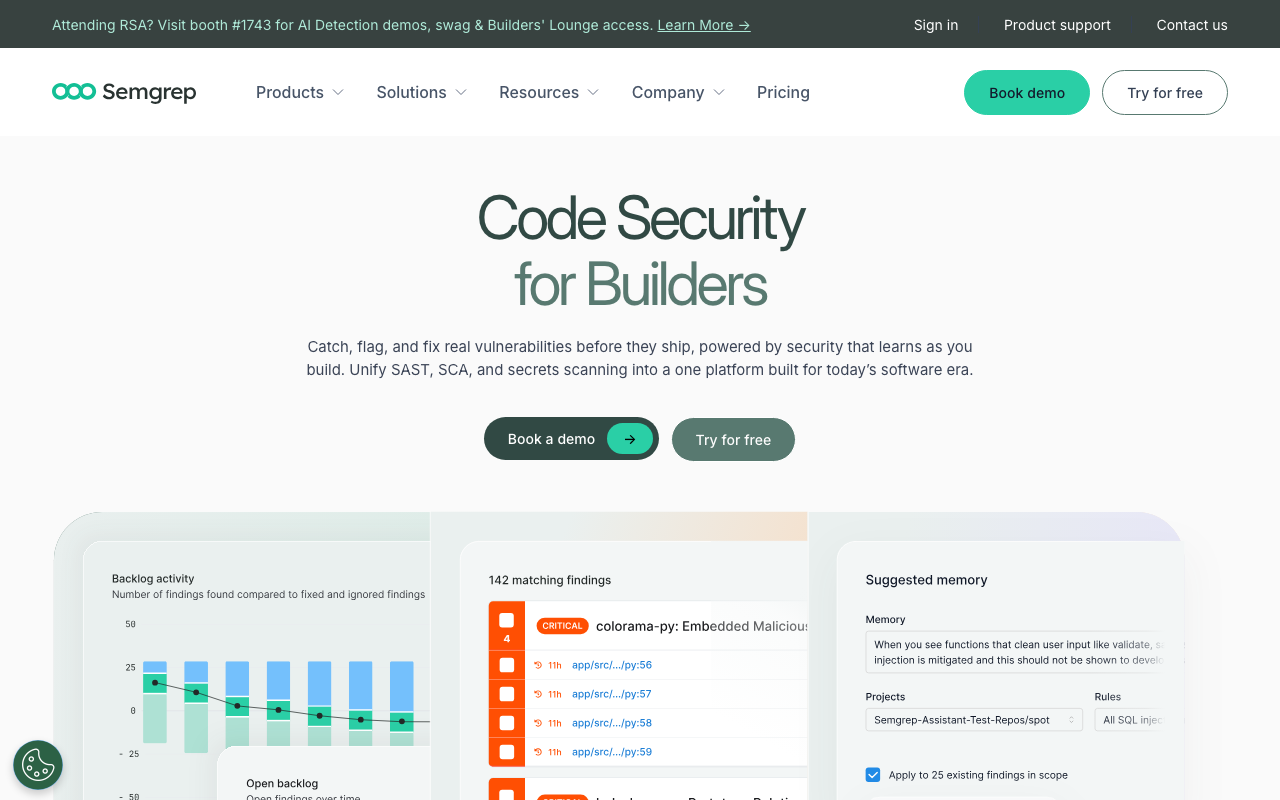
Semgrep is a fast, lightweight static analysis tool that excels at security scanning and custom rule authoring. Its pattern-based rule syntax reads like the code you are scanning, making it far more intuitive to write custom rules compared to traditional SAST tools.
The free tier supports up to 10 contributors and includes the full scanning engine plus the community rule registry (over 3,000 rules). The Pro tier at $35/contributor/month adds cross-file analysis, secrets detection, and supply chain security features.
Where Semgrep truly shines is custom rule authoring. If your team has specific patterns that should be flagged - always use parameterized queries, never call a deprecated internal API, always log errors in a specific format - you can write a Semgrep rule in minutes and add it to your CI pipeline immediately.
Best for: Security-focused teams and organizations that need custom scanning rules tailored to their codebase.
Codacy - Best all-in-one for small teams
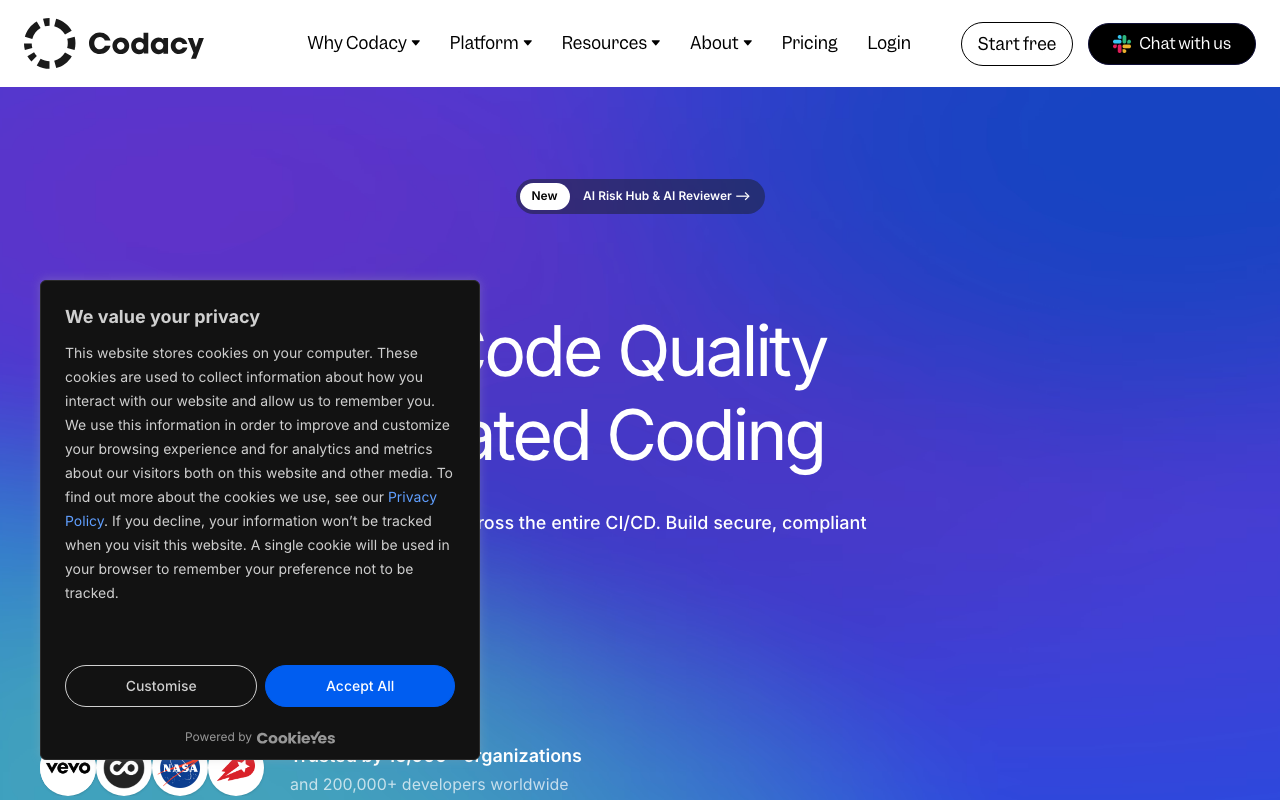
Codacy aggregates multiple static analysis engines, coverage tracking, and duplication detection into a single platform. It supports 49 languages and provides a unified dashboard that surfaces the most important issues first.
Codacy is particularly well-suited for small teams that want a single tool to cover multiple concerns rather than assembling a multi-tool stack. The free tier covers up to 5 repositories with limited features. Paid plans start at $15/user/month and include pull request analysis, quality gates, and integrations with GitHub, GitLab, and Bitbucket.
One of Codacy’s strengths is its issue categorization. It separates findings into security, error-prone, performance, code style, compatibility, and unused code, making it easy to prioritize which issues to address first.
Best for: Small teams (5-20 developers) who want a single platform for code quality, security, and coverage without managing multiple tools.
DeepSource - Best for low false positive rates
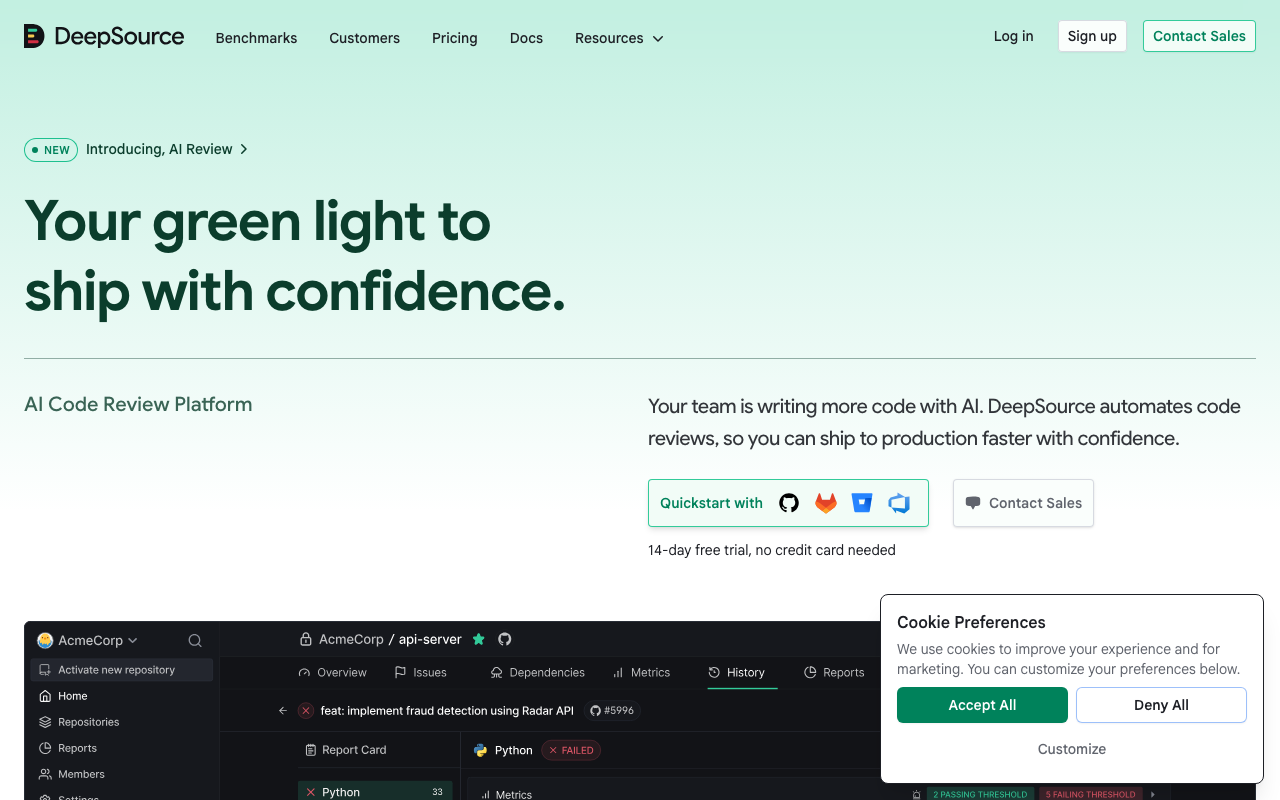
DeepSource combines traditional static analysis with AI-powered autofix capabilities. It supports 16 languages and maintains a sub-5% false positive rate, which is notably lower than most competitors.
DeepSource’s standout feature is its Autofix capability. When it detects an issue, it does not just flag it - it generates and opens a pull request with the fix applied. For routine issues like unused imports, incorrect error handling patterns, or suboptimal API usage, this saves developers the time of reading the finding, understanding it, and writing the fix themselves.
The free tier covers individual developers on public and private repositories. Team plans start at $30/user/month. DeepSource also offers an on-premise edition for organizations with strict data residency requirements.
Best for: Teams that prioritize signal quality over quantity and want automated fixes for routine issues.
Sourcery - Best for Python refactoring
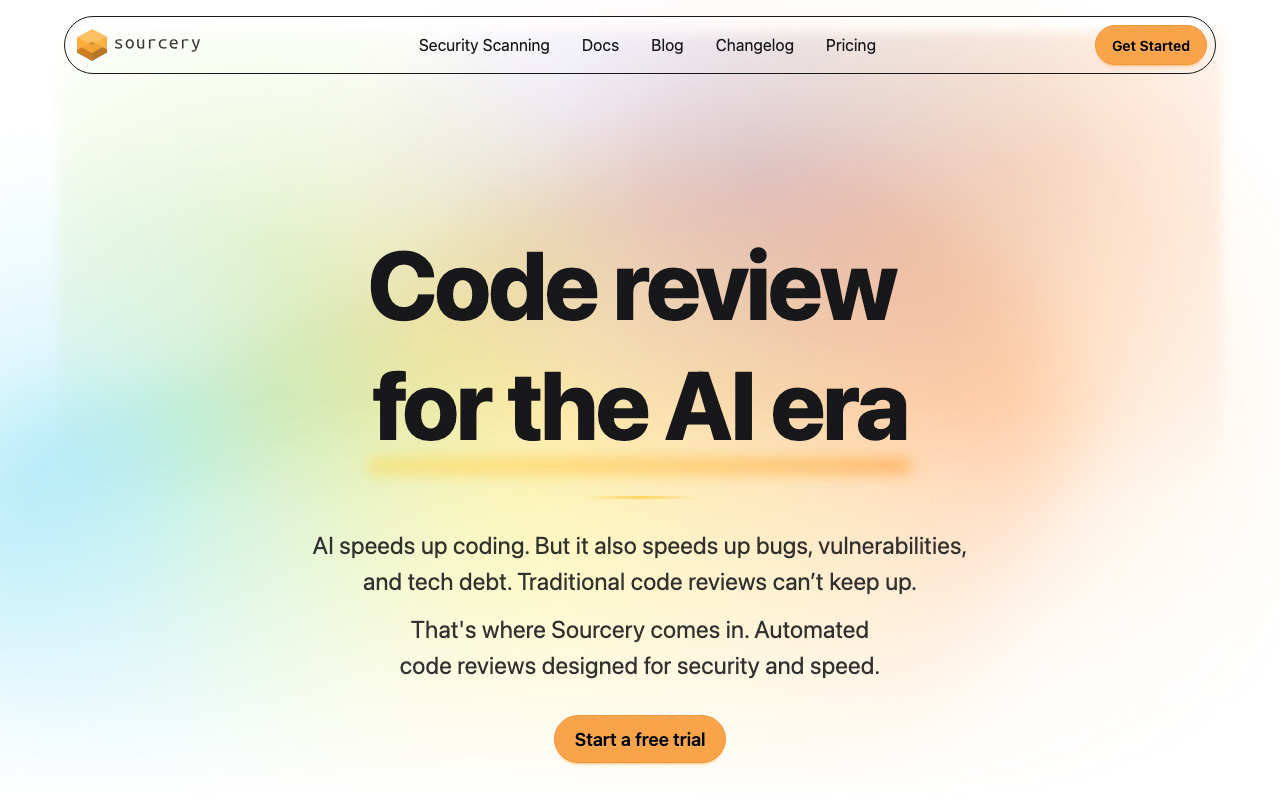
Sourcery focuses on code quality improvement through AI-powered refactoring suggestions. While it supports JavaScript, TypeScript, and Python, its Python support is significantly deeper than the others.
Sourcery analyzes pull requests and suggests concrete refactoring improvements - simplifying conditionals, replacing loops with comprehensions, extracting duplicated logic into functions, and improving variable naming. The suggestions are specific and applicable rather than generic advice.
The free tier covers open-source projects. Paid plans start at $10/user/month for private repositories.
Best for: Python-heavy teams that want AI-powered refactoring suggestions and code quality improvements.
Qlty - Best for multi-linter orchestration
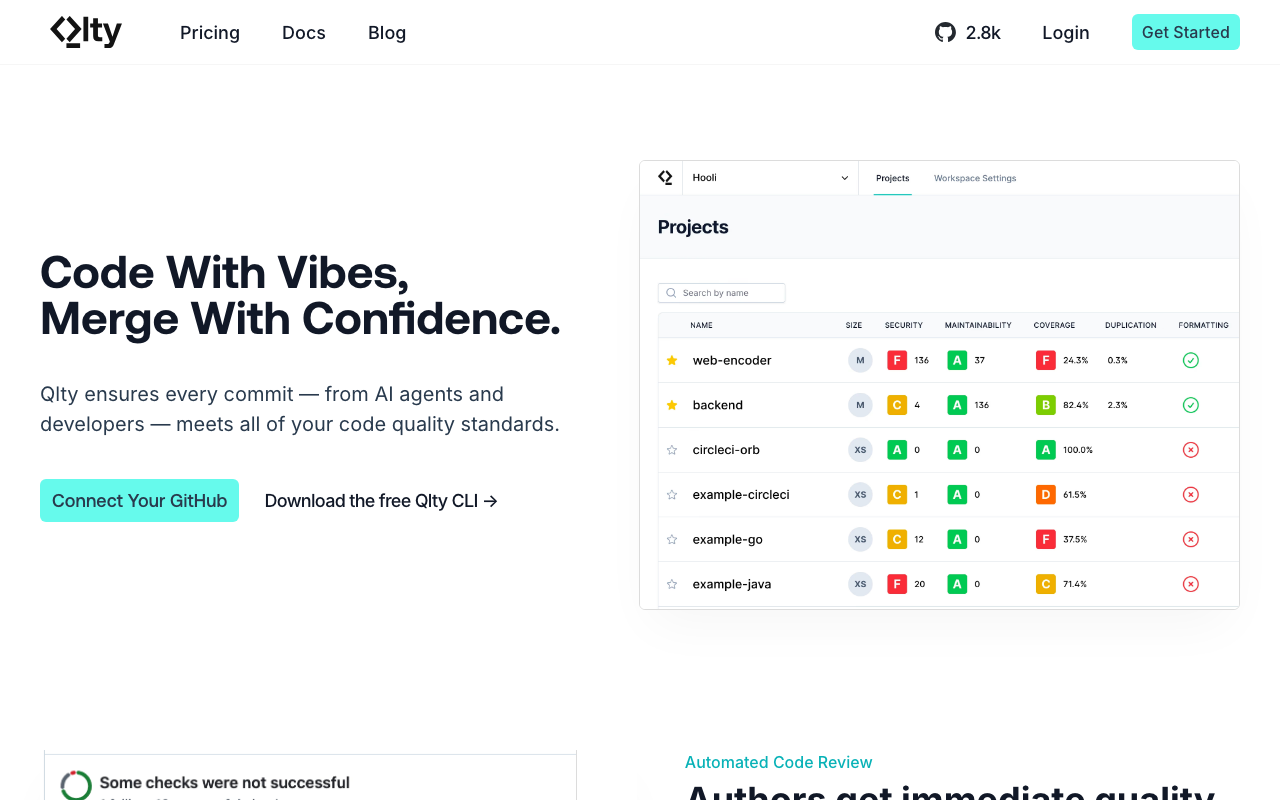
Qlty takes a different approach from most tools on this list. Instead of providing its own analysis engine, it orchestrates multiple existing linters and static analysis tools into a unified experience. It supports over 30 languages by integrating tools like ESLint, Ruff, golangci-lint, Checkstyle, and many others.
The value proposition is simplification: instead of configuring and maintaining separate CI jobs for each linter, you configure Qlty once and it manages the execution of all your linting tools. Results are aggregated into a single dashboard and posted as a unified check on pull requests.
Qlty is free for public repositories. Paid plans start at $32/user/month and add private repository support and additional features.
Best for: Teams with polyglot codebases that want to run many linters without the overhead of managing each one separately.
Configuring quality gates
Setting up the tools is only half the work. The other half is deciding what should block a merge and what should be informational. This is where quality gates come in.
A quality gate is a set of conditions that a pull request must meet before it can be merged. Conditions can include passing linter checks, zero new critical bugs from static analysis, minimum test coverage on new code, and no high-severity security findings.
Blocking vs. non-blocking checks
Not every automated check should block merges. An overly strict configuration will frustrate developers and lead to the worst possible outcome: developers finding workarounds to bypass the checks entirely.
Here is a practical classification:
Blocking (required to pass before merge):
- Linting errors (formatting, syntax, unused variables)
- High-severity security vulnerabilities (SQL injection, XSS, hardcoded secrets)
- Critical bugs detected by static analysis (null dereferences, resource leaks)
- Test suite failures
Non-blocking (advisory, shown as warnings):
- AI review comments (CodeRabbit, PR-Agent, Copilot)
- Low-severity code smells
- Complexity warnings
- Duplication detection
- Style suggestions beyond the enforced linting rules
Why AI review should be non-blocking: AI review tools, even the best ones, produce occasional false positives. If you make AI review a required check, a single incorrect suggestion can block a time-sensitive merge. Instead, treat AI review as a mandatory read (developers should acknowledge the feedback) but not a mandatory pass.
Setting up branch protection on GitHub
- Navigate to your repository settings
- Click “Branches” in the sidebar
- Click “Add branch protection rule” (or edit an existing rule for
main) - Configure the rule:
Branch name pattern: main

[x] Require a pull request before merging
    [x] Require approvals: 1
    [x] Dismiss stale pull request approvals when new commits are pushed

[x] Require status checks to pass before merging
    [x] Require branches to be up to date before merging
    Required status checks:
      - lint / ESLint (or your linter job name)
      - sonarqube / SonarQube Quality Gate
      - semgrep / Semgrep Scan

[x] Require conversation resolution before merging
The “Require conversation resolution before merging” setting is particularly useful with AI review tools. Even though the AI check itself is not required to pass, each comment it leaves starts a conversation that must be resolved (either by addressing the issue or dismissing the comment) before the PR can merge. This ensures developers at least read the AI feedback.
Setting up merge checks on GitLab
In GitLab, quality gates are configured through merge request approval rules and pipeline requirements:
- Navigate to Settings, then Merge Requests
- Under “Merge checks,” enable “Pipelines must succeed”
- Under “Merge request approvals,” add approval rules
You can also use the allow_failure flag in .gitlab-ci.yml to distinguish between blocking and non-blocking jobs:
lint:
  stage: lint
  script: npx eslint .
  allow_failure: false  # Blocking

ai-review:
  stage: review
  script: pr-agent review
  allow_failure: true  # Non-blocking, advisory only
Reducing false positives
The number-one reason teams disable automated code review tools is false positives. If a tool generates 20 comments on every PR and 15 of them are irrelevant, developers will stop reading the comments entirely. Tuning your tools to minimize noise is critical to long-term adoption.
General strategies that apply to all tools
Start narrow and expand gradually. Enable only high-confidence rules when you first set up a tool. For SonarQube, start with “Bug” and “Vulnerability” categories only, disabling “Code Smell” until the team is comfortable with the tool. For Semgrep, start with the p/security-audit ruleset before adding broader rulesets.
Exclude generated code and third-party files. Every tool supports path exclusions. Configure them immediately:
# .coderabbit.yaml
reviews:
  path_filters:
    - "!**/generated/**"
    - "!**/vendor/**"
    - "!**/node_modules/**"
    - "!**/*.min.js"
    - "!**/*.lock"
    - "!**/*.pb.go"
    - "!**/migrations/**"
# sonar-project.properties
sonar.exclusions=**/generated/**,**/vendor/**,**/migrations/**,**/*.pb.go# .semgrepignore
vendor/
generated/
node_modules/
*.min.js
*.pb.goUse baseline features for existing codebases. When adding a tool to an existing repository, you do not want it to flag every pre-existing issue on every PR. Most tools have baseline features that distinguish between new issues (introduced in this PR) and pre-existing issues:
- SonarQube: New Code definition (focuses on code changed since a specific date or version)
- Semgrep: Diff-aware scanning (only scans changed files by default in CI)
- CodeRabbit: Only comments on changed lines by default
- DeepSource: Supports baseline configuration to ignore existing issues
Tool-specific tuning tips
For CodeRabbit: Use the instructions field in .coderabbit.yaml to tell the AI what to ignore. For example: “Do not comment on variable naming unless the name is misleading. Do not suggest adding comments to obvious code. Focus on bugs, security, and logic errors.”
For SonarQube: Adjust the quality gate thresholds rather than disabling rules. If the default “zero new bugs” threshold is too strict for your team’s workflow, set it to “fewer than 3 new bugs” as a starting point and tighten it over time.
For Semgrep: Use the severity field to distinguish between blocking and advisory rules. Run only ERROR-severity rules as blocking checks, and report WARNING-severity rules as informational:
# In CI, fail only on errors
semgrep scan --config=auto --severity=ERROR --error
For ESLint: Use the --max-warnings flag to allow a limited number of warnings while still failing on errors:
npx eslint . --max-warnings=10Handling disagreements with AI review
AI review tools will sometimes make suggestions that are technically correct but not appropriate for your context. When this happens, the right response is not to disable the tool but to teach it:
- Reply to the comment explaining why the suggestion does not apply. CodeRabbit and PR-Agent both learn from these interactions.
- Add a path instruction in your configuration to prevent similar suggestions in the future.
- Use inline suppression for one-off exceptions. For example, adding
// coderabbit:ignoreto a specific line (the exact syntax varies by tool).
Over time, the AI learns your team’s preferences and the false positive rate decreases. Teams that invest in this feedback loop during the first two weeks of adoption typically see a significant drop in noise by the end of the first month.
Measuring the impact of automation
Setting up automated code review is an investment, and like any investment, you should measure the return. Here are the metrics that matter most and how to track them.
Metrics to track
Review cycle time. The time from when a pull request is opened to when it receives its first human review. This is the most direct measure of automation’s impact. Track the median, not the average, because averages are skewed by outliers like PRs opened before a holiday.
How to measure: GitHub’s API exposes PR timeline events. Tools like LinearB, Sleuth, and Pluralsight Flow track this automatically. You can also build a simple script using the GitHub GraphQL API to calculate median time-to-first-review.
Merge time. The total time from PR opened to PR merged. This measures the end-to-end impact, including both review and revision cycles.
Review iteration count. The number of review rounds before a PR is approved. If automated tools are catching issues early, developers fix them before the first human review, reducing the number of back-and-forth cycles.
Defect escape rate. The number of bugs that reach production per deployment. This is the most important long-term metric but also the hardest to attribute directly to review tooling. Track it over a rolling 90-day window and look for trends.
Automated issue resolution rate. The percentage of automated review comments that developers actually address (versus dismiss). A high resolution rate (above 60 percent) indicates that the tool’s suggestions are useful. A low rate (below 30 percent) indicates too many false positives.
Developer satisfaction. Survey your team quarterly with a simple question: “How useful do you find the automated review feedback?” A 1-5 scale is sufficient. Developer satisfaction is the leading indicator of whether automation is helping or hurting.
Expected benchmarks
Based on industry data and our observations across teams of various sizes:
| Metric | Before Automation | After Automation | Expected Improvement |
|---|---|---|---|
| Time to first review | 4-24 hours | 2-5 minutes (automated) + 2-8 hours (human) | 30-60% reduction |
| Review iterations | 2.5-4 rounds | 1.5-2.5 rounds | 30-40% reduction |
| Merge time | 2-5 days | 1-3 days | 30-50% reduction |
| Defect escape rate | Varies | 20-40% fewer escapes | Measurable over 90 days |
| Time spent reviewing (per dev) | 6-12 hours/week | 4-8 hours/week | 25-40% reduction |
These improvements are not instantaneous. Most teams see the full benefit after 4-6 weeks, once the tools are tuned and the team has adapted their workflow.
Building a dashboard
The simplest approach is to create a monthly snapshot tracking three core numbers:
- Median time to first review (from your Git platform’s API)
- Median merge time (from your Git platform’s API)
- Automated issue resolution rate (from your review tool’s dashboard - CodeRabbit, SonarQube, and Codacy all expose this data)
Plot these on a trend line and look for sustained improvement over the first 90 days. Share the dashboard with your team so everyone can see the impact.
Common mistakes when automating code review
After observing dozens of teams implement automated code review, these are the mistakes that derail adoption most frequently.
Mistake 1: Turning on everything at once
The most common mistake is enabling every rule, every tool, and every check on day one. The result is a wall of automated comments on every PR, most of which are low-priority style suggestions. Developers become overwhelmed, start ignoring all automated feedback (including the critical findings), and eventually push to disable the tools entirely.
The fix: Start with only critical rules. Enable bug detection and security scanning first. Add style enforcement after the team is comfortable with the tool. Add AI review last, once the deterministic checks are already trusted.
Mistake 2: Making AI review a blocking check
AI review tools are probabilistic, not deterministic. They will occasionally flag correct code as problematic or miss real issues. Making AI review a required status check means that a single false positive can block a merge, creating friction and resentment.
The fix: Make AI review advisory. Use the “Require conversation resolution” setting on GitHub to ensure developers read the feedback, but do not require the AI check itself to pass.
Mistake 3: Not tuning the tools for your codebase
Default configurations are designed to work for the average codebase, not yours. If your team uses a specific framework, follows particular conventions, or has code that looks unusual but is intentional, the default rules will generate false positives.
The fix: Spend 30-60 minutes during setup configuring path exclusions, custom instructions, and rule severity levels. Then spend 15 minutes per week during the first month reviewing false positives and adding suppressions or configuration adjustments.
Mistake 4: Ignoring the feedback loop
Automated tools learn from how developers interact with them. When a developer dismisses a comment without explanation, the tool (especially AI-based tools) may keep making the same suggestion. When a developer replies with context, the tool learns to adjust.
The fix: Encourage your team to reply to automated comments rather than silently dismissing them. For CodeRabbit, use the @coderabbitai resolve command with a brief explanation. For SonarQube, mark false positives as “Won’t Fix” with a reason.
Mistake 5: Not communicating the rollout to the team
Developers who discover automated review comments on their PR without any prior context tend to react negatively. It feels like surveillance rather than support.
The fix: Before enabling any automated review tool, send a brief message to the team explaining what you are setting up, why you are doing it, and how it will work. Emphasize that the goal is to reduce manual review burden, not to add more hoops to jump through. Share this guide so developers understand the three-layer model and can see the big picture.
Mistake 6: Treating automation as a replacement for human review
Automated tools are excellent at catching mechanical issues but poor at evaluating design decisions, architecture choices, and business logic correctness. Teams that reduce human review to “just approve if the automated checks pass” will miss the issues that matter most.
The fix: Automated review should reduce the scope of human review, not eliminate it. Set expectations that human reviewers focus on architecture, logic, and design, while automated tools handle style, bugs, and security.
Mistake 7: Not reviewing the cost of AI tools at scale
AI review tools that charge per seat or per API call can become expensive as your team grows. A tool that costs $24/user/month seems reasonable for a 5-person team ($120/month) but adds up to $2,400/month for a 100-person engineering organization.
The fix: Model the cost at your projected team size before committing. Consider self-hosted options like PR-Agent for large teams. Take advantage of free tiers (CodeRabbit’s free tier covers unlimited repos and contributors) before upgrading to paid plans.
Putting it all together: A recommended setup by team size
Different team sizes need different approaches. Here is what we recommend based on the team size and budget constraints.
Solo developer or small team (1-5 developers)
Budget: $0/month
- Linting: ESLint/Biome (JavaScript) or Ruff (Python) in GitHub Actions
- Static analysis: Semgrep with the free tier (up to 10 contributors)
- AI review: CodeRabbit free tier (unlimited repos, unlimited contributors)
This stack costs nothing and covers all three layers. It takes less than an hour to set up and requires minimal ongoing maintenance.
Mid-size team (5-20 developers)
Budget: $200-800/month
- Linting: Same as above, plus language-specific linters for any secondary languages
- Static analysis: SonarQube Cloud or Semgrep Pro for deeper analysis and better dashboards
- AI review: CodeRabbit Pro ($24/user/month) for advanced features, or PR-Agent self-hosted for cost control
- Quality gates: Branch protection with required status checks for linting and static analysis
Large team (20+ developers)
Budget: $1,000-5,000/month
- Linting: Qlty for multi-linter orchestration across a polyglot codebase
- Static analysis: SonarQube Developer or Enterprise edition for full branch analysis and compliance features, plus Semgrep for custom security rules
- AI review: CodeRabbit Enterprise or PR-Agent self-hosted with dedicated infrastructure
- Quality gates: Strict branch protection, required reviewers by code ownership (CODEOWNERS file), and minimum coverage thresholds
- Metrics: Dedicated dashboard tracking review cycle time, merge time, and defect escape rate
Conclusion
Automating code review is not about replacing human reviewers. It is about making human reviewers more effective by freeing them from the mechanical work that machines handle better.
The three-layer model - linting for style, static analysis for bugs and security, AI review for logic and context - provides comprehensive coverage that no single tool can match. Each layer catches a different category of issues, and together they typically handle 60 to 80 percent of the feedback that would otherwise consume human reviewer time.
The practical steps are straightforward. Start with linting in your CI pipeline - it is free, fast, and uncontroversial. Add static analysis next for bug detection and security scanning. Then layer on AI review for the contextual feedback that rule-based tools cannot provide.
The most important advice is to start narrow and expand gradually. Enable critical rules first. Tune out false positives during the first two weeks. Measure the impact with simple metrics. And communicate the rollout to your team so they understand the tools as a productivity aid, not an obstacle.
Every configuration file in this guide is production-ready and can be copied directly into your repository. The total setup time for all three layers is typically one to two hours, and the time savings begin immediately with the very first pull request that triggers the pipeline.
Frequently Asked Questions
How do you automate code reviews?
Automate code reviews by adding tools at three layers: linters for style and syntax (ESLint, Ruff), static analysis for bugs and security (SonarQube, Semgrep), and AI review for logic and context (CodeRabbit, PR-Agent). Install each as a GitHub Action or GitLab CI job that runs on every pull request. Configure quality gates to block merges when critical issues are found.
What is the best tool for automated code review?
For AI-powered automated review, CodeRabbit provides the most comprehensive analysis with a free tier that includes unlimited repos. For rule-based automation, SonarQube has the deepest rule coverage. For security-specific automation, Semgrep is the best. Most teams use a combination of tools at different layers.
Can you fully automate code review?
You can automate the mechanical aspects of code review - style enforcement, bug detection, security scanning, and common pattern checks. However, human review is still needed for architecture decisions, business logic validation, and overall design quality. The goal is to automate 60-80% of review effort so humans can focus on what matters most.
How do I set up automated code review in GitHub?
Install an AI review tool like CodeRabbit (one-click GitHub App install) or add a GitHub Action for tools like Semgrep or SonarQube. Configure the tool to run on pull_request events. Set up branch protection rules to require status checks to pass before merging. Most tools can be set up in under 15 minutes.
Is automated code review worth it?
Yes, for most teams. Automated review catches 30-70% of issues before human reviewers see the code, reducing review cycles by 30-60%. The time investment for setup is typically 1-2 hours, and ongoing maintenance is minimal. Even free-tier tools provide significant value.
How do I reduce false positives in automated review?
Start by configuring only high-confidence rules and gradually expand coverage. Use baseline features to ignore pre-existing issues. Create tool-specific configuration files (.semgrepignore, sonar-project.properties) to exclude test files and generated code. For AI tools like CodeRabbit, use natural language instructions to tell the tool what to focus on and what to ignore.
What is the difference between linting, static analysis, and AI code review?
Linting checks code style, formatting, and basic syntax errors using fast, deterministic rules. Static analysis goes deeper to detect bugs, security vulnerabilities, and code smells by analyzing control flow and data flow patterns. AI code review uses large language models to understand code semantics, catching logic errors, missing edge cases, and design issues that rule-based tools miss. Effective automation uses all three layers together.
How much does automated code review cost?
A fully functional automated review pipeline can be set up for free using CodeRabbit (unlimited free AI review), Semgrep OSS (free SAST scanning), and open-source linters like ESLint or Ruff. Mid-tier setups for teams of 5-20 developers cost $200-800 per month with tools like SonarQube Cloud and CodeRabbit Pro. Enterprise setups with tools like Checkmarx and SonarQube Enterprise range from $1,000-5,000+ per month.
Can I automate code review on GitLab?
Yes. All three layers of automated review work on GitLab using .gitlab-ci.yml configuration files. Linters and static analysis tools like Semgrep and SonarQube integrate via standard CI jobs. AI review tools like CodeRabbit support GitLab natively through direct integration, and PR-Agent can be set up as a GitLab CI job with your own LLM API keys.
What is the best automated code review tool for Python?
For linting, Ruff is the standard Python linter due to its speed and comprehensive rule set. For static analysis, Semgrep with its Python security rules and SonarQube provide deep bug and vulnerability detection. For AI-powered review, Sourcery specializes in Python refactoring suggestions, while CodeRabbit provides comprehensive AI review across all languages including Python.
How long does it take to set up automated code review?
The total setup time for all three automation layers is typically one to two hours. A basic linting workflow in GitHub Actions takes 15 minutes. Adding SonarQube or Semgrep for static analysis takes another 30 minutes. Installing CodeRabbit for AI review takes under 5 minutes with a one-click GitHub App install. Most teams see time savings from the very first pull request that triggers the pipeline.
Should AI code review comments block pull request merges?
No. AI review should be advisory, not blocking. AI tools are probabilistic and will occasionally produce false positives that could block time-sensitive merges. Instead, use GitHub's 'Require conversation resolution' setting so developers must read and acknowledge AI feedback without requiring the AI check itself to pass. This ensures feedback is seen without creating merge friction.
What are the alternatives to CodeRabbit for AI code review?
PR-Agent by Qodo is the leading open-source alternative, offering self-hosted AI review with your own LLM API keys. GitHub Copilot provides native code review for teams already using Copilot Enterprise. Sourcery focuses on Python refactoring suggestions. For broader code quality including AI features, DeepSource combines static analysis with AI-powered autofix at a sub-5% false positive rate.
Explore More
Tool Reviews
 CodeRabbit Review
 GitHub Copilot Code Review Review
 PR-Agent Review
 SonarQube Review
 Semgrep Review
 Codacy Review
 DeepSource Review
 Sourcery Review
 Qlty Review
Related Articles
- Will AI Replace Code Reviewers? What the Data Actually Shows
- Best Code Review Tools for JavaScript and TypeScript in 2026
- Best Code Review Tools for Python in 2026 - Linters, SAST, and AI
- 12 Best Free Code Review Tools in 2026 - Open Source and Free Tiers
- How to Set Up AI Code Review in GitHub Actions - Complete Guide
Free Newsletter
Stay ahead with AI dev tools
Weekly insights on AI code review, static analysis, and developer productivity. No spam, unsubscribe anytime.
Join developers getting weekly AI tool insights.
Related Articles
Codacy GitHub Integration: Complete Setup and Configuration Guide
Learn how to integrate Codacy with GitHub step by step. Covers GitHub App install, PR analysis, quality gates, coverage reports, and config.
March 13, 2026
how-toCodacy GitLab Integration: Setup and Configuration Guide (2026)
Set up Codacy with GitLab step by step. Covers OAuth, project import, MR analysis, quality gates, coverage reporting, and GitLab CI config.
March 13, 2026
how-toHow to Set Up Codacy with Jenkins for Automated Review
Set up Codacy with Jenkins for automated code review. Covers plugin setup, Jenkinsfile config, quality gates, coverage, and multibranch pipelines.
March 13, 2026