10 Best Checkmarx Alternatives for SAST in 2026
Checkmarx too expensive or complex? Compare 10 SAST alternatives with real pricing ($0 to $100K+/year), scan speed benchmarks, developer experience ratings, and migration tips. Free and paid options included.
Published:
Last Updated:
Why teams leave Checkmarx
Checkmarx is one of the most established SAST platforms in the industry. It has deep language support, comprehensive vulnerability databases, and the kind of enterprise compliance certifications that procurement teams love. But established does not mean optimal, and a growing number of engineering teams are actively looking for alternatives.
The most common reason is cost. Checkmarx’s pricing is opaque and enterprise-oriented, typically starting around $40,000 per year for small-to-mid-size deployments and easily reaching $100,000 to $150,000+ annually for larger organizations. Some enterprise contracts exceed $200,000 per year when multiple modules (SAST, SCA, DAST, API security) are bundled. This is not unusual for legacy application security vendors, but it is increasingly hard to justify when newer tools deliver comparable detection at a fraction of the cost - or for free.
The second reason is complexity. Checkmarx requires significant setup and tuning to produce useful results. Out of the box, false positive rates are high - some teams report that 30-50% of initial findings are false positives or low-priority noise. Integration into modern CI/CD pipelines is clunky compared to newer tools. Teams without a dedicated AppSec engineer often find that developers simply ignore results because they do not trust the output.
The third reason is scan speed. Full Checkmarx scans on large codebases can take 30 minutes to several hours. This breaks the developer workflow and pushes security feedback out of the PR review loop. Developers who wait hours for scan results tend to treat security as a gate to clear rather than feedback to act on - the opposite of what shift-left security intends.
Other factors driving migration include:
- Developer experience. Checkmarx was designed for security teams, not developers who just want to know what to fix and how. The dashboard is oriented around security metrics and compliance, not actionable developer guidance.
- Licensing rigidity. Organizations pay for language modules they do not use, and scaling up requires costly contract renegotiations. Adding a new language or team often means a six-figure upgrade.
- Shift-left mismatch. Teams want security feedback in the PR, not in a separate dashboard reviewed days later. Checkmarx has added PR integration, but it feels bolted on rather than native.
- Vendor lock-in. Custom Checkmarx queries (CxQL) are proprietary. Years of custom rule development become sunk cost if you switch vendors. This is a legitimate concern, but it should not prevent evaluation of alternatives that may deliver better results.
This guide evaluates 10 alternatives that address these pain points - from open-source tools for startups to enterprise-grade platforms that match Checkmarx’s capabilities without the overhead.
SAST vs. DAST: Which do you need?
Before comparing tools, it helps to understand the two main approaches to application security testing, since several tools on this list offer both.
SAST (Static Application Security Testing) analyzes your source code, bytecode, or binary without running the application. It identifies vulnerabilities by tracing data flows through code, matching patterns against known vulnerability signatures, and checking for insecure coding practices. SAST works early in the development lifecycle - ideally in the IDE or at the PR stage - and catches issues like SQL injection, cross-site scripting (XSS), hardcoded credentials, and insecure deserialization.
DAST (Dynamic Application Security Testing) tests a running application from the outside, simulating attacks against deployed endpoints. It catches runtime issues that SAST cannot see: server misconfigurations, authentication bypasses, session management flaws, and real-world exploit chains. DAST requires a deployed environment to test against, which typically means it runs later in the pipeline.
The short answer: Most teams need both, but if you can only start with one, SAST provides broader coverage earlier in the pipeline. Checkmarx offers both SAST and DAST, and several alternatives on this list (Veracode, Fortify, Aikido) do as well. If you are replacing Checkmarx’s SAST specifically, every tool on this list is relevant.
Quick comparison table
| Tool | Type | Languages | False Positive Rate | Scan Speed | PR Integration | Best For | Pricing (Annual, 10 devs) |
|---|---|---|---|---|---|---|---|
| Semgrep | SAST + custom rules | 30+ | Low | Fast (seconds) | Native | Developer-owned security | Free (OSS) / ~$1,320+ |
| Snyk Code | SAST (AI-powered) | 10+ | Low | Very fast | Native | Developer experience | Free / ~$3,000+ |
| SonarQube | SAST + code quality | 30+ | Medium | Medium | Via CI | Combined quality + security | Free (Community) / ~$2,000+ |
| Veracode | SAST + DAST + SCA | 25+ | Medium | Medium | Via plugin | Enterprise compliance | ~$50,000-100,000+ |
| Fortify | SAST + DAST | 25+ | Medium-High | Slow | Via plugin | Legacy language support | ~$40,000-80,000+ |
| Coverity | SAST (deep analysis) | 20+ | Very Low | Slow | Via CI | C/C++ and embedded | ~$50,000-100,000+ |
| Aikido | SAST + DAST + SCA + CSPM | 15+ | Low | Fast | Native | All-in-one platform | Free / ~$3,768 |
| DeepSource | SAST + code quality | 12+ | Low | Fast | Native | Startups on a budget | Free / ~$1,440 |
| Corgea | AI auto-fix for SAST findings | Varies | N/A (fix layer) | Fast | Native | Automated remediation | Custom |
| Checkmarx | SAST + DAST + SCA | 25+ | Medium-High | Slow | Via plugin | Enterprise w/ compliance | ~$40,000-150,000+ |
Pricing comparison
Cost is the primary driver for Checkmarx migration, so here is a detailed pricing breakdown with real numbers.
| Tool | Free Tier | Paid Starting Price | Mid-Size Team (25 devs) | Enterprise (100+ devs) |
|---|---|---|---|---|
| Semgrep | OSS engine, 1,500+ rules, CLI | $110/mo (Team) | ~$4,000-8,000/yr | Custom |
| Snyk Code | 5 users, limited scans | $25/dev/mo (Team) | ~$7,500/yr | Custom |
| SonarQube | Community Edition (full) | ~$170/mo (Developer) | ~$6,000-10,000/yr | ~$20,000-50,000/yr |
| Veracode | No free tier | Enterprise pricing | ~$50,000-80,000/yr | ~$100,000-200,000/yr |
| Fortify | No free tier | Enterprise pricing | ~$40,000-60,000/yr | ~$80,000-150,000/yr |
| Coverity | No free tier | Enterprise pricing | ~$50,000-80,000/yr | ~$100,000-200,000/yr |
| Aikido | Small teams, basic scanning | $314/mo (10 users) | ~$9,000-12,000/yr | Custom |
| DeepSource | 5 private users, unlimited public | $12/user/mo | ~$3,600/yr | Custom |
| Corgea | No free tier | Custom (by finding volume) | Custom | Custom |
| Checkmarx | No free tier | ~$40,000/yr (minimum) | ~$60,000-100,000/yr | ~$100,000-200,000+ /yr |
The cost difference is stark. A team of 25 developers might pay $60,000-100,000/year for Checkmarx. The same team could use Semgrep Team for under $8,000/year, Snyk Code Team for $7,500/year, or Aikido for under $12,000/year. Even accounting for the narrower feature set of individual tools, combining two modern tools (e.g., Semgrep + Aikido) often costs less than 30% of a Checkmarx contract while covering comparable vulnerability categories.
Detailed reviews
1. Semgrep - Best overall Checkmarx alternative
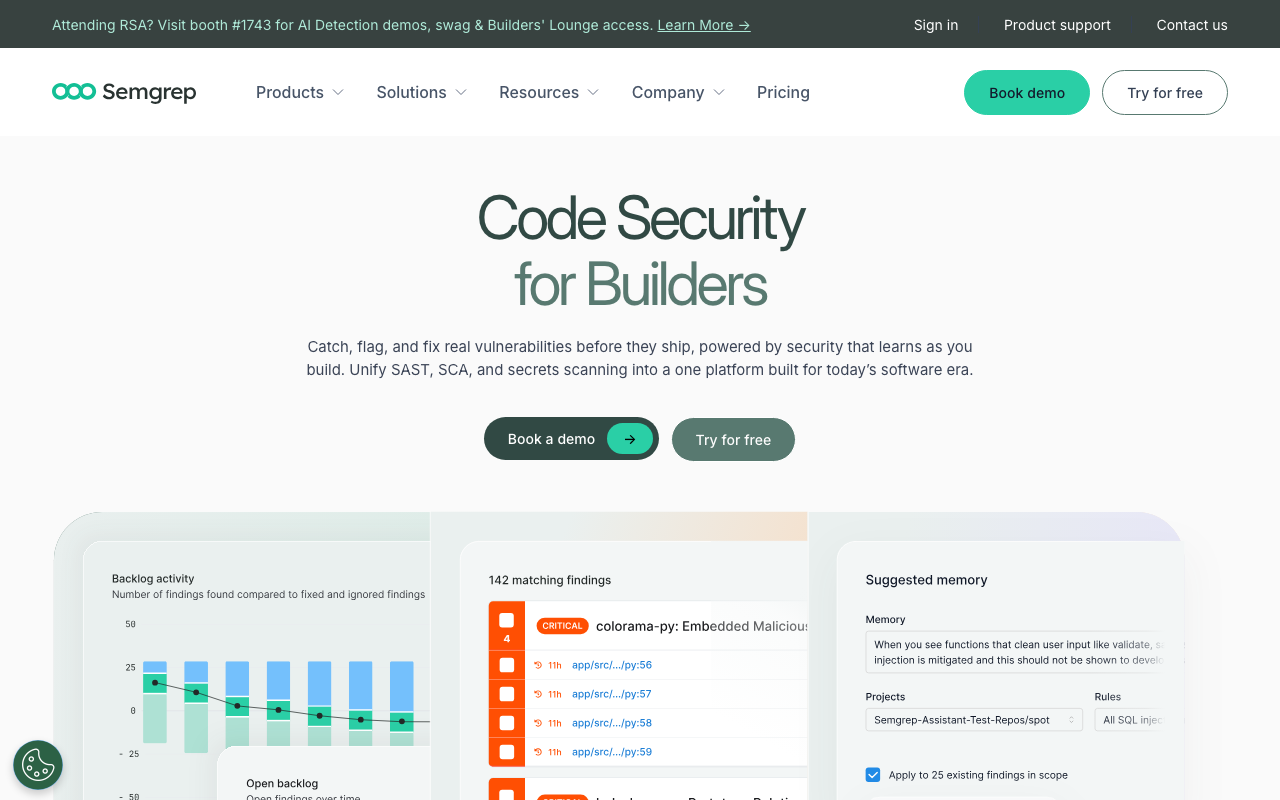
Semgrep has rapidly become the default SAST tool for modern development teams. Its core engine is open-source, its rule syntax is intuitive enough that developers actually write custom rules, and it scans fast enough to run on every commit without slowing down CI. Where Checkmarx requires an AppSec specialist to tune rules and manage false positives, Semgrep is designed for developers to own directly.
Semgrep’s rule registry is its killer feature. It ships with thousands of community and Semgrep-maintained rules covering OWASP Top 10, CWE categories, and framework-specific patterns for Django, Flask, Express, Spring, React, and dozens more. Writing a custom rule takes minutes, not days - the pattern syntax mirrors the target language, so a Python developer can write a Python security rule without learning a proprietary DSL.
Here is a concrete example of the difference: to write a custom Checkmarx rule using CxQL, you need to learn a proprietary query language, understand the Checkmarx AST representation, and test through the Checkmarx interface. With Semgrep, a rule to catch unsanitized SQL queries in Python looks like the Python code itself, using pattern matching with metavariables. A developer can write, test, and deploy a custom rule in 15 minutes.
The Pro tier adds cross-file analysis (taint tracking across function boundaries), secrets detection, and supply chain scanning. Cross-file taint analysis is the feature that closes the biggest gap between Semgrep OSS and enterprise SAST tools like Checkmarx - it can trace user input from an HTTP request handler through multiple function calls to a database query and flag the missing sanitization along the path.
Key strengths:
- Open-source core with 1,500+ maintained rules
- Developer-friendly rule syntax - no proprietary DSL required
- Scans in seconds, not minutes or hours
- Native PR integration with GitHub, GitLab, and Bitbucket
- Cross-file taint analysis in Pro tier rivals enterprise SAST
- Active community contributing rules and patterns
Limitations:
- Cross-file analysis requires the paid Pro tier
- Dashboard and reporting are less mature than Checkmarx for compliance teams
- OSS tier does not include supply chain or secrets scanning
- Enterprise support requires a paid plan
Pricing: Free (OSS engine), Team tier from $110/month. For organizations migrating from Checkmarx, the Team tier at $110/month covers most of what Checkmarx does at roughly 2-5% of the cost.
Best for: Development teams that want to own their security tooling directly. Semgrep is the tool where a developer writes a custom rule on Monday and it is catching real vulnerabilities by Tuesday.
2. Snyk Code - Best for developer experience
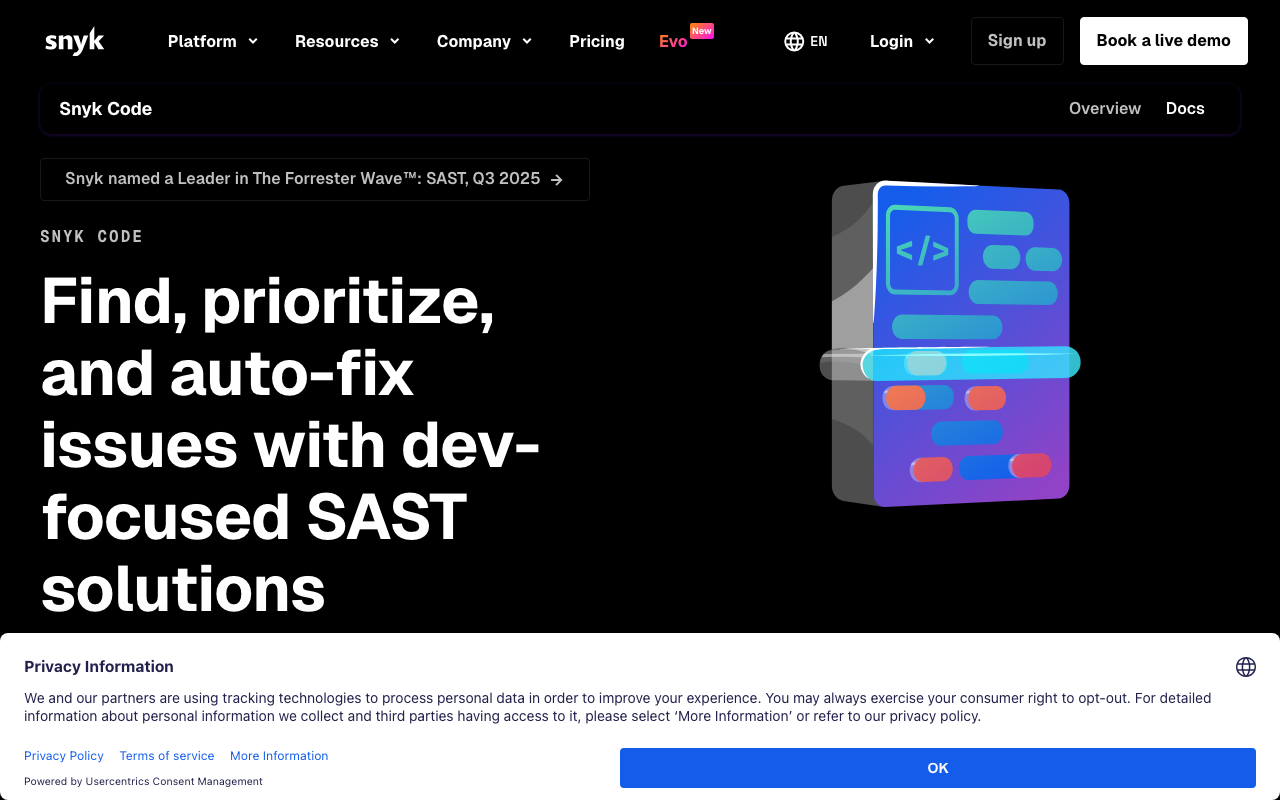
Snyk Code is Snyk’s SAST offering, powered by machine learning models trained on millions of open-source projects. It integrates into IDEs (VS Code, JetBrains), SCM platforms (GitHub, GitLab, Bitbucket), and CI/CD pipelines with minimal configuration. The developer experience is its primary differentiator - findings are presented with clear explanations, example fixes, and data flow visualizations that show exactly how tainted input reaches a vulnerable sink.
Snyk Code’s AI-powered analysis achieves remarkably low false positive rates while catching a comparable number of real vulnerabilities to Checkmarx. It scans in real-time in the IDE, giving feedback as you write code rather than after you commit. This is fundamentally different from Checkmarx’s workflow, where developers write code, wait for a scan, and then circle back to fix issues they have already moved past mentally.
The data flow visualization is particularly valuable. When Snyk Code flags a vulnerability, it shows the exact path that tainted data follows through your code - from the source (e.g., an HTTP request parameter) through intermediary functions to the sink (e.g., a SQL query). This eliminates the “is this a real issue?” question that plagues tools with high false positive rates.
Snyk’s broader platform includes SCA (software composition analysis) for open-source dependency scanning, container security, and IaC scanning. If you adopt Snyk Code for SAST, extending to SCA and containers provides Checkmarx-equivalent coverage within a single vendor at lower cost.
Key strengths:
- Real-time scanning in the IDE catches issues before commit
- Data flow visualization makes findings immediately understandable
- AI-powered analysis achieves low false positive rates
- Broader Snyk platform covers SCA, containers, and IaC
- Free tier covers 5 users with IDE and limited CI integration
Limitations:
- Language breadth is narrower than Checkmarx (no COBOL, ABAP, PL/SQL)
- Advanced taint analysis is less configurable than Checkmarx CxQL
- Pricing scales steeply at larger team sizes
- Free tier scan limits can be restrictive for active teams
Pricing: Free (5 users, limited scans), Team tier at $25/developer/month. For a team of 25 developers, this is roughly $7,500/year - a fraction of Checkmarx.
Best for: Teams that prioritize developer experience and want security feedback integrated into the IDE and PR workflow from day one. Particularly strong for JavaScript/TypeScript, Python, Java, and Go teams.
3. SonarQube - Best for combined quality + security

SonarQube is the most widely deployed code quality platform in the industry, and its security analysis capabilities have matured significantly. The Community Edition is free and open-source, covering basic SAST rules for 30+ languages. The Developer and Enterprise editions add more advanced security rules, branch analysis, and compliance reporting.
SonarQube’s strength is that it already exists in most organizations. If your team runs SonarQube for code quality (and many do - it has over 400,000 installations worldwide), enabling security rules requires zero additional tooling. The SAST capabilities are not as deep as Checkmarx’s taint analysis, but they cover common vulnerability patterns and integrate with quality gates developers already use.
The quality gate concept is particularly powerful for combining code quality and security. You can set a gate that requires: zero critical security hotspots, code coverage above 80%, no new code smells above “major” severity, and no new duplicated blocks. If any condition fails, the PR cannot merge. This unifies quality and security into a single, enforceable standard.
SonarQube’s security rules cover OWASP Top 10, CWE Top 25, and SANS Top 25 categories. The Enterprise edition adds more advanced taint analysis and compliance reporting (OWASP ASVS, PCI DSS). For teams that already run SonarQube, upgrading to the Developer or Enterprise edition is often the lowest-friction path to replacing Checkmarx’s SAST - no new tooling, no new dashboards, no new integrations.
Key strengths:
- Already deployed in most engineering organizations
- Free Community Edition covers 30+ languages
- Quality gates unify code quality and security enforcement
- Developer and Enterprise editions add advanced security rules
- Self-hosted deployment available for compliance requirements
Limitations:
- Scan speed is slower than Semgrep or Snyk Code for incremental analysis
- Security analysis depth is below Checkmarx’s taint tracking capabilities
- Community Edition security rules are limited
- PR integration requires CI pipeline configuration (not native GitHub App)
Pricing: Free (Community Edition), Developer Edition from ~$170/month, Enterprise Edition from ~$400/month. Self-hosted deployment means you also pay for infrastructure.
Best for: Teams that already use SonarQube for code quality and want to add security analysis without introducing a new tool. Also strong for organizations that need self-hosted deployment.
4. Veracode - Best enterprise Checkmarx alternative
Veracode is the closest direct competitor to Checkmarx in the enterprise SAST space. It offers SAST, DAST, SCA, and container security in a single platform, with the compliance certifications and reporting that large organizations require. If you are leaving Checkmarx because of cost or support quality but still need the same enterprise feature set, Veracode is the most common destination.
Veracode’s pipeline scan mode is faster than Checkmarx’s equivalent, returning results in minutes rather than hours for incremental analysis. Its policy engine maps findings to compliance frameworks (PCI DSS, HIPAA, SOC 2, ISO 27001) automatically, which saves significant manual effort for security teams. The developer experience has improved with IDE plugins, PR comments, and a developer dashboard that focuses on actionable findings rather than the full security metrics view.
Veracode’s eLearning platform is an underrated feature. When a developer introduces a vulnerability, Veracode can assign targeted training modules that teach them why the vulnerability matters and how to avoid it in the future. This turns SAST findings into educational opportunities rather than just tickets to close.
The main reason to choose Veracode over Checkmarx is usually one of: better support, faster scan times, more flexible packaging, or better developer experience. The core SAST analysis is comparable in depth and coverage. Pricing is also enterprise-level and custom, but Veracode’s packaging tends to be more flexible, allowing you to pay for SAST alone without mandatory DAST or SCA bundles.
Key strengths:
- Comprehensive enterprise feature set comparable to Checkmarx
- Pipeline scan mode delivers results in minutes
- Policy engine automates compliance framework mapping
- eLearning platform turns findings into developer education
- Strong compliance certifications (FedRAMP, SOC 2 Type II)
Limitations:
- Enterprise pricing is comparable to Checkmarx ($50K-200K+/year)
- Still feels like a security-first tool rather than developer-first
- Full scan times are slow for large codebases
- Vendor lock-in is a concern, similar to Checkmarx
Pricing: Enterprise-only, typically $50,000-200,000+/year depending on team size and modules. Expect similar cost to Checkmarx, potentially with more flexible packaging.
Best for: Organizations that need enterprise SAST with compliance reporting, FedRAMP certification, and comprehensive vulnerability coverage. A lateral move from Checkmarx, not a budget alternative.
5. Fortify (OpenText) - Best for legacy language support
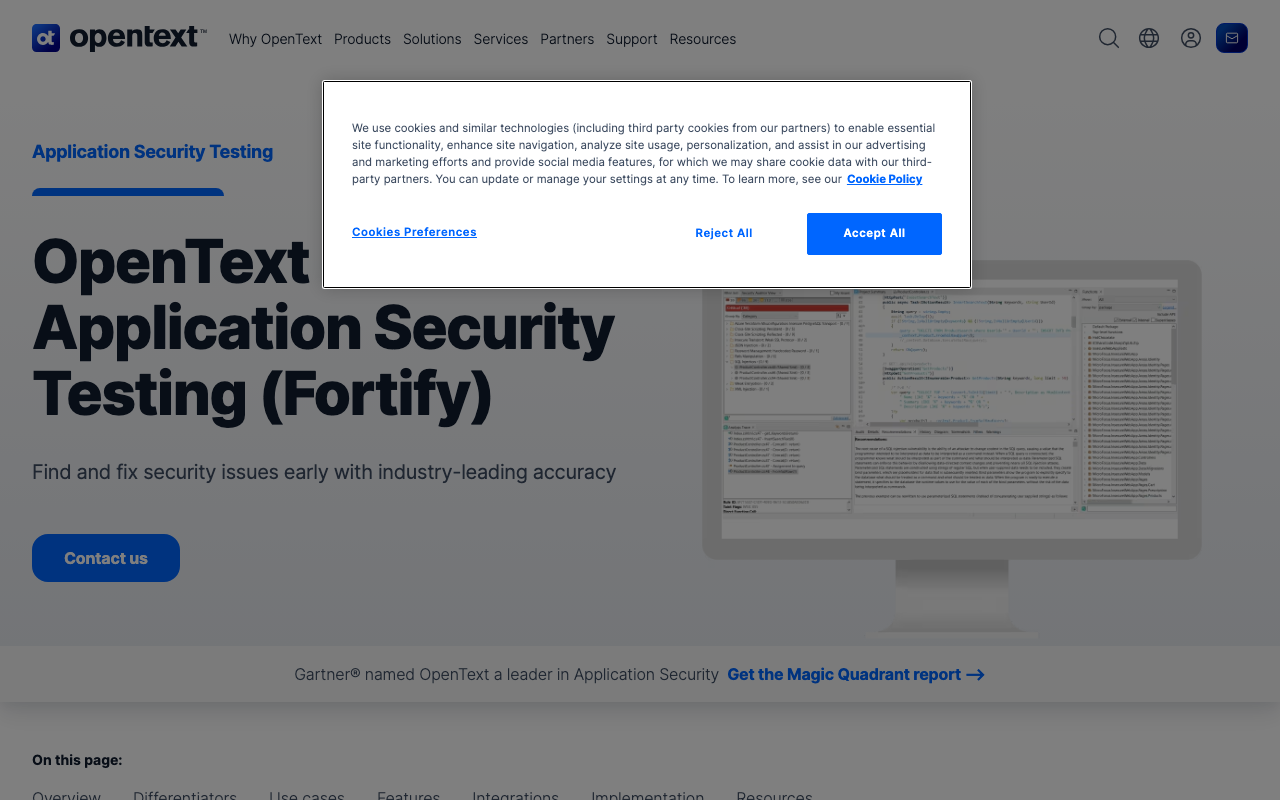
Fortify is the other legacy SAST vendor alongside Checkmarx. It supports the broadest language set of any tool on this list, including COBOL, ABAP, PL/SQL, Apex, VBScript, and other languages that most Checkmarx competitors do not support. If your organization has mainframe or legacy systems that need security scanning, Fortify may be the only option besides Checkmarx.
Fortify’s analysis depth is comparable to Checkmarx, with comprehensive taint analysis and data flow tracking. The engine has been in development for over two decades, and its vulnerability detection for compiled languages (C, C++, Java, .NET) is mature and reliable. The Fortify on Demand (FoD) SaaS option reduces the operational burden of running Fortify infrastructure, though some compliance-driven organizations still prefer the self-hosted Software Security Center (SSC).
The Fortify Audit Workbench provides detailed analysis of findings, including data flow visualizations and remediation guidance. However, it is designed for security analysts, not developers, and the learning curve is steep. Newer releases have added IDE plugins and CI/CD integration, but the developer experience remains behind Semgrep, Snyk Code, and other modern tools.
Key strengths:
- Broadest language support, including legacy languages (COBOL, ABAP, PL/SQL)
- Deep taint analysis comparable to Checkmarx
- Fortify on Demand (FoD) SaaS option available
- Mature vulnerability database with decades of development
- Strong compliance certifications
Limitations:
- High false positive rates require significant tuning
- Slow scan times, especially for large codebases
- Developer experience is poor compared to modern tools
- Enterprise pricing ($40K-150K+/year) is comparable to Checkmarx
- Proprietary rules and queries create vendor lock-in
Pricing: Enterprise-only, typically $40,000-80,000+/year for mid-size teams. FoD SaaS pricing varies by scan volume.
Best for: Organizations with mainframe or legacy systems (COBOL, ABAP) that need security scanning. Also suitable for teams that want different vendor support than Checkmarx while maintaining the same analysis depth.
6. Coverity (Synopsys) - Best for C/C++ and embedded systems
Coverity excels at deep static analysis for compiled languages, particularly C, C++, and Java. Its analysis engine uses sophisticated path-sensitive techniques that catch complex bugs - buffer overflows, use-after-free, race conditions, integer overflows, and resource leaks - that surface-level SAST tools miss entirely. For embedded systems, firmware, automotive, and performance-critical applications, Coverity’s depth is unmatched.
Coverity’s false positive rate is the lowest among enterprise SAST tools, which matters enormously for developer adoption. When Coverity flags something, developers trust it is a real issue. This stands in stark contrast to tools with 30-50% false positive rates where developers learn to ignore findings. Coverity achieves this through deep interprocedural analysis that follows code paths across function boundaries, understanding aliasing, pointer arithmetic, and thread synchronization.
Coverity’s Polaris platform adds cloud-based scanning and improved developer workflows. The combination of Coverity for SAST and Black Duck (also Synopsys) for SCA provides comprehensive application security within a single vendor ecosystem. For automotive and embedded teams that need ISO 26262 and MISRA C compliance checking, Coverity is often the default choice.
The trade-off is scan speed. Deep analysis takes time, making Coverity best suited for nightly builds, release gate checks, or pre-merge analysis on critical branches rather than per-commit scanning. Teams that need real-time IDE feedback use Coverity for deep analysis alongside a lighter tool (Semgrep or Snyk Code) for fast per-PR feedback.
Key strengths:
- Deepest analysis for C, C++, and Java
- Lowest false positive rate among enterprise SAST tools
- Catches complex bugs (buffer overflows, race conditions) that other tools miss
- Strong compliance support (ISO 26262, MISRA C, CERT)
- Polaris cloud platform improves developer workflow
Limitations:
- Slow scan times make per-commit scanning impractical
- Enterprise pricing ($50K-200K+/year) is comparable to Checkmarx
- Less effective for web application security (JavaScript, Python)
- Complex setup and configuration
- Synopsys ecosystem creates vendor lock-in
Pricing: Enterprise-only, typically $50,000-100,000+/year depending on team size. Polaris cloud pricing adds per-scan costs.
Best for: C/C++ teams in embedded systems, automotive, firmware, and safety-critical applications. Also strong for Java teams that need the deepest possible analysis. Not the right choice for web application security.
7. Aikido - Best all-in-one security platform
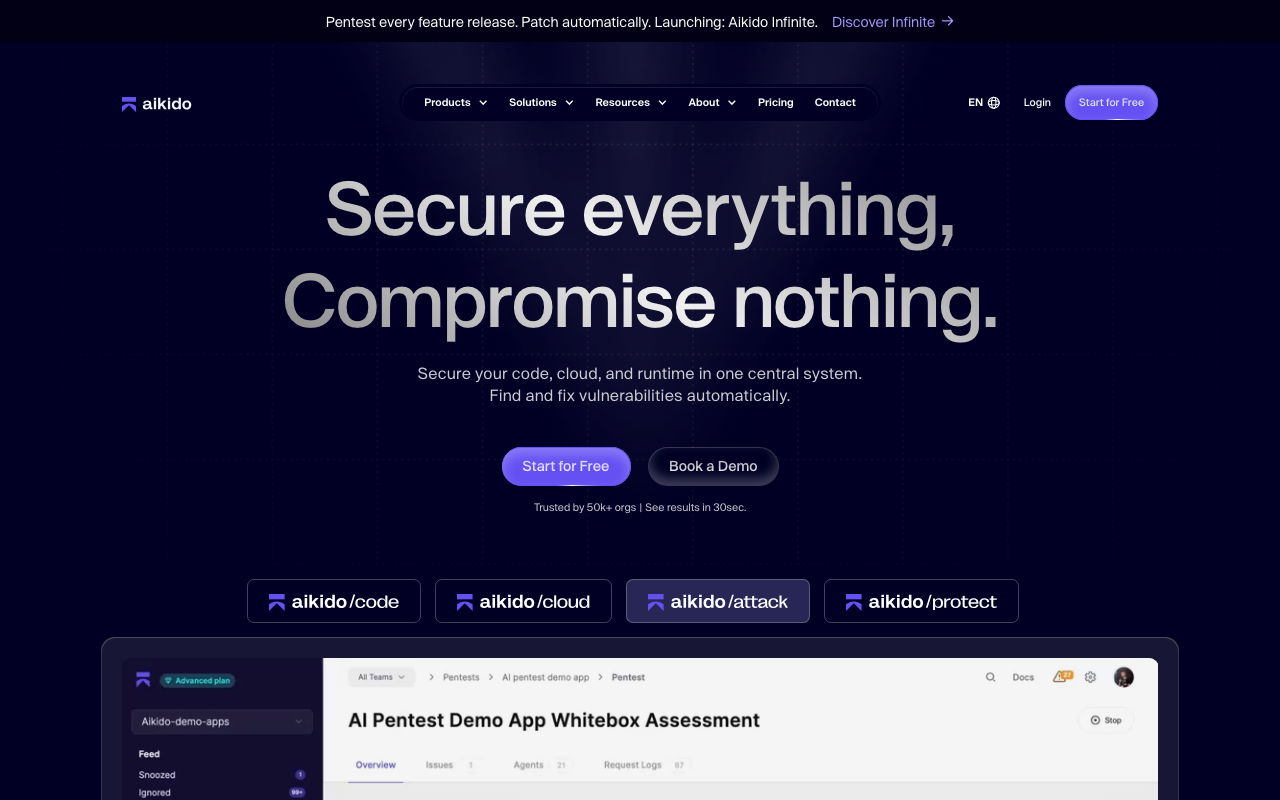
Aikido is a newer entrant that bundles SAST, DAST, SCA, secrets detection, container scanning, IaC scanning, and cloud security posture management (CSPM) into a single platform. For teams that are tired of managing five separate security tools - each with its own dashboard, pricing, and integration requirements - Aikido consolidates the entire application security stack.
Aikido’s SAST engine uses Semgrep under the hood, giving you Semgrep’s rule quality with a unified dashboard that correlates findings across scan types. This correlation is valuable: when Aikido finds both a vulnerable open-source dependency (SCA) and a code path that uses that dependency in an insecure way (SAST), it elevates the combined finding as critical rather than reporting them as two separate medium-severity issues.
The platform also includes runtime protection (RASP) and malware detection, going beyond what most SAST-focused tools offer. The auto-triage feature uses context from multiple scan types to reduce noise - if a SAST finding relates to code that is only used in test files, Aikido automatically deprioritizes it rather than alerting your team.
The pricing model is particularly compelling for teams replacing Checkmarx. At $314/month for 10 users, Aikido provides SAST + DAST + SCA + container scanning + IaC scanning + CSPM - roughly the equivalent of Checkmarx One at under 10% of the cost. The free tier covers small teams with basic scanning across all categories.
Key strengths:
- All-in-one platform covering SAST, DAST, SCA, CSPM, secrets, containers, IaC
- Cross-scan correlation elevates truly critical findings
- Semgrep-based SAST engine provides quality rule coverage
- Aggressive pricing compared to enterprise alternatives
- Auto-triage reduces alert noise significantly
- Free tier available for small teams
Limitations:
- Each individual capability is not as deep as best-of-breed
- SAST customization is less flexible than standalone Semgrep
- Younger company with less enterprise track record than Checkmarx or Veracode
- Language support (15+) is narrower than Checkmarx (25+)
- Advanced compliance reporting is still maturing
Pricing: Free (small teams), $314/month for 10 users ($3,768/year). For 25 users, expect roughly $9,000-12,000/year. This is the most cost-effective option for teams that need multi-category security scanning.
Best for: Teams that want to replace Checkmarx with a single platform that covers SAST, DAST, SCA, and cloud security at a fraction of the cost. Particularly strong for startups and mid-size companies with limited security headcount.
8. DeepSource - Best free SAST for startups
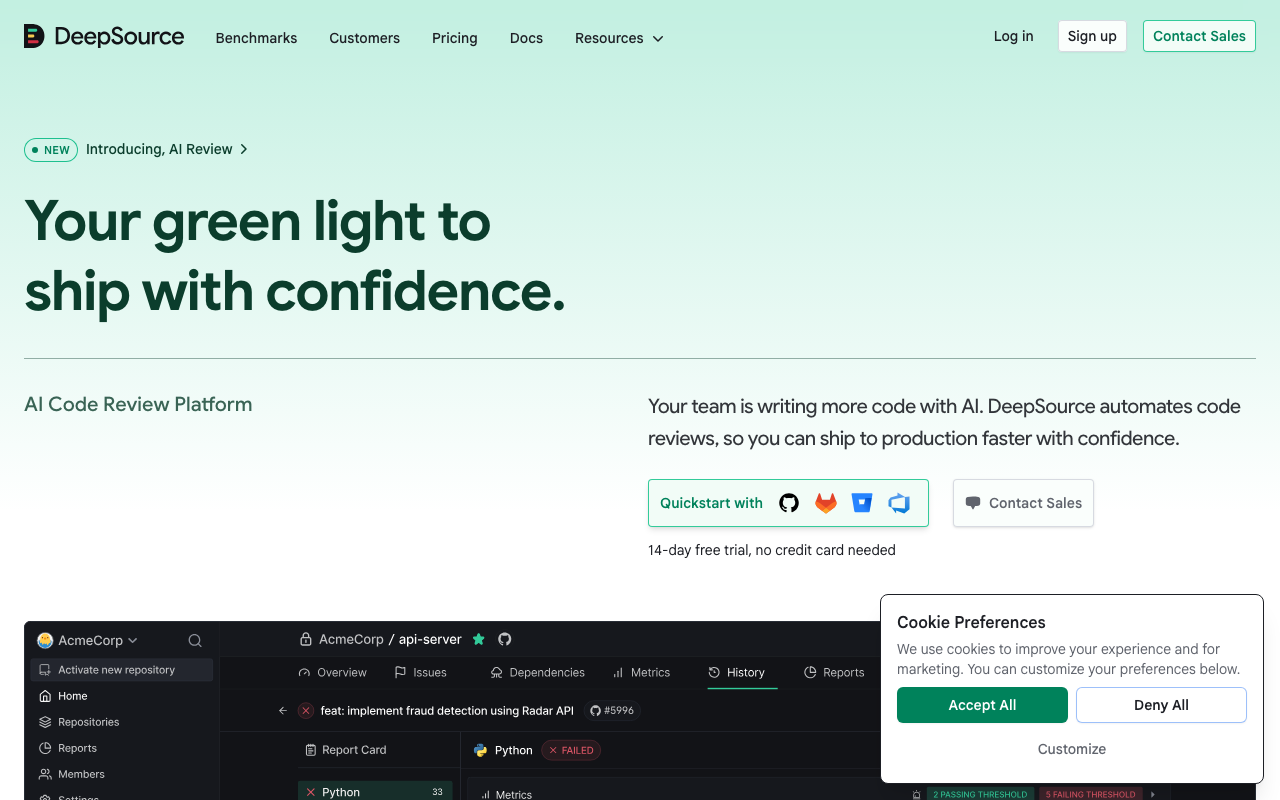
DeepSource provides automated code review with security analysis, code quality checks, and anti-pattern detection. Its free tier is generous - unlimited public repositories and up to 5 users on private repos - making it an accessible entry point for startups and small teams that need security scanning without enterprise budgets.
DeepSource’s developer experience is clean and modern. Findings appear directly in PRs with clear explanations and one-click auto-fixes. The auto-fix capability is particularly valuable - rather than just telling you there is a vulnerability, DeepSource generates the fix and lets you apply it with a single click. This dramatically reduces the time from finding to remediation, which is the metric that actually matters for security outcomes.
It supports Python, Go, JavaScript/TypeScript, Java, Ruby, Rust, C#, Kotlin, PHP, Swift, and several other languages. The security rules cover common vulnerability patterns (injection, XSS, SSRF, authentication issues, insecure cryptography, path traversal), though the coverage is not as comprehensive as Semgrep or Checkmarx for advanced taint analysis.
At $12/user/month for the paid tier, DeepSource is one of the most affordable options on this list. A team of 25 developers pays $3,600/year - less than 5% of a typical Checkmarx contract. It will not satisfy enterprise compliance teams that need OWASP benchmark certifications, but for teams that want practical security scanning integrated into their workflow, it delivers solid value.
Key strengths:
- Generous free tier for startups and open-source projects
- One-click auto-fixes reduce time from finding to remediation
- Clean, modern developer experience with clear PR comments
- $12/user/month paid tier is extremely affordable
- Supports 12+ languages including Rust and Swift
Limitations:
- Security rule coverage is narrower than Semgrep or Checkmarx
- No cross-file taint analysis
- No compliance certifications or framework mapping
- Not suitable for organizations with strict enterprise security requirements
- No DAST, SCA, or container scanning
Pricing: Free (unlimited public repos, 5 private users), $12/user/month for the paid tier. For a broader look at code quality tools, see our DeepSource alternatives guide.
Best for: Startups, small teams, and open-source projects that need practical security scanning without enterprise budgets or compliance requirements.
9. Corgea - Best for automated vulnerability remediation
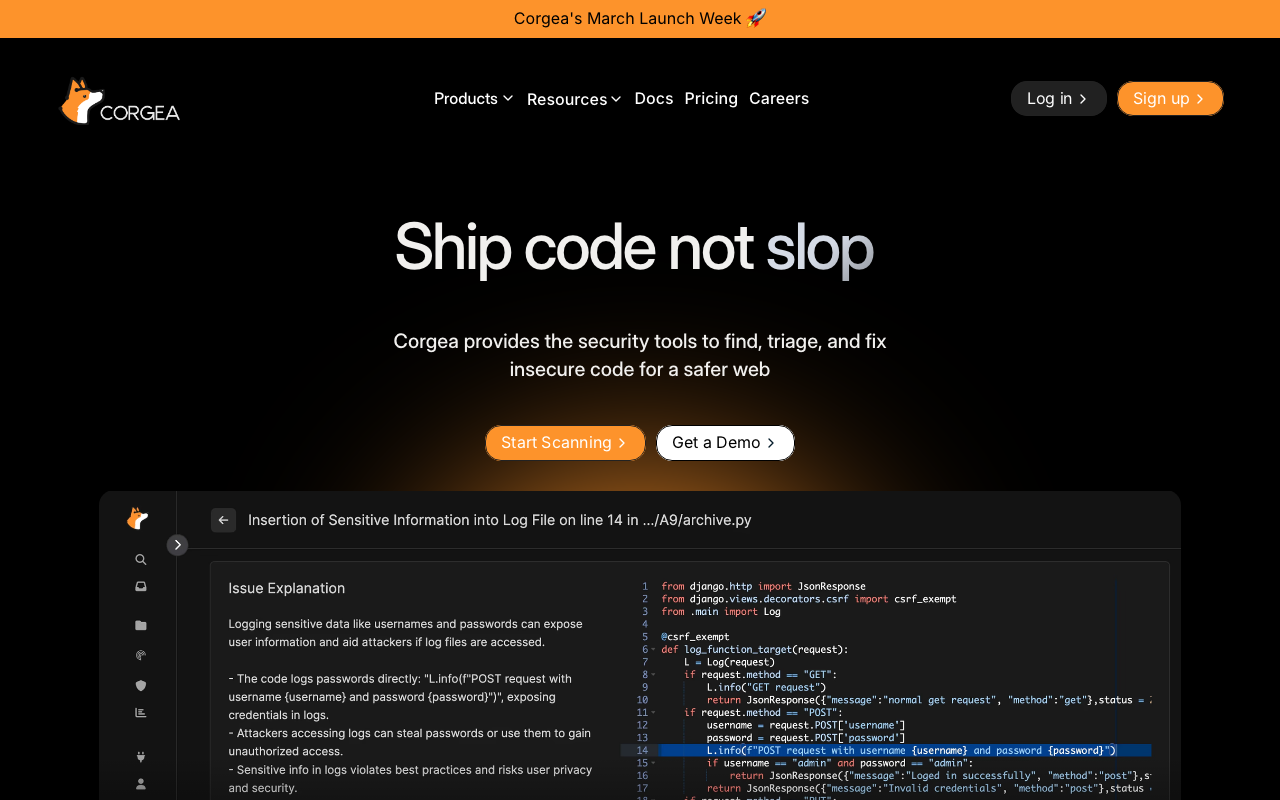
Corgea takes a different approach to application security: instead of finding vulnerabilities (your existing tools already do that), it automatically generates fixes for them. Corgea integrates with Checkmarx, Snyk, Semgrep, SonarQube, and other SAST tools, ingests their findings, and produces pull requests that remediate the identified vulnerabilities.
Corgea solves the biggest problem in application security: the fix backlog. Most organizations have hundreds or thousands of open SAST findings that never get remediated because developers do not have time or context to fix them. The findings accumulate sprint after sprint, creating security debt that grows faster than teams can address it. Corgea’s AI generates context-aware fixes that developers review and merge, rather than writing from scratch.
The fixes are not naive pattern replacements. Corgea understands the codebase context, follows coding conventions, and generates fixes that preserve functionality while eliminating the vulnerability. For example, when remediating a SQL injection finding, Corgea does not just add parameterized queries - it considers the existing database abstraction layer, error handling patterns, and testing structure to produce a fix that fits naturally into the codebase.
This makes Corgea particularly valuable during migration from Checkmarx. If you have accumulated thousands of findings in Checkmarx over years, switching to a new SAST tool means re-scanning and potentially finding the same issues plus new ones. Corgea can process the existing backlog from your old tool while you evaluate and deploy the new one, reducing the technical security debt during the transition period.
Key strengths:
- Automates vulnerability remediation, not just detection
- Integrates with Checkmarx, Snyk, Semgrep, SonarQube, and other scanners
- Context-aware fixes follow existing code patterns and conventions
- Particularly valuable during SAST tool migrations
- Reduces fix backlog that accumulates with other tools
Limitations:
- Not a standalone SAST tool - requires a scanner to generate findings
- Custom pricing makes cost evaluation difficult upfront
- Generated fixes still need human review before merging
- Newer product with a smaller user base than established tools
- Fix quality varies by language and vulnerability type
Pricing: Custom, based on finding volume. Contact Corgea for specific pricing.
Best for: Organizations with a large backlog of unresolved SAST findings. Also valuable during migrations from Checkmarx to a new SAST tool, where Corgea can remediate the existing backlog during the transition.
10. Checkmarx - The incumbent
Checkmarx remains a capable SAST platform with one of the broadest feature sets in the industry. Its SAST, SCA, DAST, API security, and IaC scanning cover more surface area than most alternatives. Checkmarx One, the cloud-native platform, has addressed some of the operational complexity complaints. For organizations with existing Checkmarx deployments and established workflows, the switching cost to an alternative may not be justified - especially if the AppSec team has invested significant effort in custom CxQL queries and tuning.
Recent improvements have addressed some complaints. Checkmarx One reduces operational overhead with a cloud-native architecture, scan times have improved with incremental analysis, and IDE plugins add developer-facing feedback. The KICS (Keeping Infrastructure as Code Secure) open-source project for IaC scanning has been well received. API security scanning is a newer addition that fills a gap many competitors do not address.
But the fundamental pricing and complexity remain. New customers face six-figure contracts, multi-week implementations, and a tuning period before the tool produces useful results at acceptable false positive rates. For teams starting fresh, the alternatives above offer better value in almost every scenario. If you are currently on Checkmarx and the tool is working for your team, the switching cost may not be justified. If you are evaluating SAST tools for the first time, Checkmarx is hard to recommend against the modern alternatives.
Key strengths:
- Broadest combined feature set (SAST + DAST + SCA + API + IaC)
- Checkmarx One cloud platform reduces operational burden
- Deep taint analysis with custom CxQL queries
- Strong compliance certifications and audit support
- Large customer base and established vendor stability
Limitations:
- Most expensive option on this list ($40K-200K+/year)
- High false positive rates require significant tuning
- Complex setup and implementation (weeks, not hours)
- Developer experience lags behind modern tools
- Proprietary CxQL queries create vendor lock-in
Free vs. paid: What you actually get
For teams evaluating budget-friendly options, here is what the free tiers actually cover and what you lose by not paying.
| Tool | Free Tier Includes | What You Lose Without Paying |
|---|---|---|
| Semgrep | OSS engine, 1,500+ rules, CLI scanning, CI integration | Cross-file taint analysis, secrets detection, SCA, managed dashboard |
| Snyk Code | 5 users, IDE integration, limited CI scans | Full CI/CD integration, advanced reporting, unlimited scans |
| SonarQube | Community Edition, 30+ languages, basic security rules | Branch analysis, advanced security rules, OWASP reports, enterprise support |
| DeepSource | Unlimited public repos, 5 private users, auto-fixes | Team management, advanced analysis, priority support |
| Aikido | Small team usage, basic scanning across all categories | Advanced scanning, DAST, priority support, compliance reports |
For startups and small teams (under 10 developers): Start with Semgrep OSS in your CI pipeline plus DeepSource for PR-level feedback. This combination covers the most common vulnerability patterns at zero cost. Add Aikido’s free tier if you also need SCA and secrets detection.
For mid-size teams (10-50 developers): Semgrep Team or Snyk Code Team provides the best balance of detection depth, developer experience, and price. Either one covers the vast majority of what Checkmarx does for security-focused SAST at a fraction of the cost. If you need DAST and SCA as well, Aikido at $314/month for 10 users is the most cost-effective all-in-one option.
For enterprises (50+ developers, compliance requirements): Veracode or Coverity for compliance-driven requirements with FedRAMP or SOC 2 attestation. Aikido for teams that want to consolidate multiple security tools at lower cost. Semgrep for organizations that want developer ownership of security tooling with the flexibility to write custom rules. SonarQube Enterprise if you already run SonarQube for code quality.
What are the OWASP Top 10, and which tools cover them?
The OWASP Top 10 is the most widely recognized list of critical web application security risks. Understanding which categories each tool covers helps evaluate whether an alternative can replace Checkmarx’s coverage.
| OWASP Category | Semgrep | Snyk Code | SonarQube | Veracode | Aikido | Checkmarx |
|---|---|---|---|---|---|---|
| A01: Broken Access Control | Yes | Yes | Yes | Yes | Yes | Yes |
| A02: Cryptographic Failures | Yes | Yes | Yes | Yes | Yes | Yes |
| A03: Injection | Yes | Yes | Yes | Yes | Yes | Yes |
| A04: Insecure Design | Partial | Partial | Partial | Yes | Partial | Yes |
| A05: Security Misconfiguration | Yes | Partial | Yes | Yes | Yes | Yes |
| A06: Vulnerable Components | Pro only | Yes (SCA) | Partial | Yes | Yes | Yes |
| A07: Auth Failures | Yes | Yes | Yes | Yes | Yes | Yes |
| A08: Software/Data Integrity | Partial | Partial | Partial | Yes | Partial | Yes |
| A09: Logging/Monitoring | Yes | Partial | Yes | Yes | Partial | Yes |
| A10: SSRF | Yes | Yes | Yes | Yes | Yes | Yes |
Semgrep and Veracode provide the most comprehensive OWASP coverage among the alternatives. Checkmarx covers all 10 categories deeply, which is one reason it remains popular with compliance-focused organizations. However, for most teams, covering A01-A03, A05, A07, and A10 catches the vast majority of real-world vulnerabilities - and every tool on this list handles those categories well.
Migration considerations: Switching from Checkmarx
Migrating away from Checkmarx is a significant undertaking that requires planning. Here are the key considerations.
Custom queries and rules
If your AppSec team has invested in custom CxQL queries, those will not transfer to any alternative. This is Checkmarx-specific vendor lock-in. However, most teams find that custom queries address issues that are already covered by default rules in modern tools. Audit your custom queries and identify which ones address real gaps versus which ones duplicate built-in coverage.
For Semgrep migration specifically, the community has published CxQL-to-Semgrep conversion guides. The Semgrep rule syntax is expressive enough to replicate most custom Checkmarx queries, often in fewer lines.
Finding baseline and triage history
Years of triage decisions (marking findings as false positives, accepted risks, or deferred) represent significant institutional knowledge. No migration tool can automatically transfer this. Plan for a re-triage period with the new tool, and document your triage decisions in a format that is tool-agnostic (e.g., a spreadsheet or ticketing system) before starting the migration.
Compliance and audit trail
If your organization’s compliance program references Checkmarx findings in audit reports, coordinate with your compliance team before switching. Ensure the replacement tool provides equivalent reporting. Veracode, Coverity, and SonarQube Enterprise have the strongest compliance reporting among the alternatives.
Parallel running period
Run the new tool alongside Checkmarx for at least one release cycle (2-4 weeks minimum). Compare findings to ensure the new tool catches what matters to your organization. Track three metrics: findings caught by both tools, findings only the new tool catches, and findings only Checkmarx catches. If the third category contains real vulnerabilities (not false positives), evaluate whether the gap is acceptable.
Developer communication
Communicate the change to developers early and explain the benefits. If the new tool is faster, has better IDE integration, or produces clearer findings, lead with those benefits. Developer buy-in is critical for SAST adoption - the best scanning tool is useless if developers ignore or mute its output.
How to choose the right Checkmarx alternative
Start with your constraints. If you need specific compliance certifications (FedRAMP, SOC 2 Type II attested), your options narrow to Veracode, Fortify, Coverity, and Checkmarx itself. If compliance is a nice-to-have rather than a hard requirement, the developer-first tools (Semgrep, Snyk Code, DeepSource) deliver more value per dollar.
Consider who owns the tool. If the AppSec team manages SAST, enterprise dashboards and compliance reporting (Veracode, Coverity) make sense. If developers own their security findings, tools with IDE and PR integration (Snyk Code, Semgrep, DeepSource) get issues fixed faster because they meet developers where they already work.
Evaluate scan speed for your workflow. Per-PR feedback requires tools that scan in seconds (Semgrep, Snyk Code, DeepSource). Release-gate-only scanning can tolerate slower, deeper tools (Coverity, Fortify). Most teams want both - fast per-PR scanning plus deeper periodic analysis - which is why combining a fast tool (Semgrep) with a deep tool (Coverity) is a common enterprise pattern.
Factor in the transition cost. Migrating from Checkmarx means re-tuning rules, re-triaging false positives, retraining teams, and potentially re-certifying for compliance. Tools like Corgea can ease the transition by automatically remediating the existing finding backlog regardless of which scanner produced the findings.
Assess language coverage. If your organization uses legacy languages (COBOL, ABAP, PL/SQL), your options are limited to Fortify and Checkmarx. For modern web stacks (JavaScript/TypeScript, Python, Java, Go, Ruby, PHP), every tool on this list provides adequate coverage.
Decision matrix
| Your Primary Concern | Top Pick | Runner-Up | Budget Option |
|---|---|---|---|
| Cost reduction | Semgrep | Aikido | Semgrep OSS (free) |
| Developer experience | Snyk Code | DeepSource | DeepSource free tier |
| Compliance / audit | Veracode | Coverity | SonarQube Enterprise |
| C/C++ / embedded | Coverity | Fortify | N/A |
| Legacy languages | Fortify | Checkmarx (stay) | N/A |
| All-in-one platform | Aikido | Veracode | Aikido free tier |
| Fix backlog | Corgea | DeepSource (auto-fix) | DeepSource free tier |
| Open source / no lock-in | Semgrep | SonarQube Community | Both free |
| Custom rule flexibility | Semgrep | SonarQube | Semgrep OSS (free) |
Conclusion
Checkmarx is not a bad tool - it is an expensive, complex tool in a market where simpler, cheaper alternatives now deliver comparable results. The SAST landscape has shifted dramatically in the last few years, and teams that signed Checkmarx contracts in 2020 or 2021 now have significantly better options available.
Our top recommendation: start with Semgrep and add Snyk Code if you want AI-powered analysis on top. This combination covers nearly everything Checkmarx does for SAST, scans in seconds instead of hours, and costs a fraction of the price. Semgrep’s open-source core ensures you are never locked into a proprietary ecosystem, and its developer-friendly rule syntax means your team can write custom security rules without learning a proprietary query language.
For teams that want a single platform covering SAST, DAST, SCA, and cloud security, Aikido provides the most comprehensive all-in-one offering at the most competitive price point. At under $4,000/year for 10 users, it delivers capabilities that would cost $100,000+ if assembled from separate enterprise tools.
For enterprises with strict compliance requirements, Veracode is the most viable enterprise-grade alternative with comparable certifications and reporting. For C/C++ and embedded teams, Coverity provides the deepest analysis available. And for teams that want to go beyond scanning into automated remediation, Corgea is worth evaluating as an accelerator regardless of which SAST tool you choose.
The security tooling market rewards teams that evaluate frequently. What was best-in-class two years ago may not be today. If your Checkmarx contract is up for renewal, now is the right time to run a parallel evaluation with one or two alternatives from this list. The results may save your organization six figures annually while actually improving your security outcomes.
Related Articles
10 Best Codacy Alternatives for Code Quality in 2026
Looking beyond Codacy? Compare 10 alternatives for code quality, security, and AI review. Features, pricing, and honest recommendations for every team size.
March 12, 2026
alternatives10 Best DeepSource Alternatives for Code Quality (2026)
Looking beyond DeepSource for code quality? Compare 10 alternatives with real pricing, feature matrices, deeper analysis, and stronger security. Find the right tool for your team.
March 12, 2026
alternatives10 Best GitHub Copilot Alternatives for Code Review (2026)
GitHub Copilot lacks deep code review. Compare 10 alternatives with better PR analysis, security scanning, and review automation. Includes pricing, feature comparison, and migration tips.
March 12, 2026