10 Best GitHub Copilot Alternatives for Code Review (2026)
GitHub Copilot lacks deep code review. Compare 10 alternatives with better PR analysis, security scanning, and review automation. Includes pricing tips.
Published:
Last Updated:
Why teams look beyond GitHub Copilot for code review
GitHub Copilot is the dominant AI coding assistant - and for good reason. Its autocomplete is fast, its IDE integration is seamless, and its code generation handles boilerplate well. Microsoft reports millions of developers use it daily, and for many teams it has become as essential as the IDE itself. But code generation and code review are fundamentally different problems, and Copilot’s review capabilities remain shallow compared to dedicated tools.
Copilot’s code review works at the line level. It can suggest fixes for obvious issues in a PR diff, but it struggles with cross-file context, architectural concerns, and the kind of deep semantic analysis that catches real production bugs. If you have ever reviewed a PR where the actual problem was how the change interacted with code three directories away, you know that line-level analysis is not enough.
There are several concrete reasons teams look for alternatives:
- No codebase-aware review. Copilot does not index your repository. It cannot tell you that a new function duplicates logic that already exists in another module, or that a change violates patterns established elsewhere in the codebase.
- Limited security analysis. Copilot may flag basic issues, but it is not a SAST tool. It does not run taint analysis, track data flows across functions, or map against CVE databases.
- No custom review rules. You cannot tell Copilot “always flag database queries without error handling” or “warn when a function exceeds 50 lines” the way you can with dedicated review tools.
- Pricing model mismatch. At $19/user/month (Individual) or $39/user/month (Business), Copilot charges per seat. For organizations that primarily want review capabilities, paying for code generation they may not use is wasteful.
- Inconsistent review quality. Copilot’s PR review feature sometimes provides useful suggestions, but other times generates generic comments that add noise without actionable insight. Teams with strict review standards find the inconsistency frustrating.
- No learning from past reviews. Copilot does not learn from your team’s review patterns or coding conventions. Every PR starts from scratch, without awareness of what your team has flagged before or what your internal style guide requires.
This guide compares 10 tools that address these gaps - some as Copilot replacements, others as complements that fill specific review needs.
Is anything better than GitHub Copilot?
The answer depends on what you mean by “better.” For pure code generation and autocomplete inside the IDE, Copilot remains one of the strongest options in 2026. It has deep integration with GitHub, excellent language breadth, and a model that has been fine-tuned on billions of lines of code. Few tools match its speed and accuracy for inline suggestions.
But for code review, several tools are meaningfully better. CodeRabbit provides deeper PR analysis with cross-file context and natural language configuration. Greptile indexes your entire codebase and catches issues that require understanding how files interact. Sourcegraph Cody leverages Sourcegraph’s search infrastructure to review code across massive monorepos.
The most practical approach for most teams is to use Copilot for what it does best - code generation - and pair it with a dedicated review tool for PR analysis. These tools are not mutually exclusive, and combining them covers more ground than relying on any single tool.
Quick comparison table
| Tool | Best For | Code Review Depth | Codebase Indexing | Security Scanning | Auto-Fix | Free Tier | Paid Pricing (starts at) |
|---|---|---|---|---|---|---|---|
| CodeRabbit | Holistic PR review | Deep (cross-file) | Yes | Yes | Yes | Yes | $24/user/mo |
| Greptile | Codebase-aware Q&A + review | Deep (full repo) | Yes (primary feature) | Partial | No | No | Custom pricing |
| Qodo | Test generation + review | Medium | Partial | No | Yes (tests) | Yes | $30/month flat for up to 30 users |
| Sourcery | Python-focused review | Medium | No | No | Yes | Yes | $10/user/mo |
| Ellipsis | Lightweight PR summaries | Medium | No | No | Yes | Yes | $20/user/mo |
| Claude Code | Terminal-based deep analysis | Deep | Yes (session) | Partial | Yes | No | Usage-based (~$0.01-0.10/review) |
| Amazon Q Developer | AWS-integrated teams | Medium | Yes | Yes | Yes | Yes | $19/user/mo |
| Tabnine | Privacy-first code completion | Shallow | Yes | No | No | Yes | $12/user/mo |
| Sourcegraph Cody | Large-codebase search + review | Deep | Yes (Sourcegraph) | No | Yes | Yes | Custom enterprise |
| GitHub Copilot | Code generation + light review | Shallow | No | No | Yes | Limited | $19/user/mo |
Pricing comparison
Understanding the real cost of each tool helps narrow the field quickly. Some tools charge per seat, others by usage, and several offer genuinely useful free tiers.
| Tool | Free Tier | Individual Plan | Team/Business Plan | Enterprise Plan |
|---|---|---|---|---|
| GitHub Copilot | Limited completions | $19/user/mo | $39/user/mo (Business) | $39/user/mo (Enterprise) |
| CodeRabbit | Unlimited repos, AI review | $24/user/mo (Pro) | $24/user/mo | Custom |
| Greptile | No free tier | N/A | Custom pricing | Custom pricing |
| Qodo | IDE extension, basic features | $30/month flat for up to 30 users | $30/month flat for up to 30 users | Custom |
| Sourcery | Unlimited public repos | $10/user/mo | $24/user/mo (Team) | Custom |
| Ellipsis | Basic PR summaries | $20/user/mo | $20/user/mo | Custom |
| Claude Code | No free tier | Usage-based (API pricing) | Usage-based | Usage-based |
| Amazon Q Developer | Generous free tier | $19/user/mo (Pro) | $19/user/mo | Custom |
| Tabnine | Basic completions | $9/user/mo | $39/user/mo | Custom (self-hosted) |
| Sourcegraph Cody | Free for individuals | N/A | Custom | Custom |
For a team of 10 developers, the annual cost ranges from $0 (free tiers) to roughly $4,680/year (CodeRabbit at $24/user/mo). Compare this to Copilot Business at $4,680/year for the same team size - the question is whether you get more value from Copilot’s code generation or a dedicated tool’s review capabilities. For most teams, the answer is both.
Detailed reviews
1. CodeRabbit - Best overall for PR review

CodeRabbit is the strongest dedicated code review tool in this list. It installs as a GitHub or GitLab app and automatically reviews every pull request with cross-file context, security analysis, and actionable suggestions. Unlike Copilot, it understands how changes interact with the rest of the codebase, catching issues like inconsistent error handling patterns, missing null checks that only matter because of how another module calls the function, and duplicated logic.
What sets CodeRabbit apart is its natural language configuration. Instead of writing regex rules or YAML schemas, you tell it what to watch for in plain English - “flag any API endpoint without rate limiting” or “warn when test coverage for changed lines drops below 80%.” It also learns from your review patterns over time, reducing noise with each iteration.
The free tier is genuinely useful, covering unlimited public and private repositories with AI-powered review. The Pro tier at $24/user/month adds advanced features like deeper cross-file analysis, custom rulesets, and priority processing. For teams evaluating multiple tools, CodeRabbit is typically the first one that demonstrates clear value in the initial trial.
Key strengths:
- Cross-file analysis catches issues that line-level tools miss entirely
- Natural language rule configuration requires no DSL knowledge
- Learns from your team’s review patterns and coding conventions
- Auto-fix suggestions are correct at a high rate in practice
- Supports TypeScript, Python, Go, Java, and most mainstream languages
Limitations:
- PR-focused only - it does not help with code generation or IDE autocomplete
- Large PRs (500+ files) can see slower review times
- The learning system needs several weeks of team usage to calibrate well
Best for: Teams that want the deepest automated PR review available. Works as a direct complement to Copilot - keep Copilot for generation, add CodeRabbit for review.
2. Greptile - Best for codebase-aware review
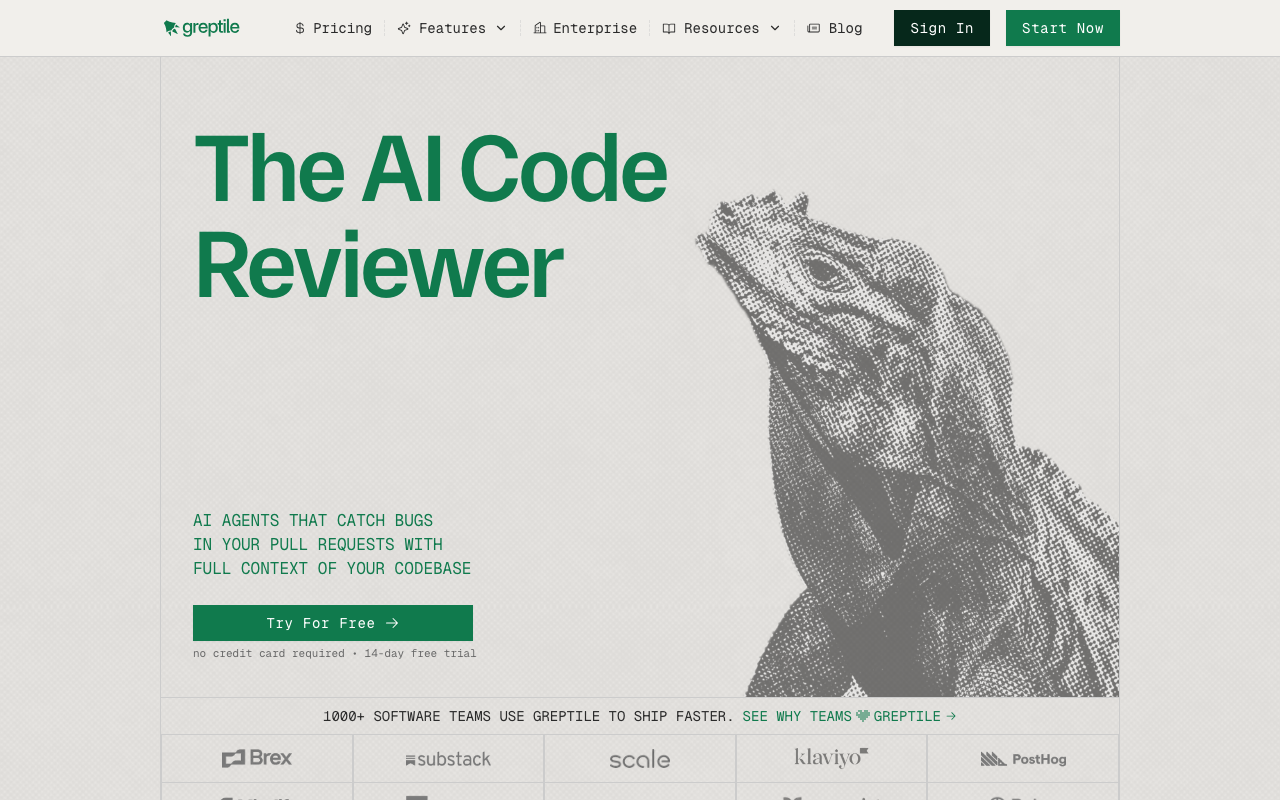
Greptile indexes your entire repository and builds a semantic understanding of the codebase. This makes it exceptionally good at answering questions like “where else is this pattern used?” and “does this change break any assumptions in other modules?” Its review comments demonstrate genuine awareness of how the codebase fits together, which is something most tools simply cannot do.
Greptile is ideal for large, complex codebases where the real risk is not a typo in the diff but a subtle interaction with code the PR author did not consider. When a developer changes a shared utility function, Greptile can identify every caller and flag potential breakages - something that requires full codebase awareness rather than just diff analysis.
The indexing step is meaningful but worth the wait. Greptile analyzes your entire repository structure, function relationships, data flows, and naming conventions to build a contextual model. Once indexed, review comments reference specific files and functions outside the diff, showing you exactly why a change might cause problems. It integrates with GitHub and Slack, and its API allows custom workflows for teams with specific needs.
Key strengths:
- Full codebase indexing produces genuinely contextual review comments
- Catches cross-module interaction issues that diff-based tools miss
- API-first design allows custom workflow integration
- Particularly strong for microservice architectures where changes ripple across repos
Limitations:
- Pricing is custom and opaque, making it harder to evaluate for smaller teams
- Indexing step requires setup time and compute resources
- If your codebase is under 50,000 lines, the indexing advantage may not justify the cost
- No free tier available
Best for: Engineering teams with large, complex codebases (100K+ lines) where cross-file and cross-module awareness is critical for catching real bugs.
3. Qodo (formerly CodiumAI) - Best for test-driven review
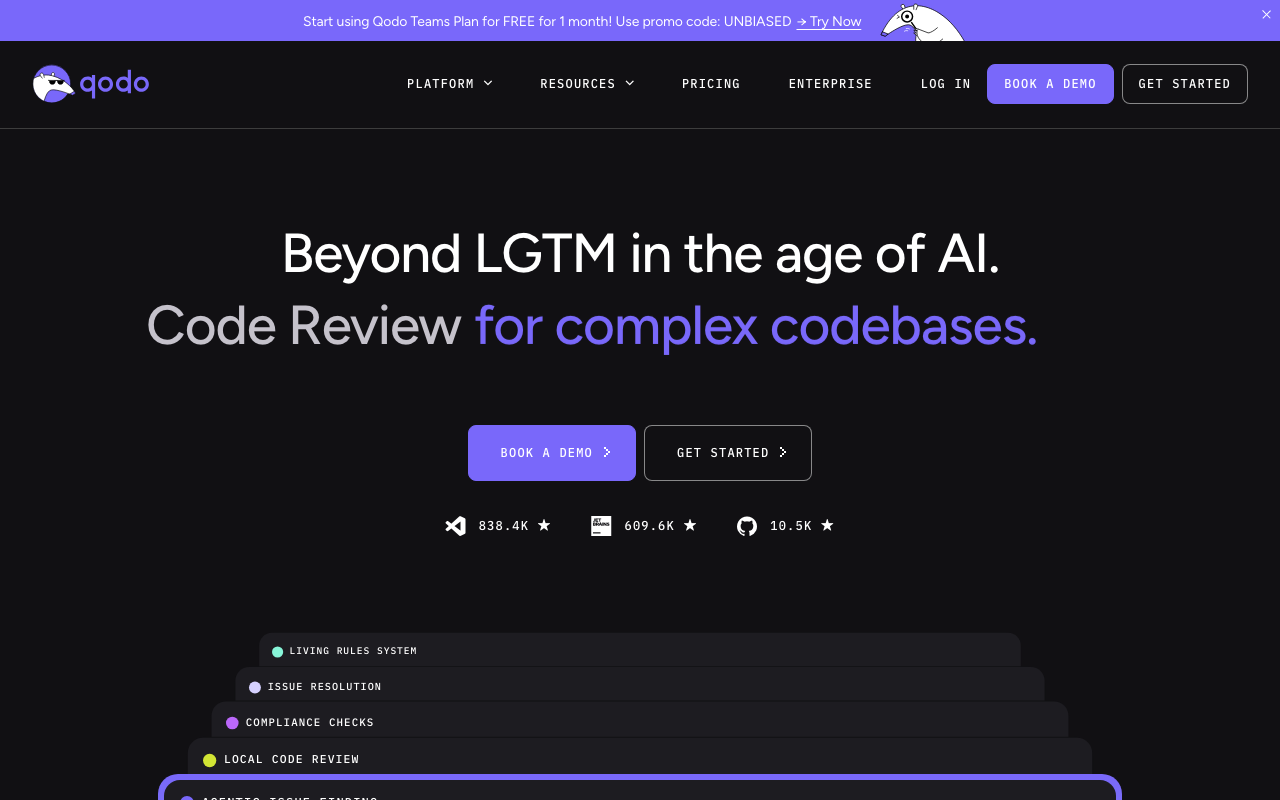
Qodo approaches code review from the testing angle. It analyzes your code changes and generates test cases that exercise edge cases and failure modes you might not have considered. This is a fundamentally different review strategy - instead of telling you what is wrong, it shows you what you have not tested, which often reveals the same bugs through a different lens.
Qodo’s test generation is genuinely useful, not just scaffolding. It produces meaningful assertions that cover boundary conditions, null inputs, error paths, and race conditions. The generated tests are not trivial “happy path” examples but thoughtful explorations of how your code might fail. For example, if you write a function that parses user input, Qodo generates tests for empty strings, Unicode edge cases, injection attempts, and boundary values - the kinds of tests that developers often skip under deadline pressure.
The IDE extension works in VS Code and JetBrains, and the PR integration comments with suggested tests directly on the diff. At $19/user/month for the paid tier, it is priced identically to Copilot Individual. The Qodo Merge product adds PR-level features like automated descriptions, review comments, and label suggestions.
Key strengths:
- Test generation covers edge cases that developers typically miss
- IDE integration provides test suggestions as you write code
- PR comments include ready-to-use test code you can commit directly
- Strong support for Python, JavaScript/TypeScript, Java, and Go
Limitations:
- Review capabilities beyond test generation are relatively thin
- Best used alongside another review tool rather than as a standalone replacement
- Generated tests sometimes need manual adjustment for complex mocking scenarios
- Free tier is limited to basic IDE features
Best for: Teams that want to improve test coverage as part of their review process. Pairs well with CodeRabbit or Greptile for comprehensive review.
4. Sourcery - Best for Python teams
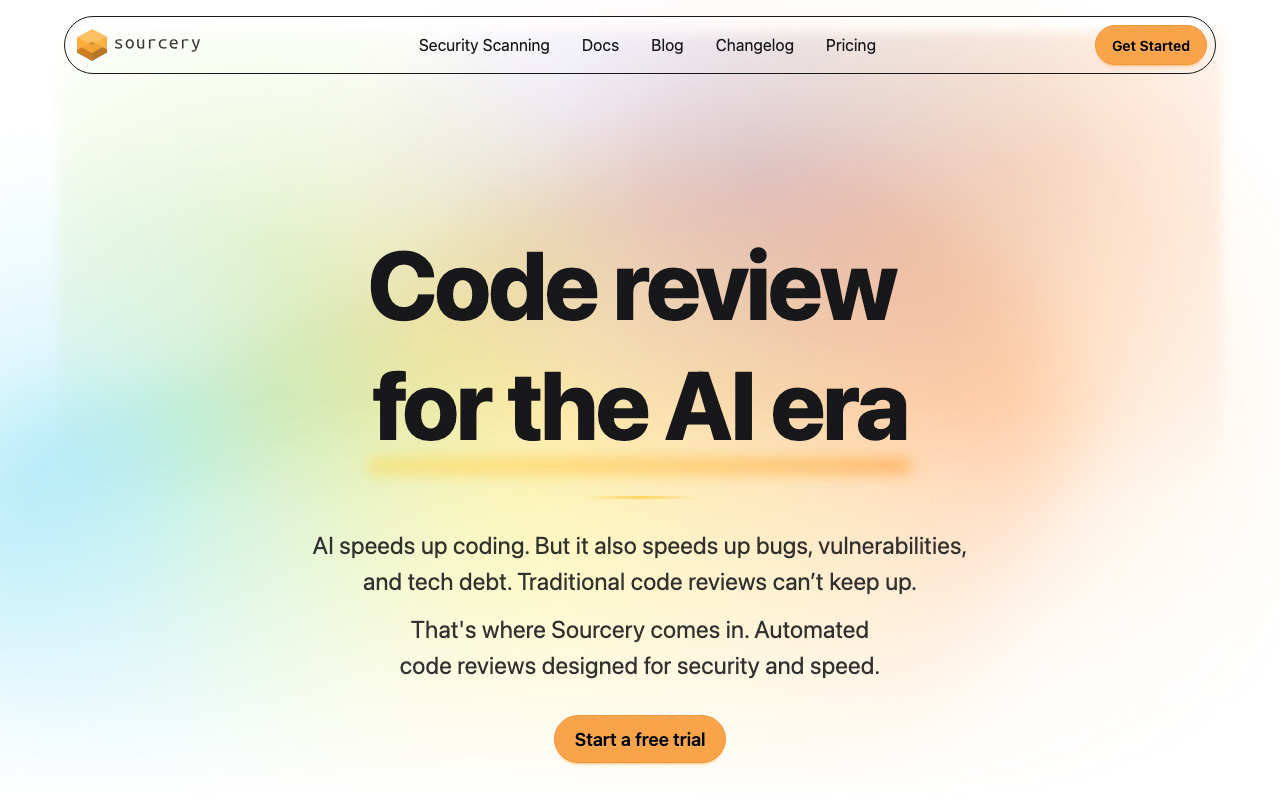
Sourcery focuses specifically on code quality for Python, with expanding support for JavaScript and TypeScript. It catches code smells, suggests refactoring opportunities, and enforces style consistency at the PR level. Its analysis is not as deep as CodeRabbit’s cross-file approach, but for Python-heavy teams, the suggestions are precise and actionable.
The free tier is one of the most generous in this space, covering unlimited public repositories and individual use with no limits on the number of reviews. The $14/user/month paid tier adds team features, private repos, and custom rules. Sourcery’s main strength is that it understands Pythonic patterns deeply - it will suggest list comprehensions over manual loops, flag mutable default arguments, catch common Django/Flask anti-patterns, and identify opportunities to use context managers or generators.
Beyond simple linting, Sourcery provides a code quality score for each PR and tracks quality trends over time. This gives engineering managers visibility into whether code quality is improving or declining across the team. The suggestions come with explanations of why the change improves quality, which makes them educational for junior developers learning Python best practices.
Key strengths:
- Deep understanding of Pythonic idioms and best practices
- Code quality scoring and trend tracking
- Generous free tier for individual developers and open-source projects
- Refactoring suggestions include clear explanations
Limitations:
- Language support beyond Python is still maturing
- No cross-file analysis or codebase indexing
- Security scanning is limited compared to dedicated SAST tools
- Team features require the paid plan
Best for: Python-heavy teams (Django, Flask, FastAPI, data science) that want language-specific quality improvements beyond what general-purpose tools offer.
5. Ellipsis - Best for lightweight PR automation
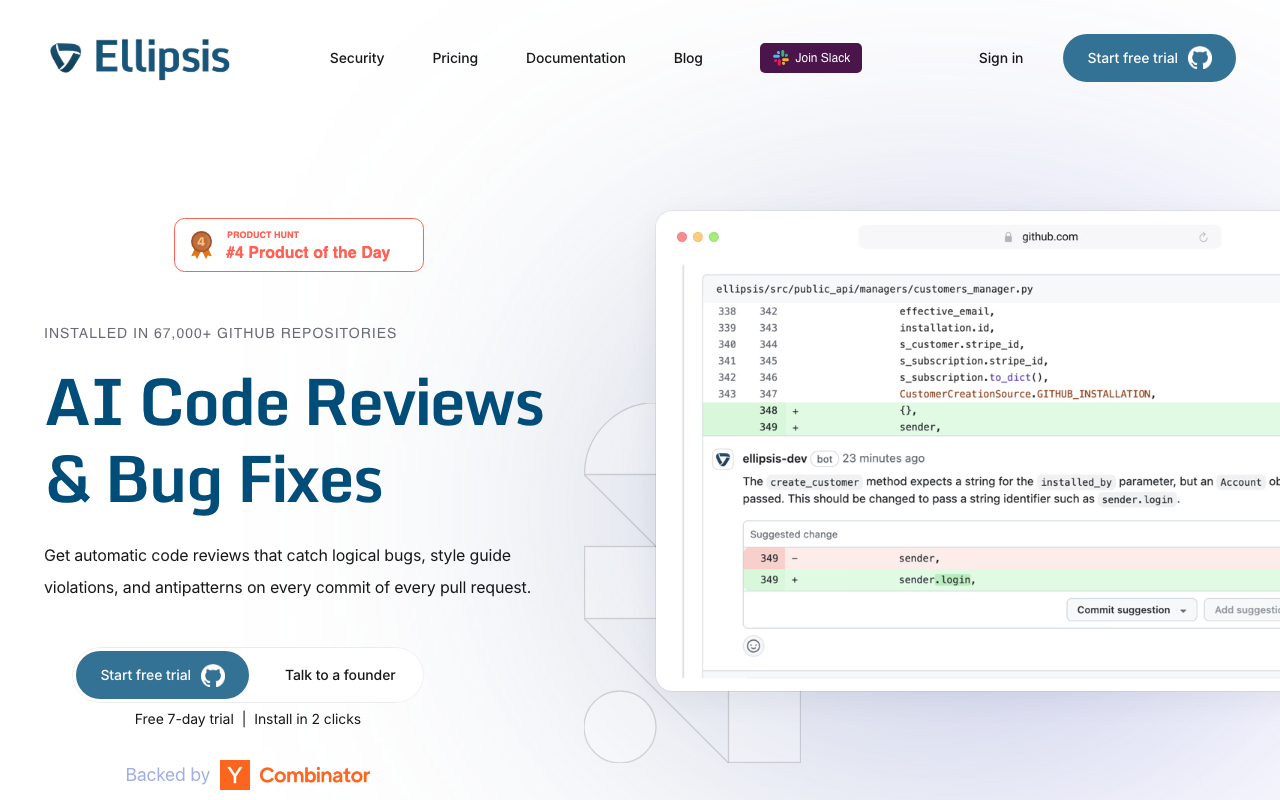
Ellipsis automates the tedious parts of code review: PR summaries, changelog generation, label assignment, and basic issue detection. It sits in the “80% of value for 20% of effort” space - it will not catch deep architectural issues, but it dramatically reduces the time reviewers spend understanding what a PR does before they start reviewing it.
Ellipsis is a strong complement to Copilot rather than a replacement. Use Copilot for code generation and Ellipsis for review automation. The auto-generated PR summaries are accurate enough that many teams use them to replace manual PR descriptions entirely. This is particularly valuable for teams where developers consistently write minimal or uninformative PR descriptions - Ellipsis reads the diff and generates a structured summary with the what, why, and potential impact of the change.
The tool also provides basic code review comments that catch common issues like unused variables, potential null reference errors, and style inconsistencies. These are not as deep as CodeRabbit’s analysis, but they catch the low-hanging fruit that would otherwise consume a human reviewer’s time. At $20/user/month, it is a reasonable add-on for teams that want review acceleration without switching their entire toolchain.
Key strengths:
- PR summaries save significant time for reviewers
- Automated changelog and label management reduces manual work
- Quick setup with minimal configuration required
- Works well alongside other code generation tools
Limitations:
- Review depth is limited compared to dedicated review tools
- No codebase indexing or cross-file analysis
- Cannot replace human review for complex or critical changes
- Does not provide security scanning
Best for: Teams looking for lightweight PR automation that reduces reviewer overhead without requiring a major toolchain change. Pairs naturally with Copilot.
6. Claude Code - Best for deep, on-demand analysis
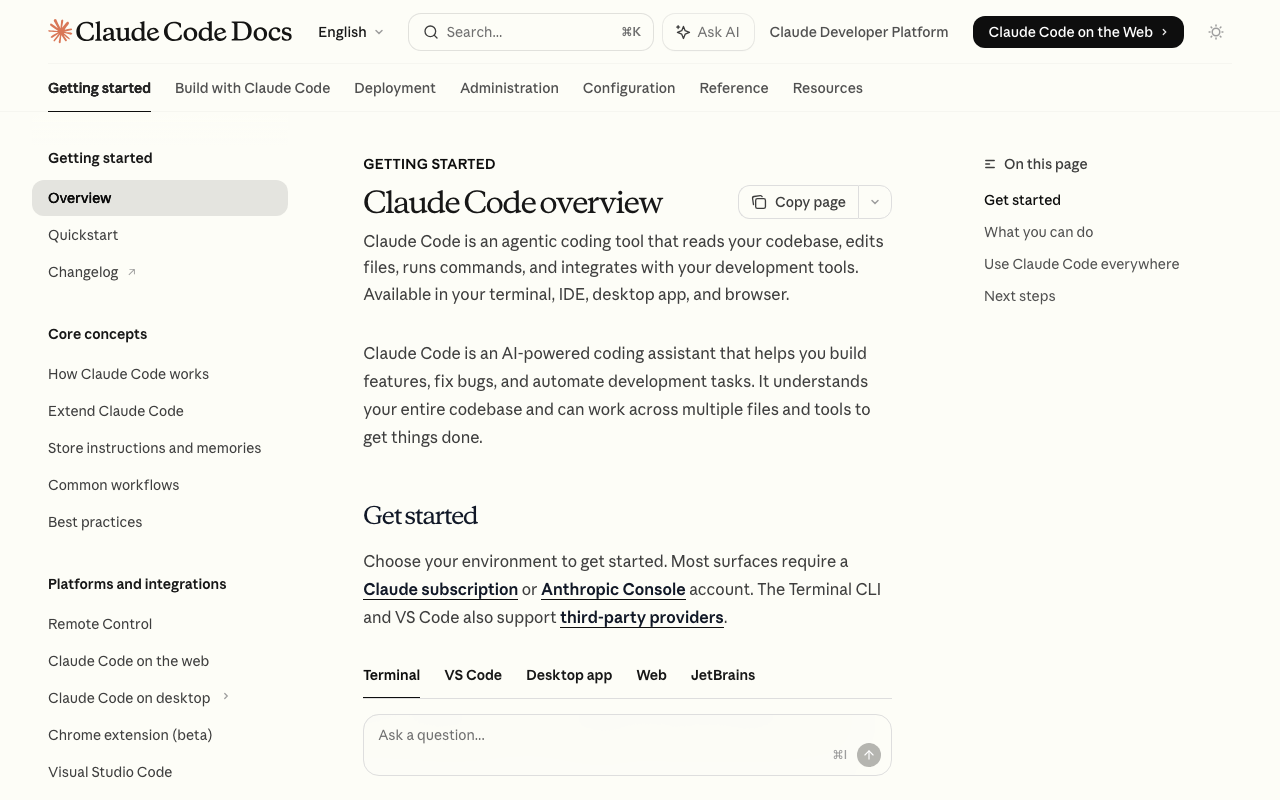
Claude Code is Anthropic’s terminal-based coding agent. It is not a traditional PR review tool - there is no GitHub app that auto-comments on your PRs. Instead, it is a power tool for deep analysis: you point it at a diff or a codebase and ask specific questions. It can trace data flows, understand architectural patterns, and reason about complex interactions in ways that automated review tools cannot match.
The trade-off is that Claude Code requires manual invocation. It is best suited for high-stakes reviews - security-sensitive changes, complex refactors, or architectural decisions where you want a thorough second opinion. You can ask it specific questions like “does this change introduce any race conditions?” or “trace the data flow from this API endpoint to the database and identify validation gaps” and get detailed, reasoned analysis.
Its usage-based pricing means you only pay for what you use, which can be dramatically cheaper than a per-seat tool if your review needs are occasional but deep. A typical code review session costs between $0.01 and $0.10 depending on the codebase size and question complexity. Claude Code handles context windows up to 200K tokens, letting it analyze entire modules or even small-to-medium repositories in a single pass.
Claude Code can also be integrated into CI/CD workflows via scripting, though this requires more setup than tools with native GitHub integrations. Teams that invest in this integration report using it as a final check on high-risk PRs before merge.
Key strengths:
- Deepest reasoning capability of any tool on this list for complex questions
- Usage-based pricing is cost-effective for occasional deep analysis
- 200K token context window handles large codebases
- Can be scripted into CI/CD pipelines for automated checks
- Excellent at tracing data flows and identifying subtle logic errors
Limitations:
- No native GitHub/GitLab integration for automatic PR comments
- Requires manual invocation or custom scripting
- Not suitable for reviewing every PR automatically
- Usage-based pricing can be unpredictable for high-volume use
Best for: Senior engineers and tech leads who need deep, reasoned analysis for critical changes. Excellent for security reviews, architecture decisions, and complex refactoring.
7. Amazon Q Developer - Best for AWS-integrated teams
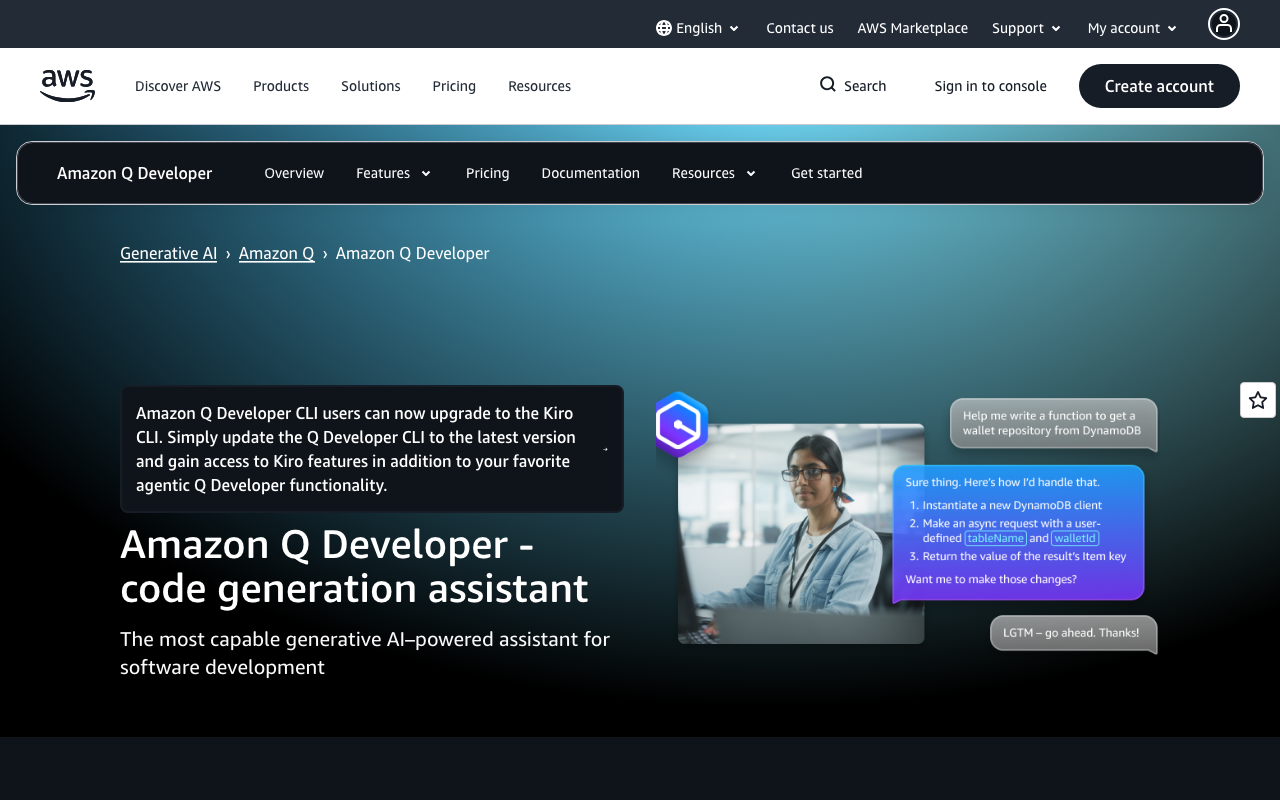
Amazon Q Developer is Amazon’s answer to GitHub Copilot, with tighter integration into AWS services. Its code review capabilities include security scanning against known vulnerability patterns, and it can flag AWS-specific anti-patterns like misconfigured IAM policies, inefficient DynamoDB queries, or insecure S3 bucket configurations.
If your infrastructure is AWS-native, Q Developer catches issues that general tools miss. It understands CloudFormation templates, CDK constructs, Terraform AWS providers, and the AWS SDK deeply. When you write a Lambda function that reads from S3, Q Developer knows the IAM permissions required and can flag missing policies before deployment. When you create a DynamoDB table, it can suggest appropriate partition key design and warn about hot partition risks.
The free tier is generous, including code completion, chat, and basic security scanning with no user limit. The Pro tier at $19/user/month adds more advanced analysis, higher rate limits, and administrative controls. This makes Q Developer the most cost-effective Copilot alternative for AWS shops - you get comparable code generation plus AWS-specific review capabilities at the same price point.
Is Amazon Q better than GitHub Copilot? For AWS-centric teams, yes. Q Developer’s understanding of AWS services, security patterns, and infrastructure-as-code is genuinely deeper than Copilot’s. For general-purpose development outside the AWS ecosystem, Copilot typically produces better suggestions across a wider range of frameworks and languages. The choice comes down to your stack.
Key strengths:
- Deepest AWS integration of any AI coding tool
- Security scanning catches AWS-specific misconfigurations
- Generous free tier with no user limit
- Understands CloudFormation, CDK, Terraform, and AWS SDK patterns
- Same price as Copilot Individual ($19/user/mo)
Limitations:
- Review capabilities outside the AWS ecosystem are average
- IDE support is narrower than Copilot’s
- Less effective for frontend or mobile development
- AWS-specific features are not useful for multi-cloud or on-premise teams
Best for: Teams whose infrastructure runs primarily on AWS. If you use Lambda, DynamoDB, S3, and CDK daily, Q Developer provides both code generation and review capabilities tailored to your stack.
8. Tabnine - Best for privacy-conscious teams
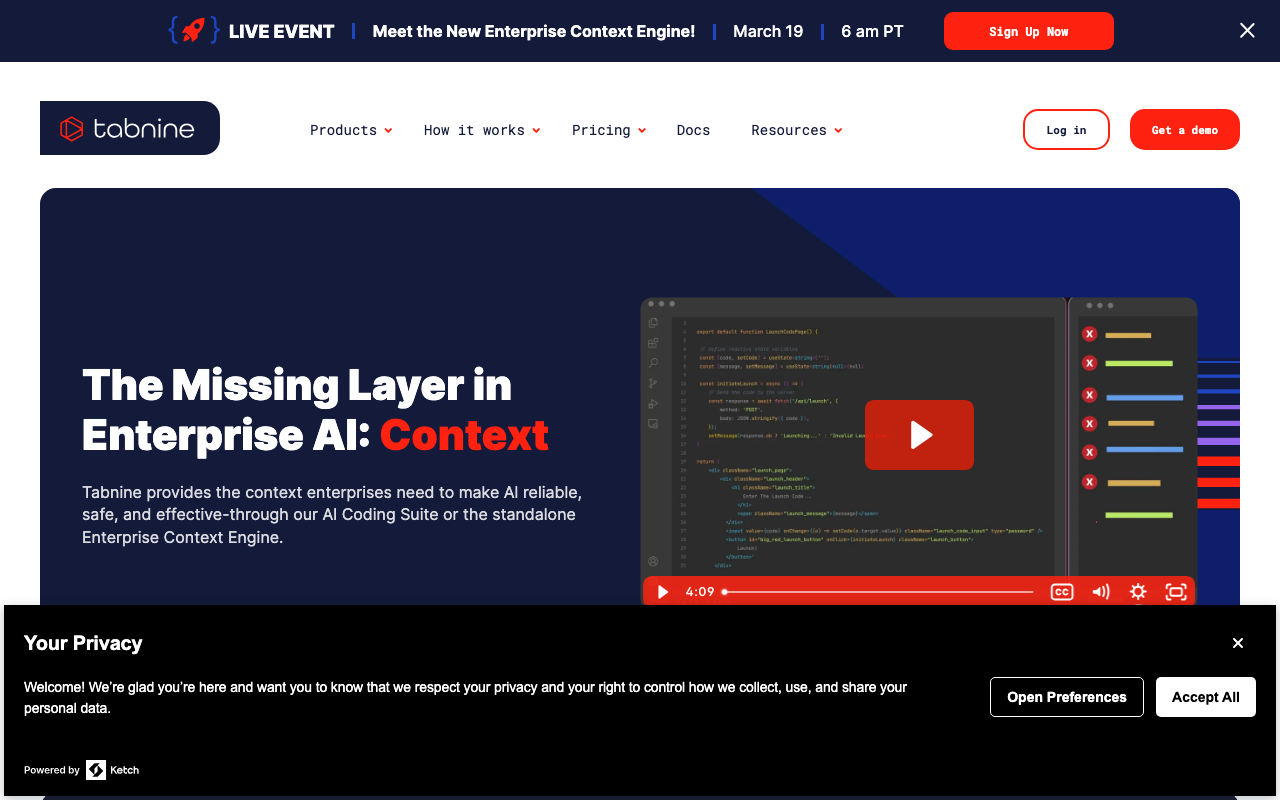
Tabnine differentiates on privacy. It offers on-premise deployment, trains models only on permissive open-source code, and never stores or learns from your proprietary code. For teams in regulated industries - healthcare, finance, defense, and government - the privacy guarantees may be non-negotiable.
Tabnine is a Copilot alternative for code generation, not review. Its code review capabilities are limited to basic suggestions during completion. At $12/user/month for the Dev plan, it is the cheapest per-seat option on this list. The Enterprise tier at $39/user/month adds self-hosted deployment, custom model training, and administrative controls.
The self-hosted option is what sets Tabnine apart for compliance-driven organizations. You deploy the model on your own infrastructure - on-premise or in your own cloud VPC - and no code ever leaves your network. This satisfies requirements that cloud-only tools like Copilot fundamentally cannot meet, including HIPAA, FedRAMP, and SOC 2 Type II with specific data residency requirements.
If you need both privacy and strong code review, the recommended approach is to pair Tabnine with a self-hosted review tool like SonarQube or a privacy-first SAST tool like Semgrep (which also offers self-hosted deployment).
Key strengths:
- Self-hosted deployment keeps all code on your infrastructure
- Trained only on permissive open-source code (no IP concerns)
- Cheapest per-seat pricing at $12/user/mo
- Strong compliance story for regulated industries
Limitations:
- Code review capabilities are the weakest on this list
- Code generation quality is generally behind Copilot and Claude Code
- Self-hosted deployment requires infrastructure investment
- IDE support has some gaps compared to Copilot
Best for: Organizations in regulated industries (healthcare, finance, defense) where data privacy and self-hosted deployment are mandatory requirements.
9. Sourcegraph Cody - Best for large-codebase search and review
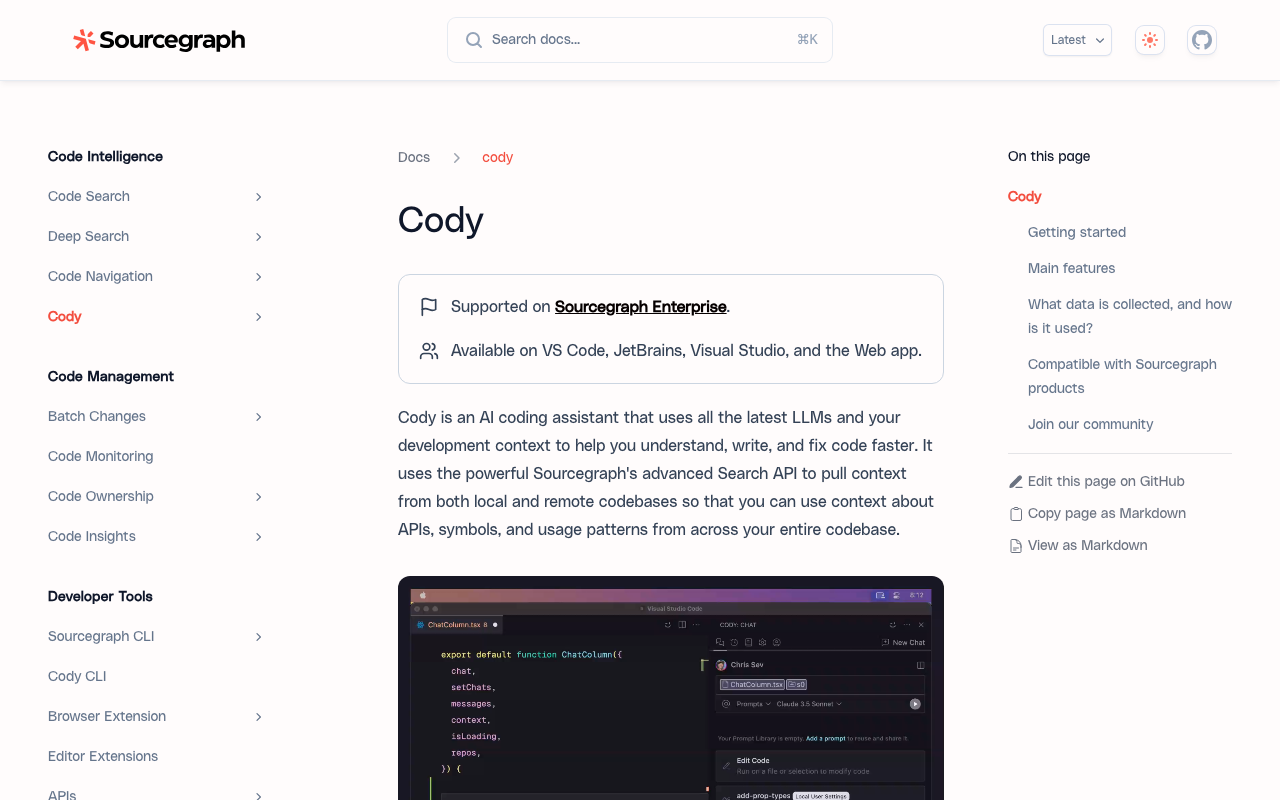
Sourcegraph Cody combines code search with AI assistance. If your organization already uses Sourcegraph for code search (and many enterprises with large monorepos do), Cody adds AI-powered review on top of that indexed knowledge. It can answer questions about your codebase, explain code, and suggest improvements with full repository context.
Cody’s advantage is Sourcegraph’s indexing infrastructure. For monorepos with millions of lines, this is significant. Cody can trace a function call through five layers of abstraction and explain the implications of changing it. It can identify every consumer of an API endpoint, find all implementations of an interface, and understand the inheritance hierarchy across hundreds of files. This depth of codebase understanding translates directly into better review quality.
The free tier covers personal use with access to multiple LLM providers (Claude, GPT-4, Gemini). Enterprise pricing is custom and typically bundles with Sourcegraph’s code search platform. For organizations that already pay for Sourcegraph, adding Cody is an incremental cost that leverages existing infrastructure.
Cody’s context engine can pull relevant code from across the entire codebase into each conversation, giving the AI model the information it needs to provide accurate, repository-specific answers. This is fundamentally different from tools that only see the current file or diff.
Key strengths:
- Leverages Sourcegraph’s enterprise code search indexing
- Traces function calls and dependencies across massive codebases
- Supports multiple LLM backends (Claude, GPT-4, Gemini)
- Context engine automatically surfaces relevant code from the entire repo
Limitations:
- Full value requires Sourcegraph enterprise investment
- Without Sourcegraph’s search infrastructure, it is a competent but unremarkable assistant
- Enterprise pricing is opaque and typically high
- Setup complexity is higher than simpler tools
Best for: Enterprise teams with large monorepos (1M+ lines) that already use or are willing to invest in Sourcegraph’s code search platform.
10. GitHub Copilot - The baseline
GitHub Copilot remains the default choice for many teams simply because it is already integrated into their GitHub workflow. Its code review features have improved steadily, with PR review capabilities, Copilot Workspace adding higher-level analysis, and the agent mode enabling multi-file changes. For teams that primarily need code generation with light review on top, it remains a solid choice.
The honest assessment is that Copilot is a good code generator and a mediocre code reviewer. It catches surface-level issues - unused imports, obvious null pointer risks, basic style violations - but consistently misses the cross-file, architectural, and security issues that dedicated review tools catch. Its PR review comments sometimes lack specificity, saying something should be “improved” without explaining how or why.
That said, Copilot’s review features have been improving. The Copilot code review feature in GitHub PR diffs can now suggest multi-line changes, and Copilot Chat can answer questions about the codebase within the IDE. For teams whose review needs are straightforward - catching typos, style issues, and obvious bugs - Copilot may be sufficient without additional tooling.
Key strengths:
- Seamless integration with GitHub and popular IDEs
- Strong code generation and autocomplete
- Copilot Workspace enables higher-level project planning
- Large and active community with extensive documentation
- Agent mode can make multi-file changes
Limitations:
- Code review is shallow compared to dedicated tools
- No codebase indexing for cross-file context
- No custom review rules or configuration
- Does not learn from your team’s review patterns
- Security analysis is basic at best
Best for: Teams that primarily need code generation and are satisfied with lightweight, surface-level review suggestions. Works well as a baseline paired with a dedicated review tool.
Is GitHub Copilot worth it anymore?
This is the question many engineering managers are asking as the competitive landscape has intensified. The honest answer is nuanced.
For code generation and autocomplete, Copilot is still worth it. The inline suggestions are fast, accurate for common patterns, and deeply integrated into VS Code and JetBrains. The time savings on boilerplate code alone justify the $19/month for most individual developers. Copilot Chat provides a convenient way to ask questions about code without leaving the IDE.
For code review, Copilot is not worth it as a standalone solution. If your primary goal is improving review quality, reducing bugs in production, or catching security issues before merge, the dedicated tools in this list deliver significantly better results. CodeRabbit, Greptile, and Sourcegraph Cody all provide deeper analysis with better accuracy.
The optimal approach for most teams is to use Copilot for generation and add a dedicated review tool. This costs more than Copilot alone but delivers a fundamentally different quality of analysis. A typical setup might be Copilot Business ($39/user/mo) plus CodeRabbit Essentials ($24/user/mo) for $63/user/mo total - roughly $750/user/year. For teams where a single production bug costs thousands in incident response, this is a clear ROI win.
Migration and switching considerations
Switching from Copilot to an alternative - or adding a complementary tool - involves several practical considerations that are often overlooked during evaluation.
Integration complexity
Most tools on this list install in under 10 minutes. GitHub-native tools like CodeRabbit, Ellipsis, and Qodo install as GitHub Apps with a few clicks. IDE-based tools like Sourcery and Tabnine install as extensions. The exception is Sourcegraph Cody, which requires Sourcegraph infrastructure, and Greptile, which needs an indexing period before delivering value.
Tip: Run a parallel evaluation. Install the new tool alongside Copilot for 2-4 weeks before making any switching decision. Most tools have free tiers or trial periods that make this feasible.
Team adoption
The biggest risk with any new tool is that developers ignore it. Tools that add noise - false positives, generic comments, or irrelevant suggestions - quickly get muted or uninstalled. Start with a small pilot team (3-5 developers) and measure both the quality of suggestions and the team’s response rate (do they actually read and act on the comments?).
CodeRabbit and Ellipsis have the smoothest adoption curves because they produce output that is immediately useful (PR summaries, specific code suggestions) without requiring developers to change their workflow. Tools that require manual invocation (Claude Code) or significant configuration (Greptile) take longer to adopt but can deliver deeper value once integrated.
Workflow impact
Consider how each tool fits into your existing review process:
- Automatic PR reviewers (CodeRabbit, Ellipsis, Qodo): These add comments to PRs automatically. Review your team’s PR notification settings to avoid alert fatigue.
- IDE-based tools (Sourcery, Tabnine, Copilot): These run during development. They can conflict with each other if multiple completion tools are active simultaneously.
- On-demand tools (Claude Code, Cody): These require intentional use. Build them into your process for specific scenarios (security reviews, complex refactors) rather than expecting developers to use them on every PR.
Cost optimization
For budget-conscious teams, here is how to maximize value:
- Start free: CodeRabbit, Sourcery, Qodo, and DeepSource all have free tiers that cover meaningful functionality. Use these first.
- Evaluate before committing: Most paid tools offer trials. Run a 30-day evaluation with your actual codebase before purchasing seats.
- Buy for roles, not headcount: Not every developer needs every tool. Senior engineers might benefit from Claude Code for deep analysis, while the whole team benefits from CodeRabbit’s automated PR review.
- Consider usage-based pricing: Claude Code’s pay-per-use model can be cheaper than per-seat pricing for teams that need deep analysis occasionally rather than continuously.
How to choose the right alternative
Selecting the right tool depends on what Copilot is not delivering for your team. Here is a decision framework organized by your primary need.
If you need deeper PR review
CodeRabbit is the clear winner. It provides the most thorough automated review with the lowest false positive rate. It works as a direct complement to Copilot - keep Copilot for generation, add CodeRabbit for review. The natural language configuration means you can customize what it looks for without learning a DSL.
If you need codebase awareness
Greptile or Sourcegraph Cody are your best options. Greptile is simpler to set up and works well for teams with 50K-500K line codebases. Cody is more powerful if you already use Sourcegraph or have monorepos exceeding 1M lines. Both provide the cross-file understanding that Copilot lacks.
If you need test coverage
Qodo fills a gap that no other tool on this list addresses as its primary function. Its test generation capabilities are genuine - not just boilerplate scaffolding but meaningful edge case coverage that reveals bugs through testing rather than static analysis.
If you need security scanning
Pair your review tool with a dedicated SAST solution. Amazon Q Developer handles AWS-specific security well. For broader application security, see our guide on Checkmarx alternatives. Semgrep and Snyk Code are strong options for developer-friendly security scanning.
If you need privacy and compliance
Tabnine for code generation, paired with a self-hosted review tool for analysis. No cloud-dependent tool can match the compliance guarantees of on-premise deployment. SonarQube Community Edition provides free, self-hosted code quality and basic security analysis.
If budget is the primary constraint
CodeRabbit and Sourcery both offer generous free tiers. Ellipsis provides lightweight automation at a reasonable price. Qodo also has a free tier for individual developers. For teams with zero budget, the combination of CodeRabbit’s free tier plus DeepSource’s free tier covers both review and code quality analysis.
Recommendation matrix
| Your Priority | Top Pick | Runner-Up | Budget Option |
|---|---|---|---|
| Best overall review | CodeRabbit | Greptile | CodeRabbit free tier |
| Test generation | Qodo | CodeRabbit | Qodo free tier |
| Large monorepos | Sourcegraph Cody | Greptile | Cody free tier |
| AWS-native stacks | Amazon Q Developer | CodeRabbit | Q Developer free tier |
| Privacy / compliance | Tabnine | Self-hosted SonarQube | SonarQube Community |
| Python-focused teams | Sourcery | CodeRabbit | Sourcery free tier |
| PR automation | Ellipsis | CodeRabbit | CodeRabbit free tier |
| Deep analysis on demand | Claude Code | Sourcegraph Cody | Claude Code (usage-based) |
What about other Copilot competitors?
Several other tools are worth mentioning briefly, even though they did not make the primary list:
- Augment Code: Backed by $252M in funding, Augment Code focuses on codebase-aware code generation with a proprietary Context Engine that indexes 100,000+ files. It is more of a direct Copilot competitor for code generation than a review tool, but its codebase awareness gives it an edge for suggestions that respect existing patterns.
- Gemini Code Assist: Google’s entry into the AI coding assistant space, built on Gemini models with a 1M token context window. Strong for Google Cloud-integrated teams, similar to how Amazon Q Developer serves AWS teams. Includes automated code review on GitHub.
- Gitar: An AI review platform that combines static analysis with LLM reasoning and applies real fixes rather than only leaving comments. It also handles CI failure analysis and automated code migrations, which makes it a fit for teams validating large volumes of AI-generated code.
- Cursor BugBot: An automated bug finder from the team behind Cursor IDE. Focuses on identifying bugs in PRs rather than style or quality issues.
Conclusion
GitHub Copilot is an excellent code generation tool that happens to have review features bolted on. For teams that need serious code review automation, the alternatives in this list deliver meaningfully deeper analysis, better security coverage, and more actionable feedback.
Our top pick is CodeRabbit for most teams. It provides the deepest automated review, learns from your codebase over time, and offers a generous free tier. The best approach for most organizations is to keep Copilot for what it does well - code generation and autocomplete - and add a dedicated review tool for what it does not.
For AWS-heavy teams, Amazon Q Developer deserves serious consideration as a full Copilot replacement. For enterprise teams with massive codebases, Sourcegraph Cody paired with Sourcegraph’s search infrastructure provides unmatched code understanding. And for teams on a tight budget, the free tiers from CodeRabbit, Sourcery, and Qodo provide meaningful review capabilities at zero cost.
The code review space is evolving fast. Tools that were shallow a year ago are adding codebase indexing and cross-file analysis. But as of early 2026, the gap between Copilot’s review capabilities and what dedicated tools offer remains significant. If code quality matters to your team, that gap is worth closing.
Further Reading
- Best AI Tools for Developers in 2026 - Code Review, Generation, and Testing
- Will AI Replace Code Reviewers? What the Data Actually Shows
- Best AI Code Review Tools for Pull Requests in 2026
- 7 Best CodeRabbit Alternatives for AI Code Review in 2026
- Best AI Code Review Tools in 2026 - Expert Picks
- SWE-bench Scores and Leaderboard Explained (2026)
 Gitar
GitarComments are not enough
Gitar applies the fix, validates it in CI, and clears the queue.
See it on your repo Read our independent Gitar reviewFrequently Asked Questions
Is anything better than GitHub Copilot?
For code review specifically, yes. Tools like CodeRabbit, Greptile, and Sourcegraph Cody provide deeper PR analysis with cross-file context, codebase indexing, and security scanning that Copilot's review features cannot match. For pure code generation, Copilot remains one of the strongest options, but alternatives like Claude Code and Amazon Q Developer are competitive depending on your stack.
Is GitHub Copilot worth it anymore?
GitHub Copilot is still worth it for code generation and autocomplete if you work primarily in VS Code or JetBrains IDEs. At $19/month for Individual or $39/month for Business, it provides solid value for day-to-day coding. However, if your primary need is code review automation, security scanning, or codebase-aware analysis, you will get significantly better results from dedicated tools like CodeRabbit or Semgrep.
Is GitHub Copilot no longer free?
GitHub Copilot offers a free tier with limited completions and chat messages per month. The Individual plan is $19/month, the Business plan is $39/user/month, and the Enterprise plan is $39/user/month with additional features like fine-tuned models and organization-wide policy management. The free tier is functional for light use but runs out quickly for full-time development.
Is Amazon Q better than GitHub Copilot?
Amazon Q Developer is better than GitHub Copilot for AWS-centric teams. It understands IAM policies, CloudFormation templates, CDK constructs, and AWS SDK patterns at a depth Copilot cannot match. Its security scanning also catches AWS-specific misconfigurations. For general-purpose code generation outside the AWS ecosystem, Copilot typically produces better suggestions across a wider range of languages and frameworks.
Can I use GitHub Copilot alternatives alongside Copilot?
Yes, and this is actually the recommended approach for most teams. Keep Copilot for code generation and autocomplete, then add a dedicated review tool like CodeRabbit or Greptile for PR analysis. These tools complement rather than conflict with each other since they solve different problems - generation vs. review.
What is the cheapest GitHub Copilot alternative with good code review?
CodeRabbit and Sourcery both offer generous free tiers that include meaningful code review capabilities. CodeRabbit's free tier covers unlimited public and private repositories with AI-powered PR review. Sourcery's free tier covers unlimited public repositories. For paid plans, Tabnine starts at $9/user/month and Sourcery at $10/user/month, though both are primarily code generation tools rather than dedicated reviewers.
Does GitHub Copilot do code review on pull requests?
GitHub Copilot has a PR review feature, but it operates at the line level and lacks deep codebase awareness. It can suggest fixes for obvious issues in a diff but does not perform cross-file analysis, track data flows, or understand how changes interact with other parts of the codebase. For thorough automated PR review, dedicated tools like CodeRabbit and Greptile provide significantly deeper analysis.
Is Claude Code better than GitHub Copilot?
Claude Code excels at deep, multi-file code analysis and terminal-based workflows where you need to understand complex codebases. It can read entire repositories and reason about architecture in ways Copilot cannot. However, Copilot offers faster inline autocomplete and tighter IDE integration. Many developers use Claude Code for complex tasks and code review while keeping Copilot for day-to-day code generation.
What is the best GitHub Copilot alternative for security scanning?
For security-focused code review, Snyk Code and Semgrep are the strongest alternatives. Snyk Code provides real-time SAST with taint analysis and auto-fix suggestions across 19+ languages. Semgrep offers customizable security rules with cross-file dataflow analysis. Neither is a direct Copilot replacement for code generation, but both far exceed Copilot's security detection capabilities.
Can I use CodeRabbit and GitHub Copilot together?
Yes, using CodeRabbit alongside GitHub Copilot is one of the most effective setups for development teams. Copilot handles code generation and autocomplete in the IDE, while CodeRabbit provides deep AI-powered review on every pull request. The tools do not conflict because they address different stages of the development workflow - writing code versus reviewing code.
What is the best GitHub Copilot alternative for enterprise teams?
For enterprise teams, the best alternatives depend on the primary need. Amazon Q Developer is ideal for AWS-centric organizations with its deep cloud integration. Tabnine offers self-hosted deployment for teams with strict data privacy requirements. CodeRabbit and Sourcegraph Cody provide enterprise-grade PR review with SOC 2 compliance. Most enterprise teams combine Copilot for generation with a dedicated review tool rather than replacing it entirely.
Is Sourcegraph Cody a good alternative to GitHub Copilot?
Sourcegraph Cody is a strong alternative for teams with large, complex codebases. It leverages Sourcegraph's code search infrastructure to provide context-aware code generation and review across massive monorepos. Its main advantage over Copilot is deep codebase understanding - it can reference code across thousands of repositories. The trade-off is that it requires Sourcegraph infrastructure, which adds setup complexity compared to Copilot's plug-and-play experience.
What GitHub Copilot alternative works best for Python developers?
Sourcery is the strongest Copilot alternative specifically for Python teams. It provides Python-focused code review with refactoring suggestions, complexity analysis, and style enforcement tailored to Pythonic conventions. For broader Python development with code generation, Amazon Q Developer and Claude Code both handle Python well. Tabnine also supports Python with privacy-first local models for teams that cannot send code to the cloud.
Explore More
Tool Reviews
 GitHub Copilot Code Review Review
 CodeRabbit Review
 Greptile Review
 Qodo Review
 Sourcery Review
 Ellipsis Review
 Claude Code Review
 Amazon Q Developer Review
 Tabnine Review
 Sourcegraph Cody Review
Free Newsletter
Stay ahead with AI dev tools
Weekly insights on AI code review, static analysis, and developer productivity. No spam, unsubscribe anytime.
Join developers getting weekly AI tool insights.
Related Articles
8 Best CodeRabbit Alternatives for AI Code Review in 2026
Looking beyond CodeRabbit? Compare 8 top AI code review alternatives with real features, pricing, honest pros/cons, and team recommendations.
February 17, 2026
alternativesQodo AI Alternatives: 11 Best AI Test Gen Tools
Compare 11 Qodo alternatives for AI test generation and code review. Real pricing, feature comparisons, and honest trade-offs for each tool.
March 3, 2026
alternativesSourcery AI Alternatives: 10 Best Code Quality Tools in 2026
Compare 10 Sourcery alternatives for AI code review, Python linting, and code quality. Features, pricing, and honest recommendations.
March 17, 2026