10 Best DeepSource Alternatives for Code Quality (2026)
Looking beyond DeepSource for code quality? Compare 10 alternatives with real pricing, feature matrices, deeper analysis, and stronger security. Find the right tool for your team.
Published:
Last Updated:
When to consider DeepSource alternatives
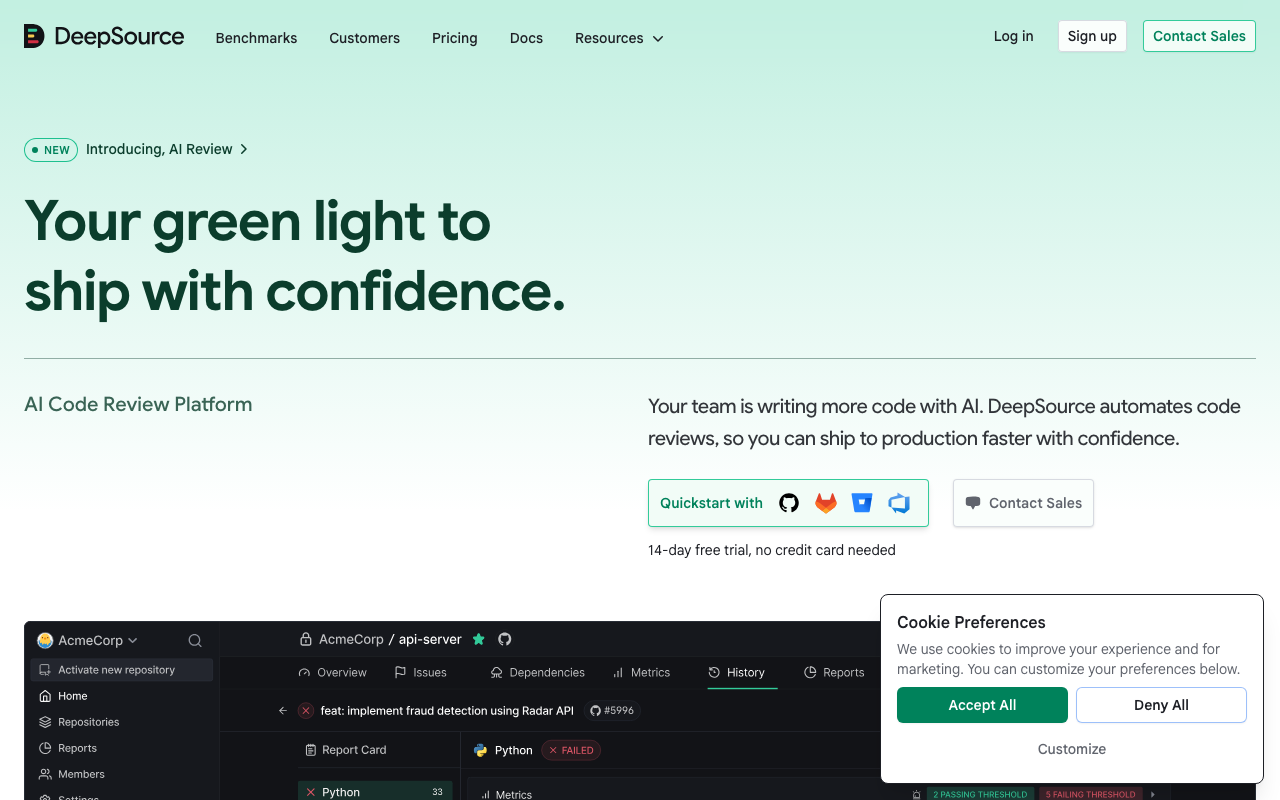
DeepSource is a solid code quality platform with a clean interface, fast analysis, and a generous free tier. For many small teams, it is the right choice - simple to set up, low noise, and effective at catching common issues. The auto-fix feature that generates one-click remediations is genuinely useful and saves developer time on routine code quality improvements. But as teams grow and requirements evolve, several limitations become apparent that push teams toward alternatives.
Language coverage gaps are the most common trigger. DeepSource supports around 12 languages well - Python, JavaScript, TypeScript, Go, Ruby, Java, Rust, C#, Kotlin, PHP, Scala, and Swift. That covers the majority of mainstream development, but teams working with C, C++, Dart, Elixir, R, MATLAB, or domain-specific languages will find no coverage. If your polyglot codebase outgrows DeepSource’s language list, you either maintain a second tool for unsupported languages or migrate entirely. This fragmented workflow is a significant pain point for platform engineering teams trying to standardize quality practices.
Security analysis depth is another inflection point. DeepSource catches common vulnerability patterns - injection, XSS, insecure deserialization, hardcoded credentials - but it does not perform cross-function taint analysis or track data flows through complex call chains the way dedicated SAST tools do. For example, DeepSource will flag a raw SQL query using string concatenation, but it may miss a SQL injection where user input flows through three helper functions before reaching the query builder. For teams with growing security requirements or compliance obligations, DeepSource’s analysis depth may not satisfy security auditors or penetration testers.
Custom rule authoring is not available. DeepSource’s rule set is curated by their team but not extensible by users. Teams with organization-specific coding standards, internal API usage patterns, or framework-specific best practices have no way to encode these as analyzable rules. Tools like Semgrep, SonarQube, and Codacy all support custom rules in various forms, which is essential for teams that want to enforce standards beyond generic best practices.
Enterprise features trail behind competitors. DeepSource’s team management, SSO/SAML integration, audit logging, and role-based access controls are not as mature as tools designed for large organizations from the start. For teams above 30-50 developers, the governance and administrative capabilities may not meet enterprise procurement requirements.
Monorepo support adds complexity. When managing multiple services with different quality standards in a single repository, DeepSource’s configuration becomes harder to maintain. Each project within a monorepo may need different rule sets, severity thresholds, and suppression lists, and DeepSource’s configuration model handles this less gracefully than tools like SonarQube or Semgrep that were designed with monorepo workflows in mind.
Integration depth with external systems varies. Teams that need deep integrations with Jira, Linear, PagerDuty, security dashboards, or custom CI/CD workflows may find DeepSource’s integration options more limited than alternatives. While it covers the basics (GitHub, GitLab, Bitbucket), the breadth of third-party integrations is narrower than SonarQube’s or Codacy’s ecosystem.
This guide reviews 10 alternatives that address these gaps, from free open-source tools to enterprise platforms with comprehensive feature sets. Each tool is evaluated on its specific strengths relative to DeepSource, with real pricing and practical migration guidance.
Feature comparison table
| Tool | Best For | Languages | Security Analysis | Custom Rules | Auto-Fix | Free Tier | Starting Price |
|---|---|---|---|---|---|---|---|
| SonarQube | Enterprise code quality | 35+ | Yes (SAST) | Yes | Limited | Yes | Free / $2,500/yr |
| Codacy | Multi-language teams | 40+ | Yes | Yes (via engines) | No | Yes | $15/user/mo |
| Semgrep | Custom security rules | 30+ | Yes (deep SAST) | Yes (primary feature) | No | Yes | $35/contributor/mo |
| Qlty | All-in-one code quality | 20+ | Partial | Yes (via plugins) | Yes | Yes | Custom |
| CodeRabbit | AI-powered PR review | 20+ | Yes | Yes (natural language) | Yes | Yes | $24/user/mo |
| Qodana | JetBrains IDE users | 15+ | Yes | Yes (inspections) | Yes | Yes | $5/contributor/mo |
| CodeScene | Behavioral code analysis | 20+ | No | No | No | Yes (OSS) | Custom |
| Pixee | Automated code fixes | 5+ | Yes | No | Yes (primary feature) | Yes | Custom |
| Snyk Code | Security-focused quality | 19+ | Yes (AI-powered) | Yes (custom rules) | Yes | Yes | $25/dev/mo |
| DeepSource | Simple code quality | 12+ | Basic | No | Yes | Yes | $12/user/mo |
Pricing comparison
Cost is often a deciding factor when evaluating DeepSource alternatives. Here is how the tools compare across typical team sizes.
| Tool | 5 Developers | 15 Developers | 30 Developers | 50 Developers |
|---|---|---|---|---|
| DeepSource | $60/mo | $180/mo | $360/mo | $600/mo |
| SonarQube Cloud Team | ~$30/mo | ~$100/mo | ~$200/mo | ~$400/mo |
| SonarQube Developer (self-hosted) | $208/mo | $208/mo | $208/mo | $208/mo |
| Codacy | $75/mo | $225/mo | $450/mo | $750/mo |
| Semgrep Team | $175/mo | $525/mo | $1,050/mo | $1,750/mo |
| CodeRabbit Pro | $120/mo | $360/mo | $720/mo | $1,200/mo |
| Qodana | $25/mo | $75/mo | $150/mo | $250/mo |
| Snyk Code Team | $125/mo | $375/mo | $750/mo | $1,250/mo |
Note: Pricing is approximate based on publicly available information. SonarQube Developer Edition is priced by lines of code, not users - the $2,500/year price covers up to 500K LOC regardless of team size. CodeScene, Pixee, and Qlty use custom pricing that is not published. All prices exclude annual discount savings.
Detailed reviews
1. SonarQube - Best for enterprise code quality

Rating: 4.5 | Free Community Build | $2,500/year (Developer Edition)
SonarQube is the industry standard for code quality analysis. It supports over 35 languages, offers deep customization of quality profiles and gates, and runs on-premises or in the cloud (via SonarCloud). For teams that need comprehensive quality governance - enforcing standards across dozens of repositories, tracking quality trends over time, and gating releases on quality metrics - SonarQube is the most mature option available.
SonarQube’s quality gate concept is its defining feature. You define pass/fail criteria (e.g., “no new critical bugs, coverage above 80%, no security hotspots, maintainability rating A”) and every analysis run produces a clear pass or fail verdict. This integrates into CI/CD pipelines to block merges that degrade quality. DeepSource has a similar concept, but SonarQube’s implementation is more granular, supports more conditions, and is better supported by enterprise workflows with role-based permissions and audit trails.
The rule database is the deepest in the industry. With 6,500+ rules across 35+ languages, SonarQube covers more code patterns than any other tool on this list. Each rule includes detailed documentation with compliant and non-compliant examples, CWE/OWASP mappings for security rules, and configurable parameters. This depth means that SonarQube typically surfaces more findings than DeepSource, which can be both a strength (catching more issues) and a challenge (requiring more triage).
SonarQube’s 2025 security additions narrowed the gap with dedicated AppSec tools. The Advanced Security tier now includes SCA with dependency vulnerability scanning, SBOM generation, and malicious package detection. While still not as deep as Semgrep or Snyk on security analysis, SonarQube is no longer purely a code quality tool - it provides meaningful security coverage for teams that do not need dedicated SAST.
Where it falls short of DeepSource: Setup complexity is significantly higher. Self-hosted SonarQube requires a database, compute resources, and ongoing maintenance. The Community Build lacks branch analysis and PR decoration, which means you need the paid Developer Edition ($2,500/year) for PR-level feedback - a feature DeepSource includes in its free tier. Auto-fix capabilities are limited compared to DeepSource’s one-click remediation. The interface, while functional, is not as clean as DeepSource’s modern UI.
Migration from DeepSource: SonarQube supports all of DeepSource’s languages plus 23+ additional ones. The migration path is straightforward - connect your repositories, configure quality profiles (or use the default Sonar way profile), and run an initial analysis. Expect a higher finding count initially because SonarQube’s rule set is larger. Plan to spend time tuning quality profiles by disabling rules that do not align with your team’s standards.
Best for: Teams above 20 developers that need enterprise governance, quality gates, and the deepest rule coverage available. Especially strong for organizations with regulatory requirements that need audit trails and compliance reporting.
2. Codacy - Best for polyglot teams
Rating: 4.3 | Free for open-source | $15/user/month
Codacy supports over 40 programming languages, making it the broadest code quality platform on this list. It combines static analysis from multiple engines (including ESLint, Pylint, PMD, Semgrep, and others) into a unified dashboard with consistent severity ratings and tracking. For teams working across many languages, Codacy eliminates the need to configure and maintain separate tools for each.
Codacy’s multi-engine approach means you get best-of-breed analysis per language. Instead of building analyzers from scratch for every language, Codacy orchestrates established tools and normalizes their output into a single consistent reporting format. This means Python code is analyzed by Pylint and Bandit (proven Python tools), JavaScript by ESLint, Java by PMD and SpotBugs, and so on. The PR integration is solid, with inline comments and quality metrics in the merge request that give developers immediate feedback without leaving their workflow.
The coverage dashboard provides portfolio-level visibility. Codacy tracks code quality metrics across all repositories in your organization, with trend lines showing whether quality is improving or degrading over time. This portfolio view is more comprehensive than DeepSource’s per-repository approach and helps engineering leaders identify which codebases need attention.
Where it falls short of DeepSource: The multi-engine approach introduces inconsistency - findings from different engines have different confidence levels and different fix recommendations. Analysis can be slower than DeepSource’s purpose-built engine on large repositories because Codacy is orchestrating multiple tools rather than running a single optimized scanner. Auto-fix is not available, so developers must manually remediate every finding. At $15/user/month, it costs more than DeepSource’s $12/user/month with arguably less polish on the developer experience.
Migration from DeepSource: Codacy supports all of DeepSource’s languages and 28+ additional ones. The migration is straightforward - connect your repositories and select which analysis engines to enable per language. Codacy’s biggest advantage over DeepSource in migration is that polyglot teams can consolidate from multiple tools into one. The main adjustment is learning to navigate findings from different engines with different naming conventions and severity scales.
Best for: Teams working across 4+ programming languages that need unified quality analysis without maintaining separate tools per language. Especially strong for organizations with legacy codebases spanning multiple technology generations.
3. Semgrep - Best for custom rule authoring
Rating: 4.6 | Free for up to 10 contributors | $35/contributor/month
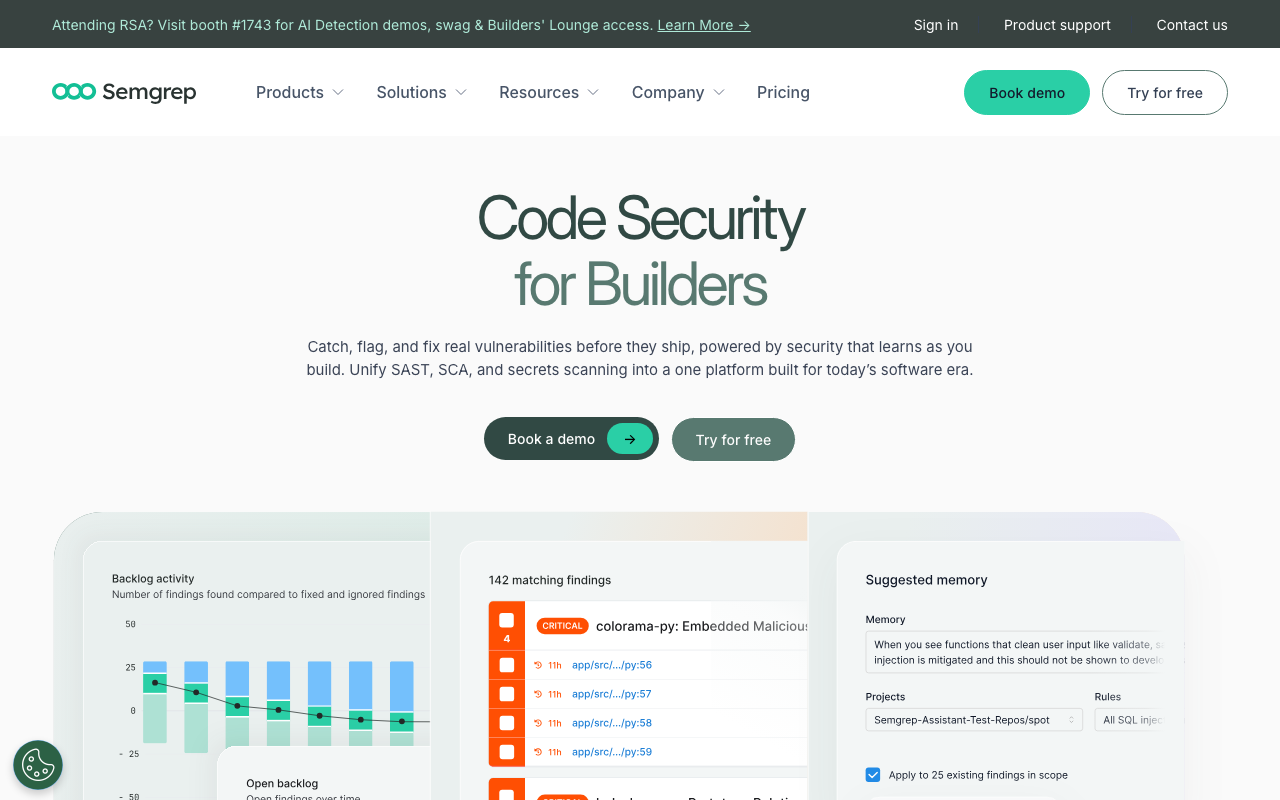
Semgrep is fundamentally a different kind of tool than DeepSource. Where DeepSource provides a curated set of rules that cover common patterns, Semgrep is a rule engine that lets you write exactly the analysis you need. If your team has specific patterns to enforce - “never call this deprecated internal API,” “all database queries must use parameterized statements,” “service-to-service calls must include a correlation ID” - Semgrep lets you express these as rules that run on every commit.
The rule syntax is Semgrep’s breakthrough. Rules look like the code they match, so a Python developer can write a security or quality rule in minutes without learning a DSL. For example, to detect direct use of os.system() instead of subprocess.run(), you write a rule that literally looks like the code pattern you want to flag. The open-source engine includes 1,500+ community rules, and the Pro tier adds cross-file taint tracking, secrets detection, and supply chain scanning with 20,000+ rules.
Semgrep’s security depth far exceeds DeepSource’s. Cross-file taint analysis traces data flows from user input to dangerous sinks across function boundaries, files, and even module boundaries. This catches SQL injection through three layers of helper functions, SSRF via URL utility classes, and XSS through template pipelines - vulnerability patterns that DeepSource’s pattern-matching approach misses. For teams with growing security requirements, Semgrep bridges the gap between code quality analysis and dedicated SAST.
The AI-powered Semgrep Assistant changes the triage workflow. Instead of manually reviewing every finding, the Assistant automatically triages findings, classifying them as true positives or false positives with a 95% agreement rate from security researchers. This handles approximately 60% of triage work, freeing developers and security engineers to focus on findings that require human judgment.
Where it falls short of DeepSource: Semgrep is not a traditional code quality tool. It lacks a quality dashboard, technical debt tracking, maintainability metrics, code coverage integration, and the general “code health” overview that DeepSource provides. There is no auto-fix capability - findings require manual remediation. The learning curve for writing custom rules is low but nonzero, and teams that just want out-of-the-box code quality analysis will find DeepSource more immediately useful.
Migration from DeepSource: Semgrep is not a direct DeepSource replacement - it is a different category of tool. Teams migrating typically pair Semgrep with a code quality platform (SonarQube, Codacy, or Qodana) to cover both security and quality. The migration makes sense when security requirements have outgrown DeepSource’s capabilities and the team wants to codify organization-specific patterns. See our Checkmarx alternatives guide for more on Semgrep’s security capabilities.
Best for: Teams that need custom rule authoring, deep security analysis, or organization-specific pattern enforcement. Best used alongside a code quality platform for comprehensive coverage.
4. Qlty - Best emerging all-in-one platform
Rating: 4.2 | Free for open-source | Custom pricing for teams
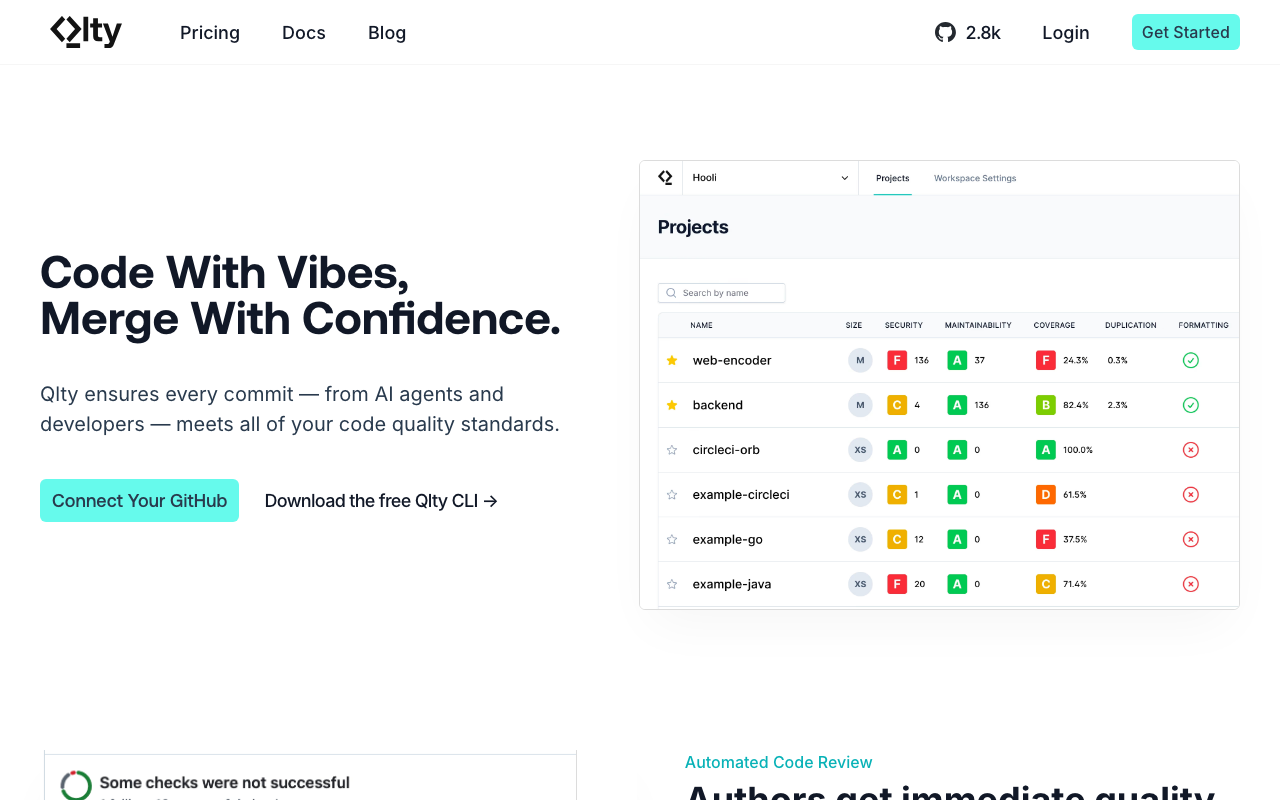
Qlty (pronounced “quality”) is a newer code quality platform that aggregates analysis from multiple linters and static analysis tools into a single unified experience. It aims to be the “one tool to rule them all” for code quality - combining linting, formatting, security scanning, and metrics into a single CLI and dashboard.
Qlty’s plugin architecture is its differentiator. It wraps existing tools (ESLint, Ruff, Clippy, GoVet, and dozens more) into a consistent configuration and reporting layer. You get specialized tool depth with single-platform simplicity. Auto-fix leverages each underlying tool’s capabilities, so fixes are generated by the same engines developers already trust.
The CLI-first approach appeals to teams that prefer local development workflows. Qlty runs locally before code is pushed, catching issues before they enter the PR review cycle. This is faster feedback than waiting for CI-based analysis, and it reduces noise in PR reviews because many issues are caught and fixed before the PR is created. DeepSource’s analysis runs in CI, which means feedback arrives later in the workflow.
Where it falls short of DeepSource: Qlty is still maturing compared to established platforms. The dashboard and reporting capabilities are less polished than DeepSource’s clean interface. Language support (20+) exceeds DeepSource’s (12+) but does not match SonarQube’s or Codacy’s breadth. Security analysis is partial - Qlty surfaces findings from security-focused plugins but does not have dedicated SAST capabilities like taint analysis. Enterprise features like SSO, audit logging, and team management are in earlier stages of development.
Migration from DeepSource: Qlty supports all of DeepSource’s languages and adds several more. The main benefit of migrating is the CLI-first workflow that catches issues before push, combined with the plugin architecture that gives access to specialized tools per language. The main risk is that Qlty is a younger platform with a smaller user base and less proven stability at scale.
Best for: Teams frustrated by DeepSource’s language limits but not ready for SonarQube’s complexity. Especially compelling for teams that prefer CLI-based workflows over web-dashboard-centric tools.
5. CodeRabbit - Best for AI-powered review

Rating: 4.5 | Free for open-source | $24/user/month (Pro)
CodeRabbit is not a traditional code quality tool - it is an AI-powered code review platform that analyzes pull requests with deep contextual understanding. Where DeepSource runs static analysis rules against your code, CodeRabbit reads your PR like an experienced reviewer would: understanding intent, checking for logical errors, evaluating design decisions, and suggesting improvements that rules-based tools cannot express.
CodeRabbit catches issues that static analysis misses entirely. Inconsistent error handling across related functions. Suboptimal abstractions that will cause maintenance problems. Potential performance issues based on cross-module interactions. Missing edge cases in conditional logic. N+1 query patterns in ORM code. These are the kinds of issues that experienced human reviewers catch but that no rule-based tool can detect, because they require understanding context, intent, and design patterns rather than matching syntax patterns.
The natural language configuration is uniquely powerful. Instead of configuring rules through JSON or YAML, you can tell CodeRabbit in plain English what your team cares about: “Flag any error that is caught and silently ignored,” “Check that all API endpoints have rate limiting,” or “Ensure all database transactions have proper rollback handling.” CodeRabbit translates these instructions into review criteria that apply to every PR. This makes it accessible to team leads who are not familiar with static analysis configuration.
CodeRabbit learns from your codebase over time. As it reviews more PRs in your repository, it builds an understanding of your team’s patterns, naming conventions, and architectural decisions. This means reviews become more relevant and less generic over time, unlike static analysis tools that apply the same rules regardless of project context.
Where it falls short of DeepSource: CodeRabbit does not provide the baseline quality metrics that DeepSource offers - no quality dashboards, no maintainability scores, no technical debt quantification, no trend tracking over time. It is a PR review tool, not a codebase health monitoring tool. The AI-powered analysis means reviews are not deterministic - the same code can receive different feedback depending on context, which makes it harder to enforce consistent standards. At $24/user/month, it is more expensive than DeepSource’s $12/user/month.
Migration from DeepSource: CodeRabbit is best used alongside a traditional quality tool rather than as a complete replacement. The recommended migration path is to replace DeepSource with a rules-based tool (SonarQube, Codacy, or Qodana) for baseline metrics and quality gates, then add CodeRabbit for intelligent PR review. This gives you the best of both approaches: deterministic rule enforcement plus contextual AI review.
Best for: Teams that want code review depth beyond what any rules-based tool can provide. Best used alongside a traditional quality tool for the most complete coverage.
6. Qodana - Best for JetBrains ecosystem
Rating: 4.4 | Free for open-source | $5/active contributor/month
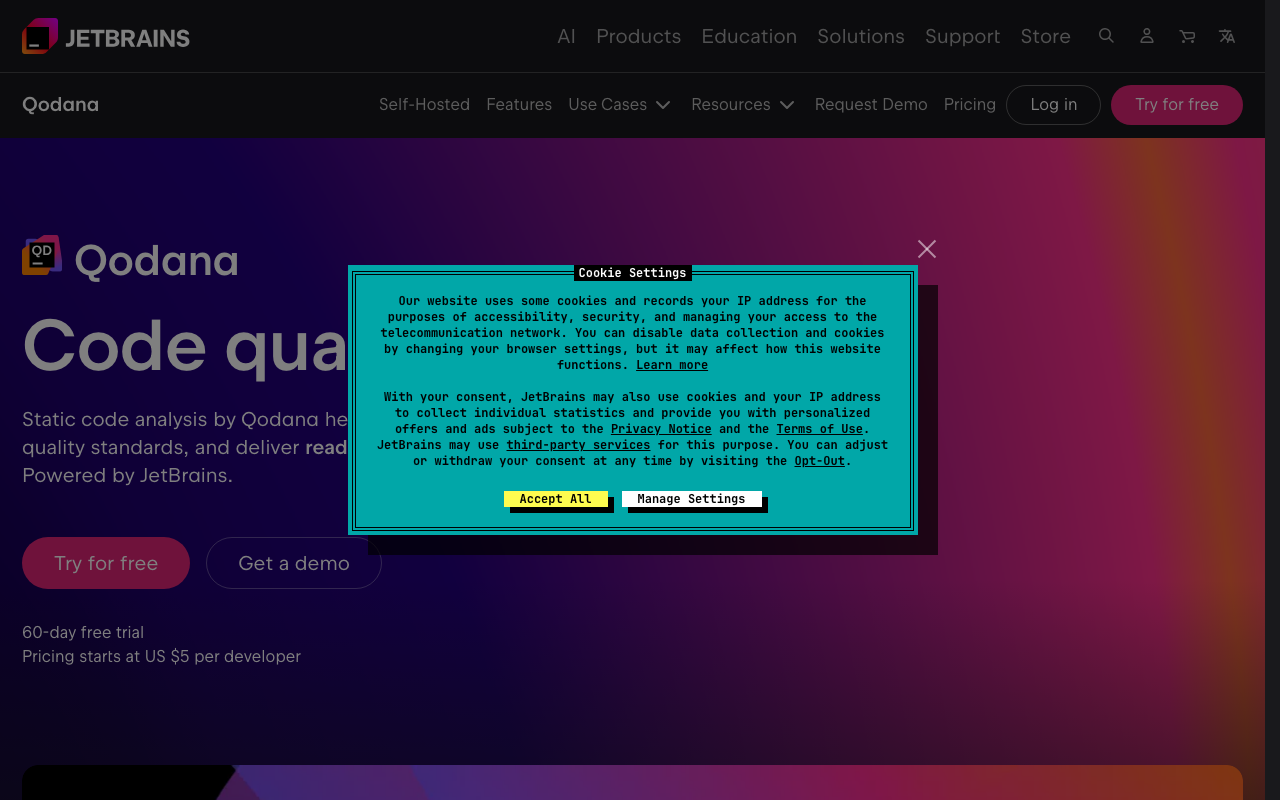
Qodana is JetBrains’ code quality platform, built on the same inspection engine that powers IntelliJ IDEA, PyCharm, WebStorm, and other JetBrains IDEs. If your team uses JetBrains IDEs, Qodana provides perfect consistency between what developers see in their editor and what runs in CI - the same inspections, the same severity levels, the same fixes.
The JetBrains integration is Qodana’s compelling advantage. Developers can suppress or configure inspections in their IDE, and those configurations propagate to CI automatically. When a developer sees a warning in IntelliJ, it is exactly the same warning that Qodana will flag in the PR check. This eliminates the friction of having one set of rules in the editor and a different set in CI, which is a common complaint with tools like DeepSource where local development feedback and CI feedback can diverge.
Qodana’s language analysis depth matches JetBrains’ IDE quality. For Java, Kotlin, Python, JavaScript, TypeScript, PHP, Go, and C# - the languages where JetBrains has dedicated IDEs - the inspection quality is among the best available. JetBrains’ deep understanding of language semantics, framework-specific patterns, and best practices translates directly into Qodana’s analysis. The Java inspections in particular are more thorough than DeepSource’s, covering null safety, resource management, concurrency issues, and framework-specific anti-patterns.
At $5/active contributor/month, Qodana is the cheapest paid option on this list. That is less than half of DeepSource’s $12/user/month and significantly less than Codacy ($15) or CodeRabbit ($24). For JetBrains-using teams, Qodana provides better analysis at a lower price point - making it arguably the best value alternative to DeepSource.
Where it falls short of DeepSource: Qodana’s value is tied to JetBrains IDE adoption. Teams using VS Code, Neovim, or other editors lose the IDE-CI consistency that makes Qodana compelling, and the standalone CI analysis - while still good - is not differentiated enough to justify switching from DeepSource. Language support (15+) is narrower than DeepSource’s for languages outside JetBrains’ core focus. The dashboard is functional but less polished than DeepSource’s modern UI.
Migration from DeepSource: If your team already uses JetBrains IDEs, migration is straightforward and the benefits are immediate. Enable Qodana in your CI pipeline, and developers will see the same inspections in their IDE and in PR reviews. If your team uses mixed editors, the value proposition weakens. Plan for an initial period of tuning where you disable inspections that are too noisy for your codebase.
Best for: Teams that use JetBrains IDEs (IntelliJ, PyCharm, WebStorm, GoLand, PhpStorm, Rider) and want seamless IDE-to-CI quality consistency at the lowest price point available.
7. CodeScene - Best for behavioral code analysis
Rating: 4.3 | Free for open-source | Custom pricing for commercial use
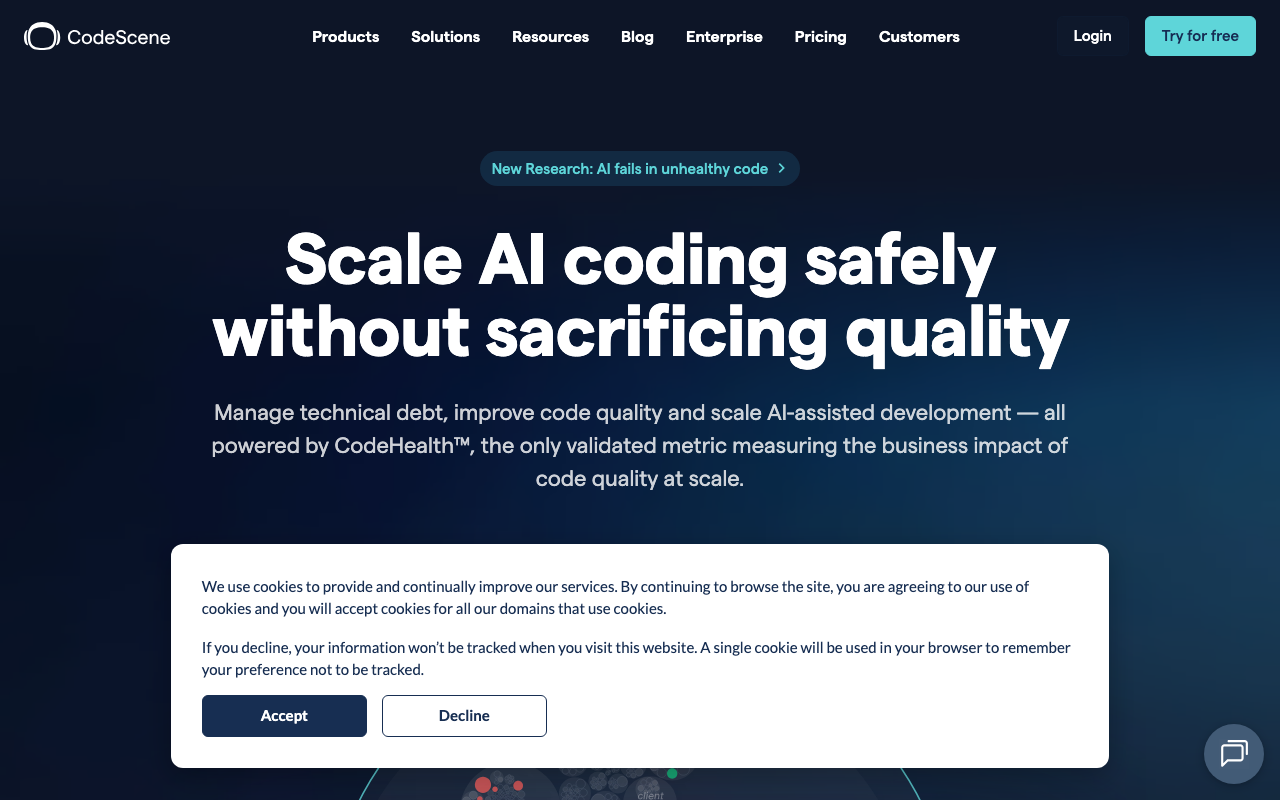
CodeScene takes a completely different approach to code quality. Instead of analyzing code syntax, it analyzes code behavior - how code evolves over time, which files change together, where knowledge silos exist, and which components carry the highest technical debt risk based on change frequency and complexity trends.
CodeScene answers questions no other tool on this list can. Which module is most likely to cause incidents based on change patterns and complexity trends? Where are the knowledge silos - code that only one developer understands? Which components have the highest coordination cost, requiring changes across multiple teams? Where should refactoring effort go for maximum ROI? These behavioral insights complement static analysis with a strategic view that syntax-level tools like DeepSource miss entirely.
The hotspot analysis is CodeScene’s most actionable feature. By overlaying code complexity with change frequency, CodeScene identifies the files and modules where improvement efforts will have the greatest impact. A complex file that never changes is low priority. A moderately complex file that changes daily is a hotspot where refactoring reduces bugs, speeds up development, and improves team velocity. No other tool on this list provides this kind of data-driven refactoring guidance.
CodeScene’s team dynamics analysis adds organizational context. It tracks which developers contribute to which parts of the codebase, identifies knowledge concentrations (bus factor analysis), and flags code ownership gaps. This is especially valuable for engineering managers planning team growth, reorgs, or onboarding - information that purely technical tools like DeepSource cannot provide.
Where it falls short of DeepSource: CodeScene does not flag individual bugs, security vulnerabilities, or code style violations. It does not suggest fixes or generate auto-fix PRs. It is a strategic analysis tool, not a tactical code quality scanner. Teams that need line-level findings, PR-level feedback, and auto-fix capabilities will not find these in CodeScene. The analysis requires git history, so new projects with limited history produce less useful insights.
Migration from DeepSource: CodeScene is not a DeepSource replacement - it is a complement. The recommended approach is to keep a tactical code quality tool (DeepSource, SonarQube, or Codacy) for finding-level analysis and add CodeScene for strategic insights about where to focus quality improvement efforts. Together, they answer both “what is wrong with this code?” and “which code matters most to fix?”
Best for: Engineering leaders and platform teams that need strategic visibility into codebase health, knowledge distribution, and technical debt prioritization. Best used alongside a traditional code quality tool.
8. Pixee - Best for automated code improvement
Rating: 4.2 | Free for open-source | Custom pricing for commercial use
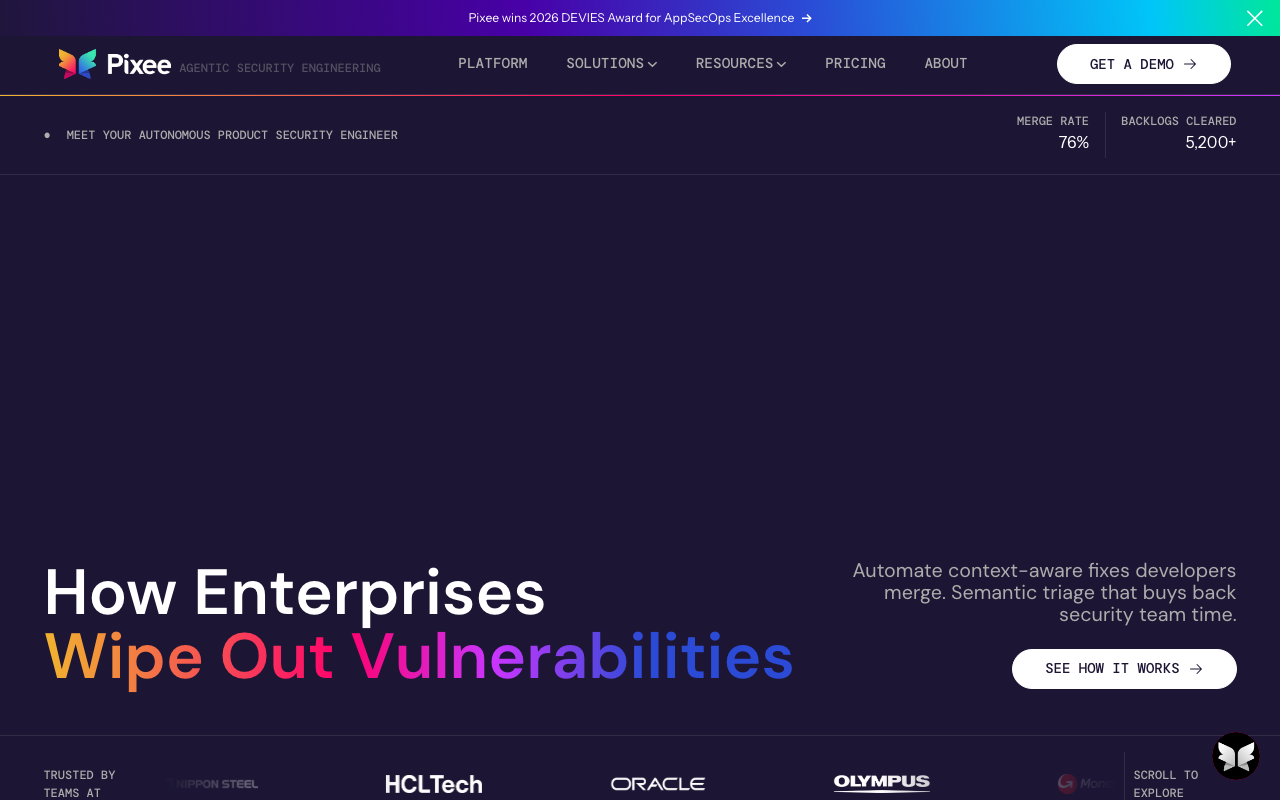
Pixee focuses on one thing: automatically fixing code quality and security issues. Instead of generating a list of findings for developers to manually address, Pixee generates pull requests that fix the issues directly. It detects common vulnerability patterns, code smells, and anti-patterns, then produces clean, tested fixes that developers review and merge.
Pixee’s auto-fix approach directly addresses “findings fatigue.” Most quality tools - including DeepSource - generate more findings than teams can address, leading to ignored dashboards and growing backlogs. Pixee inverts the workflow: instead of a list of problems, developers receive solution PRs with clear explanations of each fix and its impact. Each PR includes before/after comparisons, links to relevant security advisories, and test coverage verification.
The fix quality is Pixee’s make-or-break differentiator. Unlike AI-generated fixes that may introduce new issues, Pixee uses deterministic transformation rules that produce predictable, tested fixes. For supported patterns, the fixes are equivalent to what an experienced developer would write - not creative AI suggestions, but proven remediation patterns applied consistently. This deterministic approach means teams can trust the fixes without extensive manual review.
Pixee integrates with existing scanning tools. It consumes findings from SonarQube, Semgrep, Snyk, and other scanners, then generates fixes for the issues those tools identify. This means you do not have to replace your existing quality tool to benefit from Pixee - you can add it on top of your current scanning pipeline to automate the remediation step.
Where it falls short of DeepSource: Language support is narrower - Pixee currently supports Java and Python with expanding coverage. It does not provide quality dashboards, trend tracking, or the comprehensive code health overview that DeepSource offers. The fix-only approach means it is not a standalone code quality platform - you need another tool for detection, metrics, and monitoring. Custom pricing for commercial use makes cost comparison difficult.
Migration from DeepSource: Pixee is not a DeepSource replacement. It is a remediation accelerator that pairs with a detection tool. The recommended approach is to use a detection platform (SonarQube, Codacy, or DeepSource itself) for finding issues, and add Pixee for automatic fix generation on supported languages and patterns. This is especially valuable for teams with large backlogs of unfixed findings.
Best for: Teams drowning in a backlog of findings that never get fixed, especially Java and Python teams. Best used as an addition to an existing quality tool, not as a replacement.
9. Snyk Code - Best for security-focused code quality
Rating: 4.5 | Free tier available | $25/developer/month (Team)
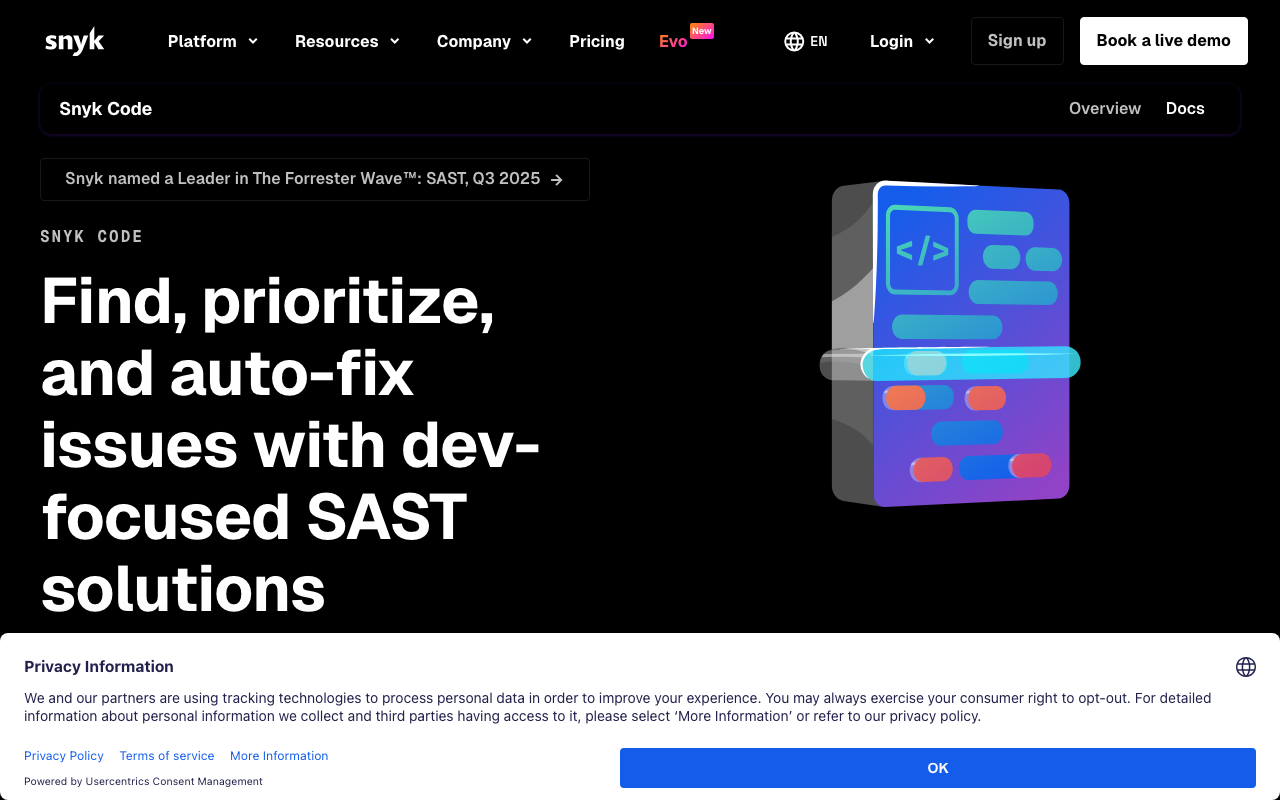
Snyk Code is primarily a SAST tool, but its analysis covers enough code quality territory to replace DeepSource for teams where security is the primary concern. It uses machine learning trained on millions of data flow cases to detect vulnerability patterns with low false positive rates, and its IDE integration provides real-time feedback as developers write code.
Snyk Code’s data flow analysis goes far deeper than DeepSource’s security checks. It tracks tainted input through function calls, assignments, transformations, and module boundaries to find where user-controlled data reaches dangerous sinks. This catches SQL injection through layers of indirection, SSRF via URL helpers, and XSS through template pipelines - vulnerability patterns that require understanding data flow, not just pattern matching. DeepSource catches the obvious cases (direct string concatenation in SQL queries), but Snyk catches the complex ones (user input flowing through a sanitization function that does not actually sanitize for the specific context).
The DeepCode AI engine powers both detection and remediation. Trained on over 25 million data flow cases from open-source repositories, the AI generates fix suggestions that are based on real-world remediation patterns, not generic templates. This means fixes account for the specific framework, library version, and coding patterns in your codebase. The auto-fix capability is more targeted than DeepSource’s for security-specific issues.
Snyk’s broader platform adds SCA, container, and IaC scanning. Beyond SAST, Snyk covers open-source dependency vulnerabilities (SCA), container image scanning, and Infrastructure as Code (IaC) misconfiguration detection. For teams that want to consolidate security scanning into a single platform, Snyk provides breadth that DeepSource does not offer at all.
Where it falls short of DeepSource: Code quality analysis (style, complexity, maintainability, code smells) is thinner - Snyk is a security tool first, and its quality coverage is a secondary benefit. No quality dashboards, no technical debt tracking, no maintainability metrics. Language support (19+) exceeds DeepSource’s but with less depth on quality-focused rules. At $25/developer/month, it costs more than twice DeepSource’s $12/user/month - justified if security is the priority, expensive if code quality is the main need.
Migration from DeepSource: Snyk Code makes sense as a DeepSource replacement when the driving factor is security. Teams should expect a different finding profile - more security-focused findings, fewer code quality findings. For teams that need both security and quality, the recommended approach is Snyk for security plus a quality tool (SonarQube or Qodana) for code quality metrics.
Best for: Teams where security requirements have outgrown DeepSource’s basic security analysis, especially those that also need SCA, container scanning, and IaC analysis in a unified platform.
10. DeepSource - The baseline
DeepSource remains a strong choice for small to mid-size teams that want clean, fast, low-noise code quality analysis. Its interface is among the best in the category, its analysis speed is fast enough for PR-level feedback without slowing down development velocity, and the free tier is genuinely useful for teams up to 5 developers on private repositories.
DeepSource’s auto-fix capabilities are practical and reliable. One-click fixes save developer time on routine issues, and the Autofix feature generates PRs that resolve multiple issues at once. The fix quality is consistent because fixes are based on deterministic transformations rather than AI generation, which means developers can trust the output without extensive manual review.
The onboarding experience is the smoothest in the category. Connect your GitHub, GitLab, or Bitbucket repository, and DeepSource starts analyzing within minutes. There is no infrastructure to set up, no complex configuration to manage, and no learning curve for developers who just need to read PR comments and click “fix.” For teams that want to add code quality analysis without a multi-week rollout project, DeepSource delivers immediate value.
Where DeepSource’s strengths become limitations: The curated rule set means you cannot add custom rules. The 12-language support means polyglot teams hit gaps. The basic security analysis means growing teams eventually need a dedicated SAST tool. The enterprise features mean large organizations need more governance. These are not deficiencies - they are trade-offs that keep DeepSource simple, fast, and accessible.
For teams evaluating alternatives, the honest question is whether you have outgrown DeepSource. If your languages are covered, security requirements are basic, custom rules are not needed, and your team is under 30 developers, it is likely still the right choice. The alternatives above address specific gaps: broader language support (Codacy), deeper security (Semgrep, Snyk Code), enterprise governance (SonarQube), AI-powered review (CodeRabbit), JetBrains integration (Qodana), or behavioral analysis (CodeScene).
What is the difference between DeepSource and Snyk?
This is one of the most common comparison questions, and the answer comes down to purpose.
DeepSource is a code quality tool with basic security. Its primary value is catching bugs, code smells, anti-patterns, and maintainability issues across 12+ languages. Security analysis is included but limited to common patterns - direct SQL injection, obvious XSS, hardcoded credentials. DeepSource does not perform cross-function taint analysis or track data flows through complex call chains.
Snyk Code is a security tool with basic code quality. Its primary value is finding security vulnerabilities through AI-powered data flow analysis that traces tainted input across function boundaries, files, and modules. Snyk catches complex vulnerabilities that require understanding how data moves through your application. Code quality analysis (style, complexity, maintainability) is secondary and less comprehensive than DeepSource’s.
The practical difference shows up in what each tool finds. Given the same codebase, DeepSource will flag more code quality issues (naming conventions, unnecessary complexity, dead code, duplications) while Snyk will flag more security vulnerabilities (especially indirect injection, SSRF via URL construction, and authentication bypass patterns). For most teams, the optimal approach is to use one of each category rather than expecting either tool to cover both well.
Cost comparison: DeepSource starts at $12/user/month. Snyk starts at $25/developer/month with a free tier of 100 SAST tests/month. For a 15-person team, that is $180/month for DeepSource vs. $375/month for Snyk. If security is the primary concern, Snyk’s higher price is justified. If code quality is the primary concern, DeepSource is the better value.
Which is the best SAST tool for code quality?
The distinction between SAST (Static Application Security Testing) and code quality analysis is important because they serve different purposes, even though the tooling overlaps.
For pure code quality (bugs, smells, maintainability): SonarQube is the industry standard. Its 6,500+ rules across 35+ languages cover more code quality patterns than any other tool. Quality gates enforce standards automatically. Technical debt tracking quantifies the maintenance burden. For teams where code quality is the primary concern, SonarQube is the most comprehensive option.
For pure security (vulnerabilities, taint analysis): Semgrep and Snyk Code lead the developer-first SAST market. Semgrep’s custom rule authoring and cross-file taint tracking provide the deepest security analysis among lightweight tools. Snyk’s AI-powered detection has the lowest false positive rates. For enterprise security needs, Checkmarx and Veracode remain the leaders - see our Veracode alternatives guide for detailed comparisons.
For both quality and security in one tool: No single tool excels at both. The best approach is to pair a quality-focused tool with a security-focused tool. The most common combinations are SonarQube + Semgrep, or DeepSource/Codacy + Snyk Code. This gives you depth on both dimensions without compromising on either.
How to choose the right alternative
Selecting a replacement depends on which gap is driving the evaluation.
If you need broader language support: Codacy supports 40+ languages with multi-engine analysis. SonarQube covers 35+ with the most mature rule sets per language. Both support every language DeepSource covers plus significantly more.
If you need deeper security analysis: Semgrep for custom rules and cross-file taint tracking. Snyk Code for AI-powered detection with low false positives. Both provide security depth that DeepSource cannot match.
If you need enterprise governance: SonarQube for quality gates, compliance reporting, and audit trails. Qodana for JetBrains-heavy organizations at a lower price point ($5/contributor/month vs. SonarQube’s $2,500+/year).
If you need smarter review (not just rules): CodeRabbit provides AI-powered review that catches logical issues, design problems, and context-dependent bugs no static analysis tool detects. Best used alongside a rules-based tool for baseline metrics.
If you need automated fixes, not just findings: Pixee generates fix PRs for detected issues, specifically for Java and Python. For broader language coverage with AI-powered auto-fix, Corgea covers 25+ languages with its BLAST scanner.
If you need architectural and organizational insights: CodeScene analyzes code evolution to identify technical debt hotspots, knowledge silos, and refactoring priorities. No other tool on this list provides this strategic layer.
If you want the cheapest alternative: Qodana at $5/active contributor/month is the cheapest paid option - less than half of DeepSource’s price. SonarQube Community Build is completely free with self-hosting. Both provide more rules and broader language coverage than DeepSource.
Migration considerations
Switching code quality tools is simpler than switching security platforms, but there are practical considerations that affect the transition.
Rule parity is less important than coverage parity. Every tool has a different rule set, and trying to match DeepSource’s exact findings in another tool is a losing exercise. Instead, verify that the alternative covers the vulnerability categories and code quality dimensions that matter to your team. Run the new tool on your most representative repository and compare findings by category, not by count.
Expect a temporary increase in noise. Tools with larger rule sets (SonarQube, Codacy) will surface many findings that DeepSource did not flag. This is not necessarily a problem - it may represent genuinely useful analysis. But plan time for initial triage and profile tuning before rolling out to the full team. Disable rules that generate excessive noise for your codebase and establish a baseline that developers can work from.
Preserve developer workflow continuity. The biggest risk in migration is disrupting developer workflows. If your team is accustomed to DeepSource’s PR comments and auto-fix workflow, choose an alternative that provides similar PR-level feedback. SonarQube, Codacy, and Qodana all provide PR decoration. CodeRabbit provides richer PR comments than DeepSource. Semgrep provides PR comments but no auto-fix.
Plan for configuration migration. DeepSource’s .deepsource.toml configuration does not port directly to other tools. Plan to recreate your rule exclusions, severity overrides, and file path filters in the new tool’s configuration format. This is typically a 1-2 hour task for small codebases, longer for organizations with many repositories.
Recommendation by team size
| Team Size | Recommended Stack | Monthly Cost |
|---|---|---|
| 1-5 developers | DeepSource free + CodeRabbit free | $0 |
| 5-15 developers | Qodana + Semgrep OSS | $25-$75/mo |
| 15-30 developers | SonarQube Developer + Semgrep Team + CodeRabbit | $500-$1,500/mo |
| 30-50 developers | SonarQube Developer + Snyk Code + CodeRabbit | $1,000-$2,500/mo |
| 50+ developers | SonarQube Enterprise + Snyk Code + CodeScene | Custom |
Conclusion
DeepSource serves small teams effectively, but real limitations emerge at scale - in language coverage, security depth, enterprise governance, custom rules, and monorepo support. The alternatives above address these gaps without forcing a complete toolchain overhaul.
Our top recommendation for most teams is SonarQube for baseline governance combined with CodeRabbit for intelligent PR review. SonarQube provides the deepest rule database, the most mature quality gate implementation, and the broadest language support. CodeRabbit adds contextual, AI-powered review that catches what no rules-based tool can detect - logical errors, design problems, and context-dependent issues.
For teams on a tight budget, Qodana at $5/contributor/month provides excellent analysis with JetBrains-quality inspections at the lowest price point in the category. Pair it with the free tier of Semgrep for security coverage at minimal cost.
For teams with strong security requirements, add Semgrep or Snyk Code to your quality tool. DeepSource’s basic security analysis is sufficient for early-stage teams, but cross-function taint tracking and supply chain analysis become essential as applications handle sensitive data.
For strategic quality investments, CodeScene provides behavioral insights no other tool offers - hotspot analysis, knowledge distribution mapping, and data-driven refactoring priorities that help engineering leaders allocate quality improvement effort where it has the greatest impact.
The code quality tooling landscape has matured significantly. The best approach is to combine specialized tools that each excel at their specific function rather than expecting one tool to do everything. DeepSource did this well for small teams. As your needs grow, the tools above make it practical to build a quality stack that scales at every budget level.
Related Articles
10 Best Checkmarx Alternatives for SAST in 2026
Checkmarx too expensive or complex? Compare 10 SAST alternatives with real pricing ($0 to $100K+/year), scan speed benchmarks, developer experience ratings, and migration tips. Free and paid options included.
March 12, 2026
alternatives10 Best Codacy Alternatives for Code Quality in 2026
Looking beyond Codacy? Compare 10 alternatives for code quality, security, and AI review. Features, pricing, and honest recommendations for every team size.
March 12, 2026
alternatives10 Best GitHub Copilot Alternatives for Code Review (2026)
GitHub Copilot lacks deep code review. Compare 10 alternatives with better PR analysis, security scanning, and review automation. Includes pricing, feature comparison, and migration tips.
March 12, 2026