Best AI Tools for Developers in 2026 - Code Review, Generation, and Testing
15+ AI developer tools tested across code review, generation, debugging, and security. Comparison of GitHub Copilot, Claude Code, CodeRabbit, and more.
Published:
Last Updated:
The state of AI developer tools in 2026
The AI developer tools market has matured significantly since the initial rush of 2023-2024. Back then, every tool promised to “10x your productivity” and “write code for you.” Two years later, the dust has settled. Some tools deliver genuine value. Others turned out to be thin wrappers around foundation model APIs with no real differentiation. The gap between marketing and reality has never been wider - or easier to identify.
What actually works in 2026: AI-assisted code completion is now table stakes. Every major IDE has it. The tools that stand out are those that go beyond simple autocomplete - understanding your full codebase context, performing multi-file edits autonomously, catching bugs in pull requests before human reviewers see them, and identifying security vulnerabilities that static analysis rules miss.
What remains overhyped: Fully autonomous coding agents that “just build your app from a prompt” have not materialized for production use. They work for prototypes and demos, but production software requires architectural judgment, business context, and integration knowledge that current AI cannot reliably provide. The most effective tools augment developers rather than attempting to replace them.
The market has also consolidated around clear categories. Code generation tools help you write new code. Code review tools analyze your changes before they merge. Security tools scan for vulnerabilities. Testing tools generate test cases. The best developer workflows combine tools from multiple categories rather than relying on a single all-in-one solution.
This guide covers the AI developer tools that are actually worth your time in 2026. We tested each tool on real production codebases - not toy projects - and evaluated them on detection quality, false positive rates, speed, and practical developer experience. No affiliate rankings, no pay-to-play listings. Just honest analysis of what works.
How we evaluated these tools
We installed every tool in this guide on four production-grade repositories and tested them under realistic conditions. The repositories cover the most common stacks in production today:
- TypeScript monorepo - A Next.js application with shared libraries, API routes, and Prisma ORM, totaling approximately 85,000 lines of code
- Python ML pipeline - A data processing and model training pipeline using FastAPI, pandas, and scikit-learn, totaling approximately 42,000 lines of code
- Go microservice - An event-driven service with gRPC, PostgreSQL, and Redis, totaling approximately 28,000 lines of code
- Java enterprise app - A Spring Boot multi-module Maven project, totaling approximately 120,000 lines of code
For code generation tools, we measured suggestion acceptance rates, time saved on common tasks (writing tests, boilerplate, refactoring), and the percentage of suggestions that required manual correction. For code review tools, we planted known issues across categories - null safety, race conditions, security flaws, performance regressions - and measured detection rates and false positives. For security tools, we tested against OWASP Top 10 patterns and language-specific vulnerability classes.
Every tool was evaluated by at least two senior developers who use these tools daily, not by marketing teams or product managers. If a tool looked good in demos but failed under real-world conditions, we say so.
Quick comparison: all tools at a glance
| Tool | Category | Free Tier | Paid Price | Best For |
|---|---|---|---|---|
| GitHub Copilot | Code generation | Limited | $19/user/mo | IDE autocomplete and inline generation |
| Claude Code | Agentic coding | No | Usage-based | Multi-file refactors and autonomous tasks |
| OpenAI Codex | Agentic coding | No | Usage-based | Cloud-based autonomous coding tasks |
| Gemini Code Assist | Code generation | Yes | $19/user/mo | Google Cloud and Android teams |
| Amazon Q Developer | Code generation | Yes | $19/user/mo | AWS-native development |
| Sourcegraph Cody | Code generation | Yes (individual) | Custom | Large codebase search and context |
| Tabnine | Code completion | Yes | $12/user/mo | Privacy-first and self-hosted |
| Augment Code | Code generation | Yes | Custom | Deep codebase understanding |
| CodeRabbit | Code review | Yes (unlimited) | $24/user/mo | AI-powered PR review |
| Greptile | Code review | No | Custom | Codebase-aware review and search |
| PR-Agent | Code review | Yes (OSS) | $30/user/mo | Open-source PR automation |
| Sourcery | Code review | Yes (OSS) | $10/user/mo | Python code quality |
| Cursor BugBot | Debugging | Yes | Free (with Cursor) | Automated bug detection in PRs |
| DeepSource | Code quality | Yes (individual) | $24/user/mo | Low false-positive static analysis |
| Snyk Code | Security | Yes (limited) | $25/user/mo | Real-time SAST scanning |
| Qodo | Testing | Yes | $30/user/mo | AI test generation |
AI code generation and completion tools
Code generation tools sit inside your IDE and help you write code faster. They range from simple autocomplete engines to fully autonomous agents that can plan, execute, and test multi-file changes on their own. This category has seen the most dramatic improvement over the past year, particularly in how well tools understand full project context rather than just the current file.
GitHub Copilot - The industry standard
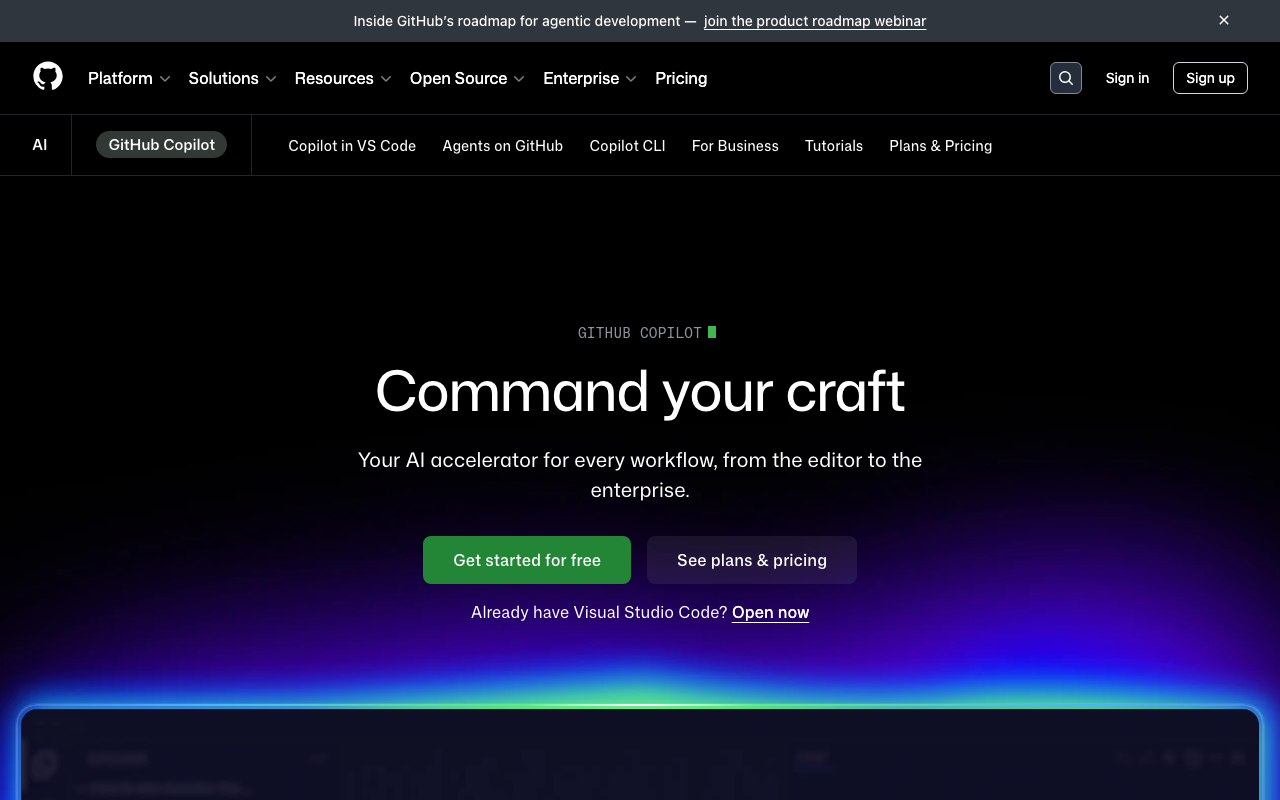
GitHub Copilot remains the most widely used AI coding assistant, and for good reason. Its autocomplete is fast, its IDE integration across VS Code, JetBrains, Neovim, and Xcode is the deepest of any tool, and it handles the bread-and-butter coding tasks - writing boilerplate, implementing interfaces, generating unit tests - with reliable quality.
What changed in 2026: Copilot has evolved from a pure autocomplete tool to a multi-model platform. The Pro+ tier ($39/month) now gives developers access to Claude Sonnet 4 and Gemini 2.5 Pro in addition to GPT-4o, letting you switch models depending on the task. The agent mode in VS Code can handle multi-step tasks like “add error handling to all API routes” or “create a migration for this schema change” with reasonable accuracy. Copilot Workspace provides a planning layer where the AI proposes a step-by-step implementation plan before writing code.
Where Copilot excels: Inline autocomplete speed is unmatched. Copilot’s suggestions appear with almost no perceptible latency in most IDEs, which keeps you in flow. The suggestions for common patterns - CRUD operations, data transformations, API integrations - are correct often enough to save real time. GitHub’s internal data suggests 30-55% of suggestions are accepted, which aligns with what we observed.
Where Copilot falls short: Code review remains Copilot’s weakest area. Its PR review feature can suggest basic fixes, but it lacks the cross-file context awareness that dedicated review tools provide. It does not index your repository, which means it cannot catch issues that require understanding how a change interacts with code in other parts of the project. For code review, pairing Copilot with a dedicated tool like CodeRabbit produces significantly better results.
Pricing: Free tier with limited completions and chat. Individual at $19/month. Pro+ at $39/month with multi-model access and higher limits. Business at $39/user/month. Enterprise at $39/user/month with additional policy controls and fine-tuning.
Best for: Developers who want the broadest IDE support and most polished inline completion experience. The default choice for teams that have not yet adopted AI tools.
Claude Code - The agentic coding leader
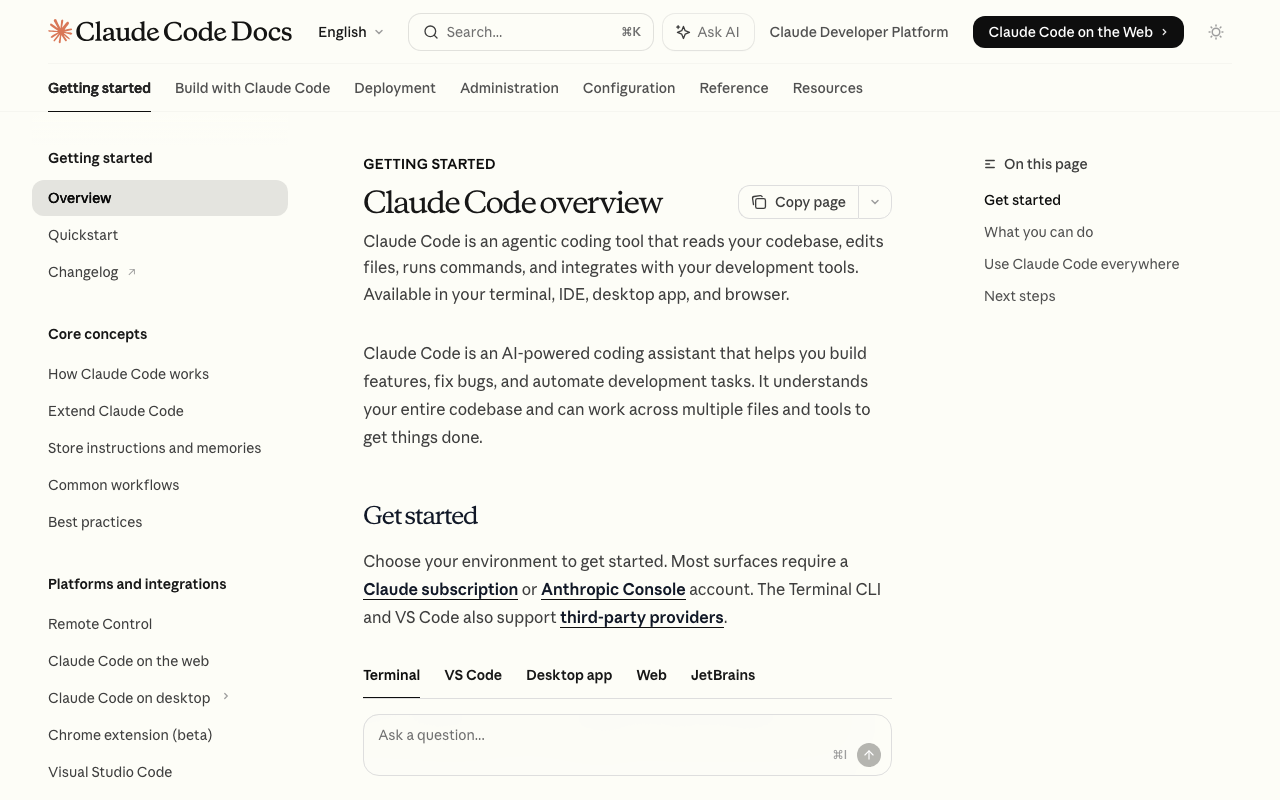
Claude Code from Anthropic takes a fundamentally different approach to AI-assisted development. Instead of sitting inside your IDE as an autocomplete engine, it operates as a terminal-based agent that can read your codebase, plan multi-step changes, edit files across your project, and run commands to verify its work. Think of it as a senior developer working alongside you in the terminal rather than an autocomplete that guesses the next line.
What makes Claude Code different: The key differentiator is agentic autonomy. When you give Claude Code a task like “refactor the authentication module to use JWT instead of sessions,” it does not just generate a code snippet. It explores your codebase to understand the current implementation, identifies every file that needs to change, proposes a plan, executes the edits, and can run your test suite to verify the changes work. This level of autonomy is genuinely useful for complex refactoring tasks that touch multiple files and modules.
Where Claude Code excels: Multi-file refactoring is where Claude Code demonstrates its strongest advantage over autocomplete-style tools. It handles tasks like migrating between ORMs, updating API versions across dozens of endpoints, adding consistent error handling patterns, and restructuring module boundaries. The underlying Claude model’s reasoning capability also makes it strong for debugging - you can paste an error trace and it will explore relevant code to identify the root cause rather than just pattern-matching on the error message.
Where Claude Code falls short: The terminal-based interface is not for everyone. Developers accustomed to inline IDE suggestions may find the workflow disruptive. It requires an Anthropic API key with usage-based billing, which can be unpredictable for teams used to flat per-seat pricing. There is no built-in code review integration for pull requests - you would need to pair it with a dedicated review tool.
Pricing: Usage-based through the Anthropic API. A typical coding session costs between $0.50 and $5.00 depending on the size and complexity of the task. Claude Max subscriptions offer unlimited usage at $100/month or $200/month tiers.
Best for: Experienced developers who want an AI agent for complex multi-file tasks, refactoring, and deep debugging. Particularly strong for developers comfortable working in the terminal.
OpenAI Codex - Cloud-based autonomous coding

OpenAI Codex is OpenAI’s cloud-based coding agent that executes tasks in a sandboxed environment. Unlike tools that run locally, Codex spins up a cloud container with your repository, installs dependencies, and executes multi-step coding tasks asynchronously. You can fire off a task and come back to review the results when it completes - similar to assigning a ticket to a junior developer.
What makes Codex different: The asynchronous, cloud-based model means Codex can handle longer-running tasks without tying up your local machine or requiring you to watch the terminal. It writes code, runs tests, lints the output, and presents a completed diff for your review. The sandboxed environment means it can safely run arbitrary commands without affecting your local setup. This makes it particularly useful for tasks like “upgrade all dependencies and fix the resulting test failures” that involve multiple iteration cycles.
Where Codex excels: Codex is strongest for well-defined tasks that would otherwise require tedious manual work - migrating test frameworks, adding logging to existing functions, implementing API endpoints from specifications, and fixing batches of similar lint violations. The cloud execution model means it can parallelize work across multiple tasks simultaneously.
Where Codex falls short: The asynchronous model adds latency to the feedback loop. If you need a quick inline suggestion while typing, Codex is the wrong tool. The sandboxed environment also means it does not have access to your production infrastructure, databases, or external services, which limits its effectiveness for tasks that require integration testing. The cost per task can add up for teams running many concurrent operations.
Pricing: Usage-based through OpenAI API. ChatGPT Pro ($200/month) and Team ($25/user/month) subscriptions include Codex access with usage limits.
Best for: Teams that want to offload well-defined coding tasks to an asynchronous AI agent. Works well for batch operations and migration tasks.
Gemini Code Assist - Google Cloud integration

Gemini Code Assist is Google’s AI coding assistant, powered by Gemini models. It provides code completion, generation, and chat assistance across VS Code, JetBrains IDEs, and Cloud Workstations. The standout feature is its deep integration with the Google Cloud Platform ecosystem - it understands GCP services, Firebase, Android SDK patterns, and Google-specific APIs at a level that general-purpose tools cannot match.
What makes Gemini Code Assist different: Google’s advantage here is context window size. Gemini models support extremely large context windows, which means Code Assist can process more of your codebase at once compared to tools with smaller context limits. For large files, complex functions, or projects with extensive shared configuration, this can result in more accurate suggestions. The Google Cloud integration also makes it uniquely capable for teams building on GCP - it can generate Cloud Functions, configure IAM policies, write BigQuery SQL, and scaffold Firebase security rules with production-quality accuracy.
Where Gemini Code Assist excels: Android development and GCP-native projects. If your team builds mobile apps with Kotlin and Jetpack Compose, or cloud services with Cloud Run and Cloud Functions, the suggestions are notably better than those from Copilot or Claude Code for these specific domains. The full repository indexing feature provides codebase-aware suggestions similar to what Sourcegraph Cody offers.
Where Gemini Code Assist falls short: Outside the Google ecosystem, it is a competent but not exceptional code generation tool. Autocomplete latency is slightly higher than Copilot in our testing. The free tier is generous (2,000 completions per day), but the paid plan at $19/user/month offers less model flexibility than Copilot Pro+.
Pricing: Free tier with 2,000 completions per day and limited chat. Standard at $19/user/month. Enterprise at $45/user/month with Gemini for Google Cloud and custom model tuning.
Best for: Teams working primarily with Google Cloud Platform, Android development, or Kotlin. A strong option for GCP-native projects where the ecosystem-specific knowledge provides clear advantages.
Amazon Q Developer - AWS-native intelligence
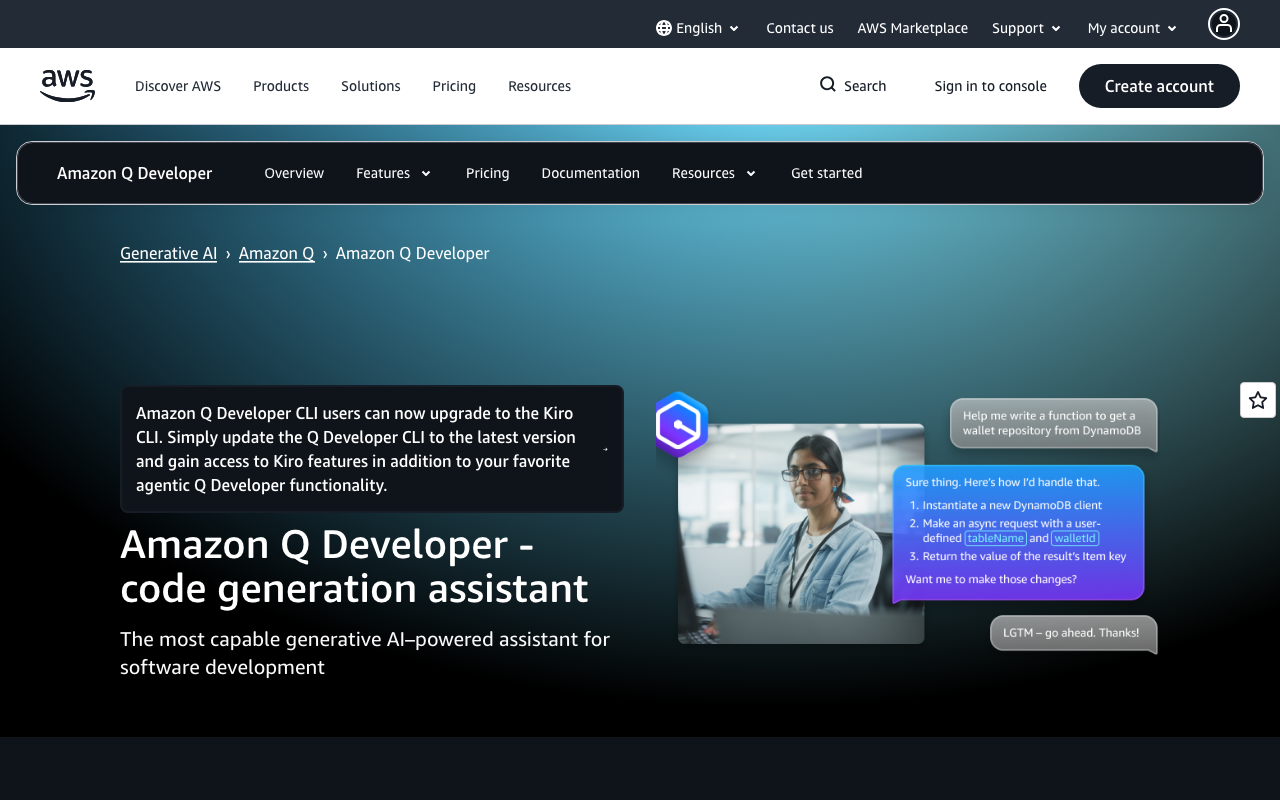
Amazon Q Developer is AWS’s AI coding assistant, and its primary selling point is understanding the AWS ecosystem at a level no other tool matches. It knows IAM policies, CloudFormation templates, CDK constructs, Lambda handler patterns, and the idiosyncrasies of every AWS SDK. For teams that are deep in the AWS stack, this domain-specific knowledge is genuinely valuable - it catches misconfigurations and suggests best practices that general-purpose tools miss entirely.
What makes Amazon Q different: Beyond standard code completion, Amazon Q includes built-in security scanning that understands AWS-specific vulnerabilities. It can identify overly permissive IAM policies, insecure S3 bucket configurations, unencrypted database connections, and hardcoded credentials. The code transformation feature can modernize Java applications - upgrading from Java 8 to Java 17 with framework compatibility adjustments - which is a uniquely practical capability for enterprise teams dealing with legacy codebases.
Where Amazon Q excels: AWS-centric development. If your daily work involves writing Lambda functions, configuring Step Functions, managing CDK stacks, or building serverless applications, Amazon Q’s suggestions are more accurate and contextually appropriate than Copilot or Claude Code for these specific tasks. The security scanning catches AWS misconfigurations that even dedicated SAST tools sometimes miss because they lack AWS-specific rulesets.
Where Amazon Q falls short: Outside the AWS ecosystem, Amazon Q is a decent but unremarkable code completion tool. Its suggestions for React components, Python data science code, or general-purpose algorithms are functional but do not stand out. The IDE support is limited to VS Code and JetBrains compared to Copilot’s broader coverage. The chat interface is useful but not as fluid as Copilot Chat or Claude.
Pricing: Free tier is genuinely generous with no time limit and includes code completion, chat, and basic security scanning. Pro tier at $19/user/month adds higher limits, custom model access, and administrative controls.
Best for: Development teams building primarily on AWS. The free tier is strong enough for individual developers to use indefinitely, making it an excellent no-cost addition for anyone working with AWS services.
Sourcegraph Cody - Codebase context at scale
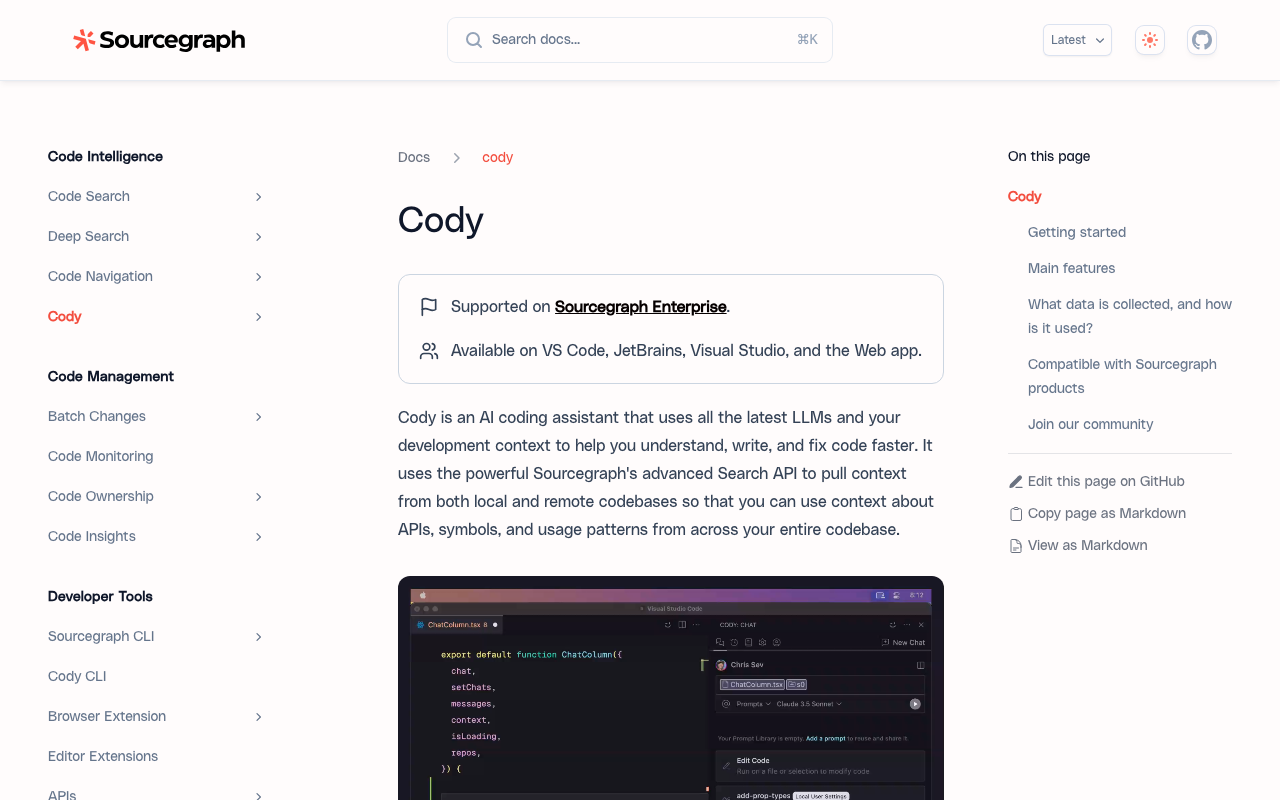
Sourcegraph Cody leverages Sourcegraph’s code intelligence platform to provide AI assistance with deep understanding of your entire codebase. While other tools process the file you are currently editing (and maybe a few related files), Cody can search and reference your entire repository - or even multiple repositories in a monorepo setup - to provide contextually accurate suggestions.
What makes Cody different: Cody’s core advantage is its connection to Sourcegraph’s code graph. It does not just have access to your code - it understands the relationships between functions, types, imports, and dependencies across your entire project. When you ask Cody to help write a function, it can find similar implementations elsewhere in the codebase, reference how related APIs are used, and ensure consistency with existing patterns. This is particularly powerful for large engineering organizations where no single developer knows the entire codebase.
Where Cody excels: Large codebases and monorepos. If your organization has hundreds of thousands of lines of code spread across multiple services, Cody’s ability to search and reference the full codebase while generating suggestions is a genuine differentiator. It is also strong for onboarding - new developers can ask Cody questions about the codebase and get answers that reference specific files and functions rather than generic documentation.
Where Cody falls short: The inline autocomplete experience is not as polished as Copilot’s. Cody’s strength is in contextual chat and search, not in predicting the next line of code as you type. Setting up Sourcegraph infrastructure for full codebase indexing requires meaningful operational investment, especially for self-hosted deployments. For smaller codebases (under 50,000 lines), the context advantage may not justify the complexity.
Pricing: Free for individual developers with unlimited autocomplete and limited chat. Enterprise pricing is custom and typically starts in the thousands per month depending on team size and deployment model.
Best for: Engineering organizations with large codebases (100K+ lines) or monorepo architectures where codebase-wide context is critical for accurate suggestions. Particularly valuable when combined with Sourcegraph’s existing code search and intelligence features.
Tabnine - Privacy-first code completion
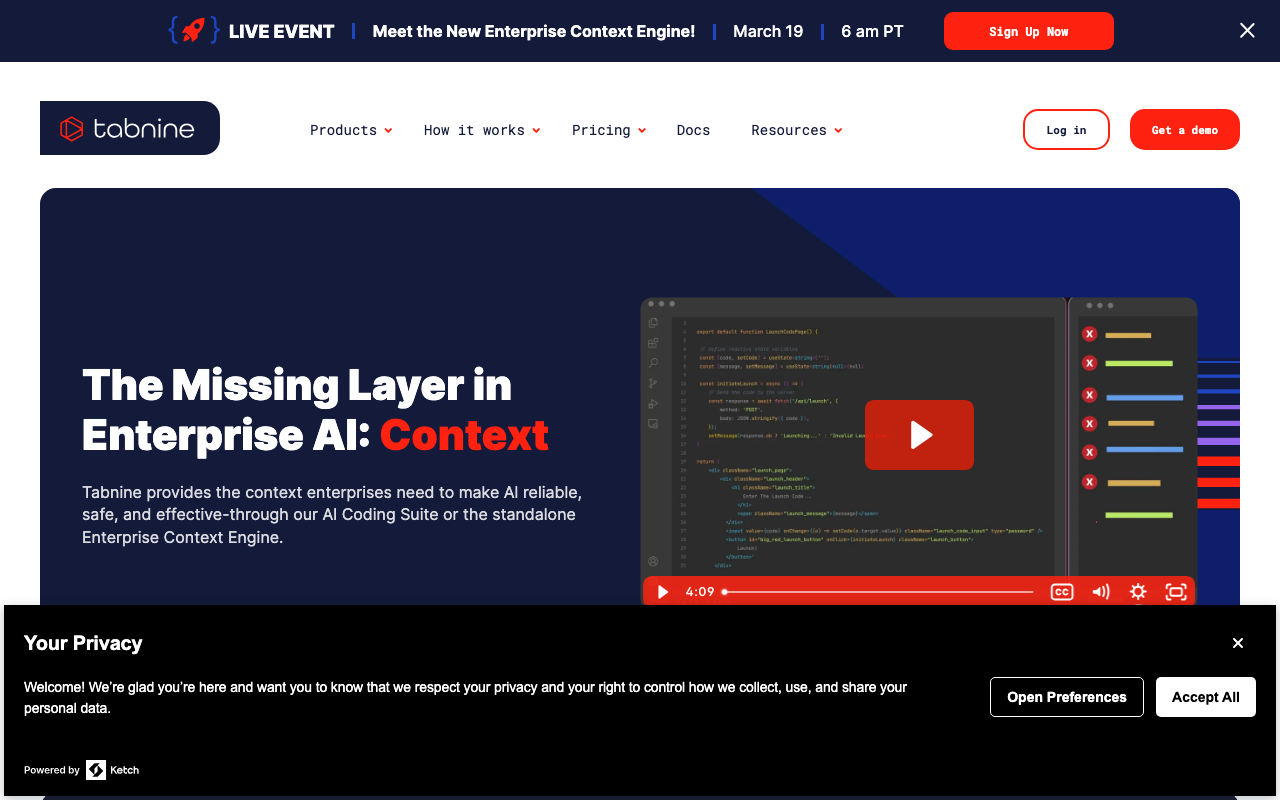
Tabnine differentiates itself on privacy and control rather than raw suggestion quality. It offers self-hosted deployment options where no code leaves your infrastructure, models that can be fine-tuned on your codebase without data being sent to external servers, and granular controls over what the AI can and cannot suggest. For regulated industries - healthcare, finance, government, defense - these capabilities are not nice-to-haves but hard requirements.
What makes Tabnine different: Privacy architecture is the core differentiator. Tabnine can run entirely on-premises with no external API calls. The AI models process your code locally, and the company has committed to never training on customer code. For organizations that cannot send any code to external APIs due to compliance requirements, Tabnine is one of the very few options that actually works. The enterprise tier includes model personalization where the AI learns your codebase patterns and coding conventions through a process that stays within your infrastructure.
Where Tabnine excels: Regulated environments and security-conscious organizations. Tabnine provides code completion quality that is good - not best-in-class, but solid - while meeting compliance requirements that Copilot, Claude Code, and most other tools cannot match without significant enterprise agreements. The personalization feature means suggestions improve over time as the model learns your team’s patterns.
Where Tabnine falls short: Raw suggestion quality trails Copilot and Claude Code. The locally-run models are necessarily smaller and less capable than the cloud-hosted models powering competitors. For developers in unregulated industries who want the best possible suggestions, Tabnine is not the optimal choice. The multi-model platform supports connecting to external models like GPT-4 and Claude, but doing so negates the privacy advantage.
Pricing: Free tier with basic completions. Dev plan at $12/user/month. Enterprise at $39/user/month with self-hosted deployment and model customization.
Best for: Organizations in regulated industries (finance, healthcare, government) that require code to stay on-premises. Also useful for teams that want to fine-tune an AI model on their specific codebase without sending code to external APIs.
Augment Code - Deep codebase understanding
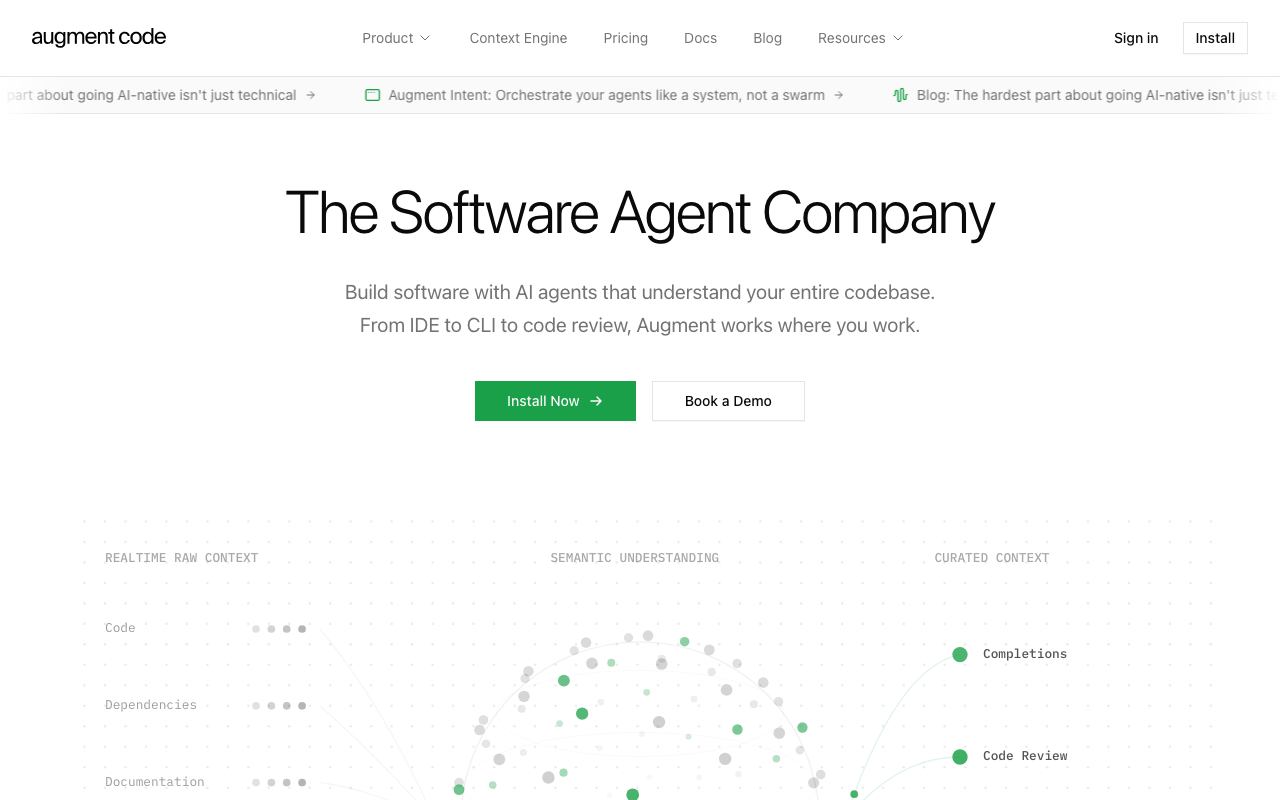
Augment Code enters the market with a focus on understanding your entire codebase deeply - not just the files you have open but all the code in your repository plus connected documentation, tickets, and internal knowledge bases. The tool indexes your full codebase and software ecosystem to build a rich understanding of your project’s architecture, patterns, and conventions.
What makes Augment Code different: While most AI assistants process a limited window of code around your cursor, Augment indexes your entire codebase and related context (Jira tickets, Confluence docs, Slack conversations) to provide suggestions that are deeply informed by your project’s full context. The “Next Edit” feature predicts not just the next line but the next meaningful change you need to make, which can involve edits across multiple files. The real-time awareness means Augment’s understanding updates as your codebase evolves, not just at indexing time.
Where Augment Code excels: Complex, large-scale software projects where understanding the full codebase context is essential. Augment is particularly strong at helping developers navigate unfamiliar parts of a codebase, understand dependencies between modules, and make changes that are consistent with existing patterns. Teams working on legacy codebases with limited documentation find the context integration especially valuable because Augment can piece together understanding from code, commit history, and connected knowledge bases.
Where Augment Code falls short: As a newer entrant, Augment’s IDE integration is not yet as polished as Copilot’s. The initial indexing process can take significant time for very large repositories. The pricing model is enterprise-oriented and not publicly listed in detail, which makes it harder for small teams to evaluate. The tool is strongest with VS Code and has more limited support for other editors.
Pricing: Free tier available for individual developers. Team and enterprise pricing is custom based on team size and repository scale.
Best for: Engineering teams with large, complex codebases that need an AI tool with deep contextual understanding of their specific project architecture and conventions.
AI code review tools
Code review tools solve a different problem than code generation. Instead of helping you write new code, they analyze code you have already written - typically in pull requests - to find bugs, security vulnerabilities, performance issues, and maintainability concerns before the code reaches production. The best review tools catch issues that human reviewers frequently miss, not because humans are bad at review but because the volume and pace of modern development makes thorough review difficult.
CodeRabbit - Best overall AI code review

CodeRabbit is the strongest dedicated AI code review tool available in 2026. It installs as a GitHub or GitLab app and automatically reviews every pull request with cross-file context, security analysis, and actionable suggestions. Where Copilot’s review feature operates at the line level, CodeRabbit understands how your changes interact with the rest of the codebase - catching issues like inconsistent error handling patterns, missing null checks that only matter because of how another module calls the function, and duplicated logic across files.
What makes CodeRabbit different: The natural language configuration system is a genuine innovation. Instead of writing regex rules or YAML schemas to customize review behavior, you tell CodeRabbit what to watch for in plain English - “flag any API endpoint without rate limiting,” “warn when test coverage for changed lines drops below 80%,” or “always check for SQL injection in database query construction.” This makes it accessible to teams that do not have dedicated tooling engineers writing custom analysis rules.
CodeRabbit also learns from your team’s review patterns over time. When developers dismiss certain types of comments or consistently accept others, the tool adjusts its behavior to reduce noise and increase signal. After several weeks of team usage, the review quality noticeably improves as the tool calibrates to your codebase’s specific patterns and conventions.
Where CodeRabbit excels: Cross-file analysis is CodeRabbit’s strongest capability. When a developer changes a utility function that is called from 15 different modules, CodeRabbit identifies the callers and flags potential breakages. When a new API endpoint lacks validation that every other endpoint in the project includes, CodeRabbit catches the inconsistency. These are exactly the types of issues that human reviewers miss because they require knowledge of code outside the diff.
The auto-fix feature produces correct, applicable patches at a high rate. Unlike tools that suggest vague improvements, CodeRabbit’s fixes can be committed directly in most cases. The tool supports over 30 programming languages and integrates with GitHub, GitLab, Azure DevOps, and Bitbucket.
Where CodeRabbit falls short: It is a review-only tool - it does not help with code generation or IDE autocomplete. Very large PRs (500+ changed files) can see slower review times, though this is a rare edge case. The learning system needs several weeks of team usage to calibrate well.
Pricing: Free tier is genuinely generous - unlimited public and private repositories with AI-powered review. Pro tier at $24/user/month adds deeper cross-file analysis, custom rulesets, and priority processing.
Best for: Any development team that wants to improve code review quality and speed. Works as an excellent complement to any code generation tool - keep Copilot or Claude Code for writing, add CodeRabbit for reviewing.
Greptile - Codebase-aware review and search
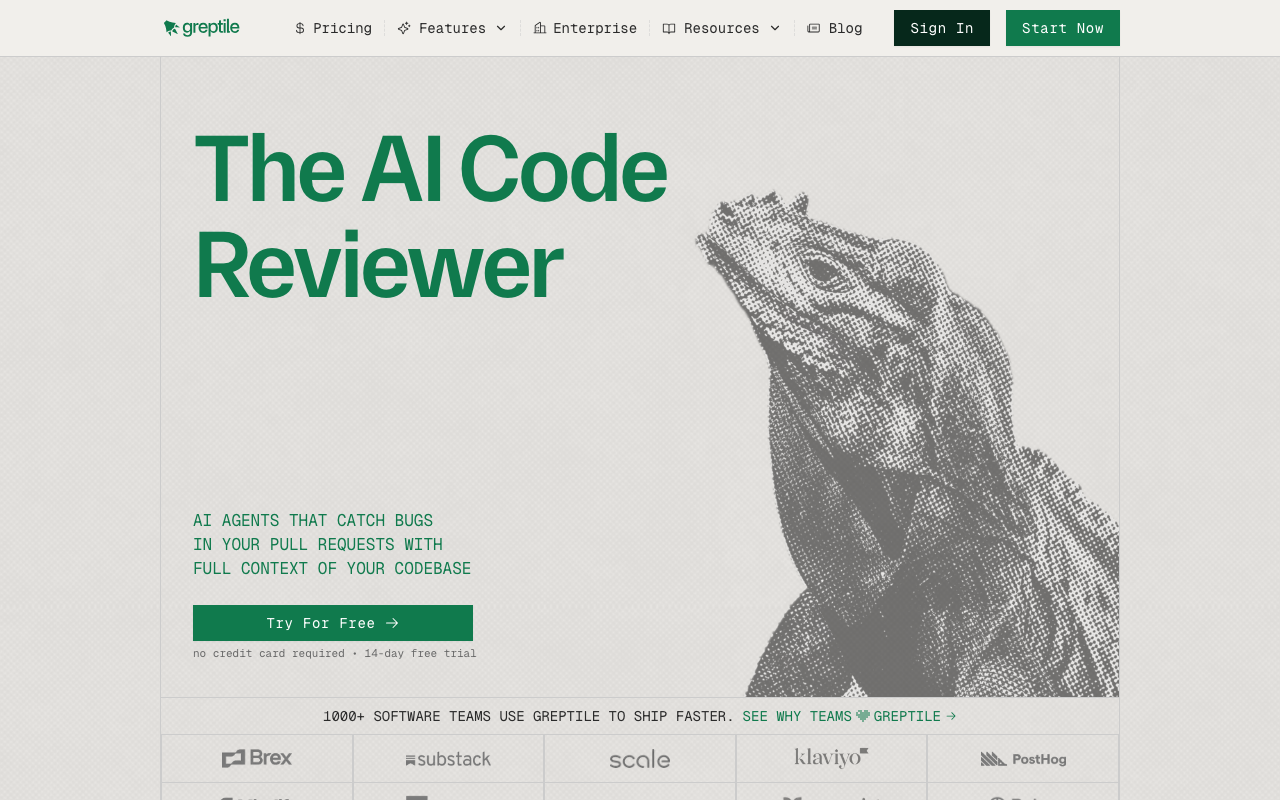
Greptile takes a different approach to code review by first indexing your entire repository and building a semantic understanding of how every component, function, and module relates to every other. This makes it exceptionally good at answering questions like “where else is this pattern used?” and “does this change break any assumptions in other modules?” Its review comments demonstrate genuine awareness of how the codebase fits together, which most tools simply cannot do.
What makes Greptile different: The full codebase indexing is the key differentiator. Greptile analyzes your entire repository structure, function relationships, data flows, and naming conventions to build a contextual model. Once indexed, review comments reference specific files and functions outside the diff, showing you exactly why a change might cause problems. When a developer changes a shared utility function, Greptile can identify every caller and flag potential breakages - something that requires full codebase awareness rather than just diff analysis.
Where Greptile excels: Large, complex codebases where the real risk is not a typo in the diff but a subtle interaction with code the PR author did not consider. Microservice architectures where changes in one service can ripple into others benefit enormously from Greptile’s cross-repository understanding. The API-first design also makes it easy to integrate Greptile’s codebase intelligence into custom workflows, Slack bots, or internal tools.
Where Greptile falls short: Pricing is custom and not publicly listed, making it harder for smaller teams to evaluate. The indexing step requires setup time and compute resources. For smaller codebases under 50,000 lines, the indexing advantage may not justify the cost and complexity. There is no free tier available.
Pricing: Custom pricing based on team size and repository scale. Contact Greptile for a quote.
Best for: Engineering teams with large, complex codebases (100K+ lines) where cross-file and cross-module awareness is critical. Particularly strong for microservice architectures and monorepo setups.
PR-Agent by Qodo - Best open-source option
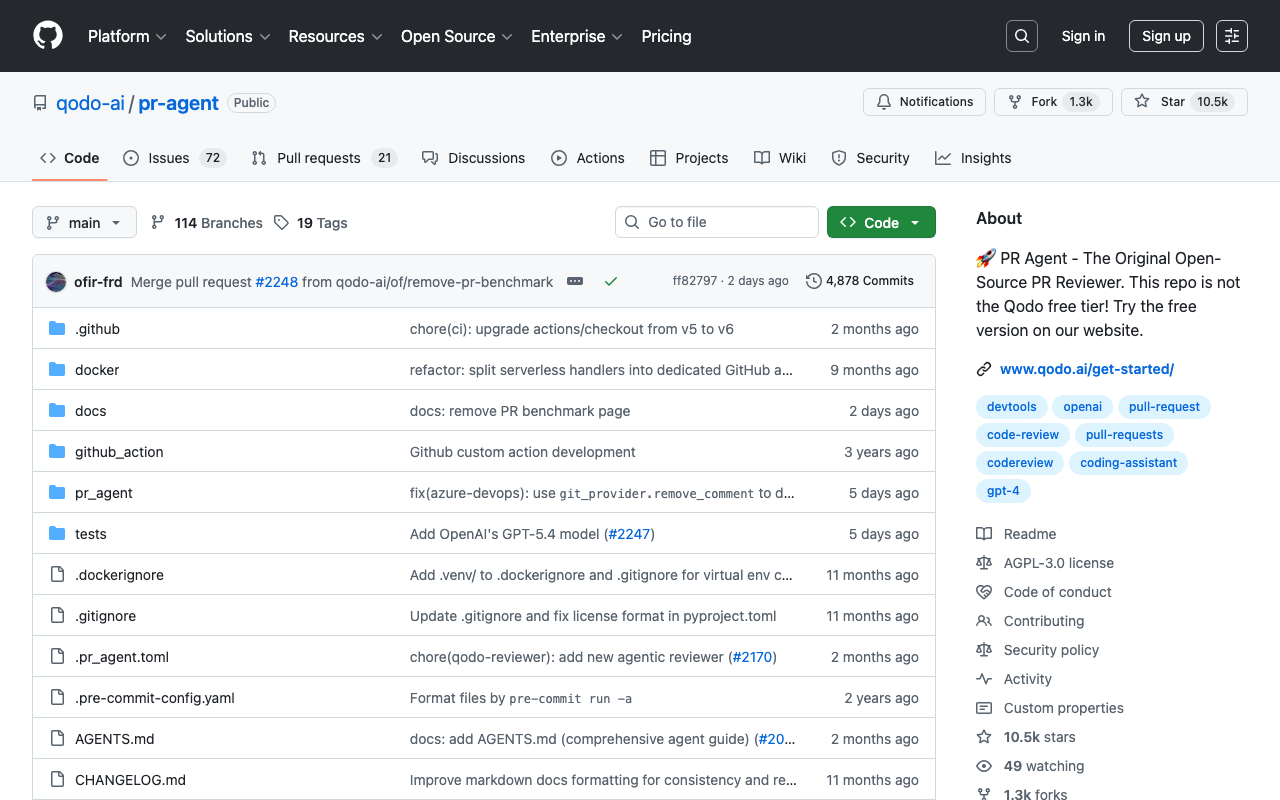
PR-Agent is Qodo’s open-source PR review tool that automates common review tasks - generating PR descriptions, adding labels, reviewing code for issues, and suggesting improvements. The open-source model makes it uniquely flexible: you can self-host it, modify the prompts, extend the functionality, and integrate it into custom CI/CD pipelines without vendor lock-in.
What makes PR-Agent different: Being open-source means you control the deployment, the data, and the customization. PR-Agent runs as a GitHub Action, a GitLab CI step, or a standalone service. You bring your own LLM API key (OpenAI, Anthropic, or any compatible provider), which means you control costs and can switch models as better ones become available. The modular architecture makes it straightforward to add custom analysis steps or integrate with internal tools.
Where PR-Agent excels: Teams that want AI-powered PR automation without sending code to a third-party SaaS platform. The PR description generation alone saves meaningful time - it reads the diff and produces a structured summary with file-level change descriptions, risk assessment, and suggested reviewers. The code review component provides feedback on bugs, security issues, and code quality, though the depth depends on the underlying model you connect.
Where PR-Agent falls short: Running it effectively requires choosing and configuring an LLM provider, which adds operational complexity compared to turnkey SaaS solutions like CodeRabbit. The review quality varies significantly depending on which model you use and how you configure the prompts. Without the codebase indexing that tools like Greptile provide, PR-Agent’s analysis is limited to the diff context plus whatever fits in the model’s context window.
Pricing: Free and open-source for self-hosted usage. Qodo Merge (the hosted version) starts at $30/user/month with additional features and support.
Best for: Teams that want open-source flexibility, self-hosting capability, or need to avoid sending code to external SaaS platforms. Also a good entry point for teams that want to experiment with AI review before committing to a paid tool.
Sourcery - Python-focused quality
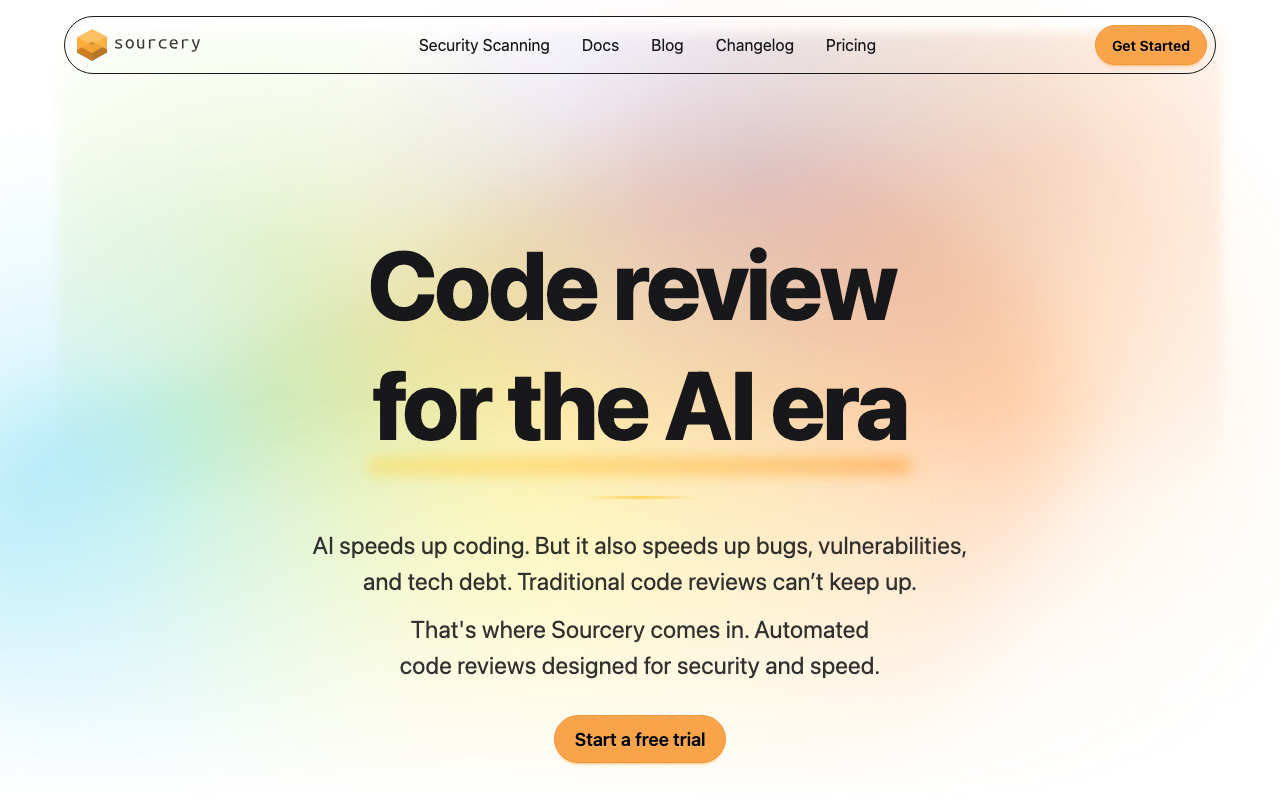
Sourcery focuses specifically on code quality for Python, with expanding support for JavaScript and TypeScript. It catches code smells, suggests refactoring opportunities, and enforces style consistency at the PR level. Its analysis is not as broad as CodeRabbit’s cross-file approach, but for Python-heavy teams, the suggestions are precise, actionable, and deeply Pythonic.
What makes Sourcery different: Sourcery understands Python idioms at a depth that general-purpose tools cannot match. It will suggest list comprehensions over manual loops, flag mutable default arguments, catch common Django and Flask anti-patterns, identify opportunities to use context managers or generators, and notice when code could benefit from dataclasses or named tuples. These are not generic suggestions - they demonstrate genuine understanding of Python best practices.
Where Sourcery excels: Python-centric development teams. If your stack is Django, FastAPI, Flask, or data science with pandas and NumPy, Sourcery’s suggestions are notably more useful than what you would get from a general-purpose tool. The code quality scoring and trend tracking give engineering managers visibility into whether code quality is improving or declining across the team over time.
Where Sourcery falls short: Language support beyond Python is still maturing. JavaScript and TypeScript support exists but lacks the depth of the Python analysis. There is no cross-file analysis or codebase indexing. Security scanning is limited compared to dedicated SAST tools. For polyglot teams, Sourcery covers only part of the stack.
Pricing: Free tier covers unlimited public repositories and individual use. Pro at $10/user/month adds private repos and custom rules, and Team at $24/user/month adds security scanning and analytics.
Best for: Python-heavy teams (Django, Flask, FastAPI, data science) that want language-specific quality improvements beyond what general-purpose tools offer.
Cursor BugBot - Automated bug detection
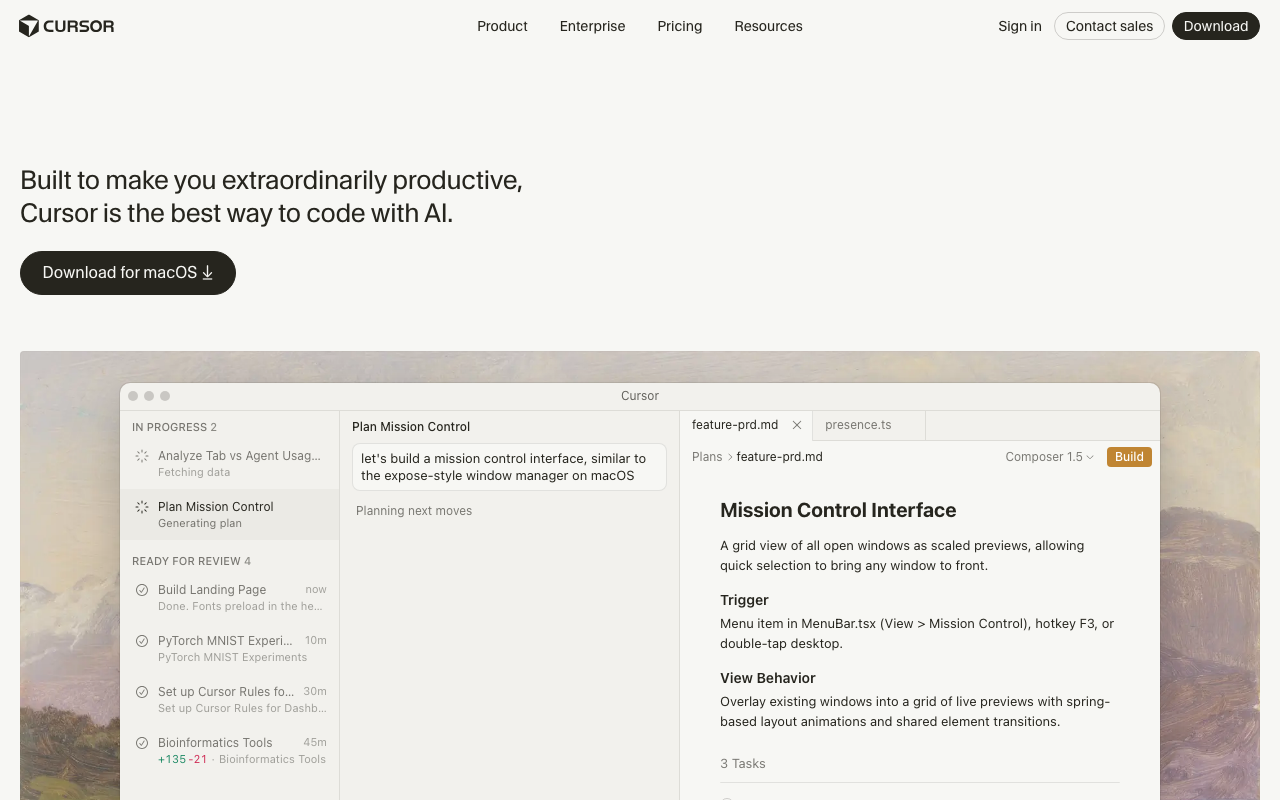
Cursor BugBot is a free, automated bug detection tool from the team behind the Cursor IDE. It installs as a GitHub app and automatically scans pull requests for potential bugs, using AI to understand the intent of code changes and identify where the implementation might not match that intent. Unlike traditional static analysis, BugBot focuses specifically on bugs rather than style issues or broad quality metrics.
What makes BugBot different: BugBot is laser-focused on bugs - specifically, on finding the kinds of issues that cause production incidents. It does not waste your time with formatting suggestions, naming convention feedback, or minor style issues. When it comments on a PR, it is because it has found something that looks like a genuine functional problem: an off-by-one error, a missing error handling path, a race condition, or a logic flaw. This high signal-to-noise ratio means developers actually read its comments rather than ignoring them.
Where BugBot excels: The false positive rate is impressively low in our testing. BugBot comments less frequently than other tools, but when it does comment, the issues it identifies are real bugs more often than not. It is particularly good at catching issues in complex control flow, async/await patterns, and state management logic. The fact that it is completely free (no paid tier) removes all friction from adoption.
Where BugBot falls short: It only catches bugs - no security scanning, no style enforcement, no test suggestions. The scope is deliberately narrow. It does not offer codebase indexing or cross-file analysis at the depth of Greptile or CodeRabbit. Being tied to the Cursor ecosystem means it works exclusively as a GitHub app and does not support GitLab or Bitbucket.
Pricing: Free. No paid tier.
Best for: Any team using GitHub that wants a zero-cost, low-noise bug detection layer on their PRs. Works well alongside other review tools without creating comment fatigue.
AI security and code quality tools
Security scanning and code quality analysis occupy a distinct category from code review. While review tools focus on changes in a PR, security and quality tools analyze your entire codebase - or specific commits - for vulnerabilities, code smells, and patterns that lead to production incidents. The best tools in this category combine traditional static analysis with AI to reduce false positives and catch issues that rule-based engines miss.
DeepSource - Low false-positive static analysis
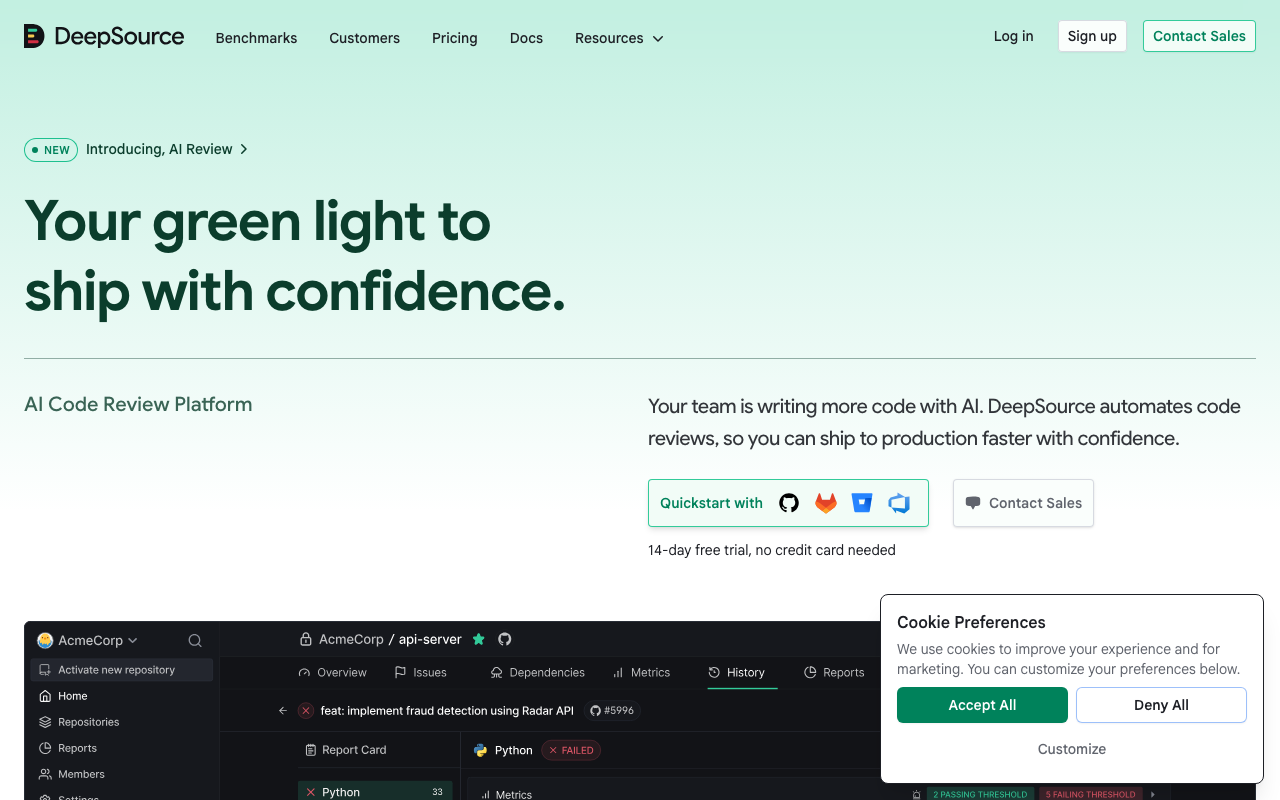
DeepSource markets a sub-5% false positive rate, and in our testing, that claim held up. False positives are the bane of static analysis tools - when developers see too many incorrect flags, they stop reading the output entirely. DeepSource’s approach combines traditional static analysis with AI-powered classification to aggressively filter out noise while retaining genuine issues.
What makes DeepSource different: The combination of static analysis precision with AI-powered noise reduction produces a uniquely clean output. DeepSource supports 16 programming languages and covers security vulnerabilities, bug risks, anti-patterns, and performance issues. The Autofix feature generates correct patches for detected issues - not just suggestions but ready-to-apply fixes. The dashboard provides clear metrics on code health, technical debt trends, and issue resolution rates.
Where DeepSource excels: Teams that have been burned by noisy static analysis tools. If your team tried SonarQube and abandoned it because of the false positive volume, DeepSource is worth evaluating. The issue categorization is clear, the severity ratings are accurate, and the auto-fix feature means developers can resolve issues with a single click rather than investigating each one manually. The free tier covers individual developers with unlimited repositories, making it easy to evaluate.
Where DeepSource falls short: The language support at 16 languages is more limited than SonarQube’s 35+. Some niche languages and frameworks may not have deep enough analysis rules. The focus on code quality means security analysis, while present, is not as comprehensive as what dedicated SAST tools like Snyk Code or Semgrep provide. Enterprise features like custom rule creation and SSO require the paid plan.
Pricing: Free for individual developers with unlimited repositories. Team plan at $30/user/month. Enterprise pricing is custom.
Best for: Teams that want static analysis with minimal noise. Particularly valuable for organizations that abandoned previous static analysis tools due to false positive fatigue.
Snyk Code - Real-time SAST for security teams
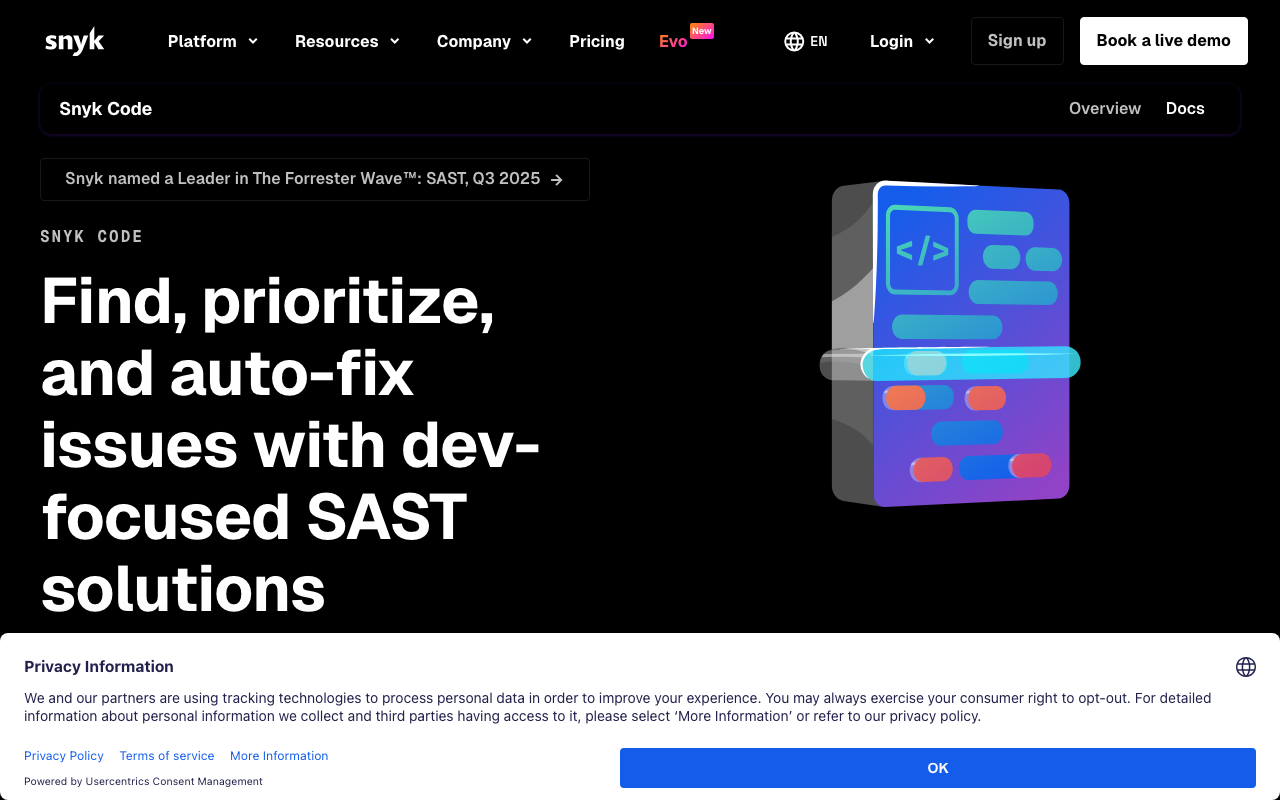
Snyk Code is the SAST (Static Application Security Testing) component of the Snyk platform. It scans your code for security vulnerabilities in real-time - both in the IDE as you type and in CI/CD pipelines on every commit. What separates it from traditional SAST tools is speed (results in seconds, not hours) and its AI-powered analysis engine that understands code semantics rather than just pattern matching.
What makes Snyk Code different: Traditional SAST tools like Checkmarx or Veracode scan your entire codebase and produce results hours later, often with hundreds of findings that include many false positives. Snyk Code takes a different approach: it uses a semantic analysis engine trained on millions of open-source repositories to understand what code does, not just what it looks like. This means it can track data flows across functions and files to identify injection vulnerabilities, detect hardcoded secrets in non-obvious locations, and flag insecure cryptographic usage without the rule-explosion problem of traditional tools.
Where Snyk Code excels: Security-conscious teams that want SAST integrated into the developer workflow rather than as a separate compliance gate. The IDE plugin shows vulnerabilities as you code, which means developers fix issues before they ever reach a PR. The CI/CD integration blocks vulnerable code from being merged. The Snyk platform’s broader ecosystem includes container scanning, dependency scanning, and infrastructure as code scanning, making it a comprehensive security platform.
Where Snyk Code falls short: The free tier is limited compared to some competitors - it restricts the number of tests per month and the size of analyzed codebases. The pricing can escalate quickly for large teams. While the AI reduces false positives compared to traditional SAST, it is not zero-noise. Teams focused purely on code quality rather than security may find dedicated quality tools like DeepSource more appropriate.
Pricing: Free tier with limited tests. Team plan at $25/user/month. Enterprise pricing is custom and includes additional features like custom rules, reporting, and compliance controls.
Best for: Security-conscious development teams that want fast, developer-friendly SAST integrated directly into IDEs and CI/CD pipelines. Particularly valuable for teams in regulated industries that need to demonstrate security scanning compliance.
Qodo - AI-powered test generation
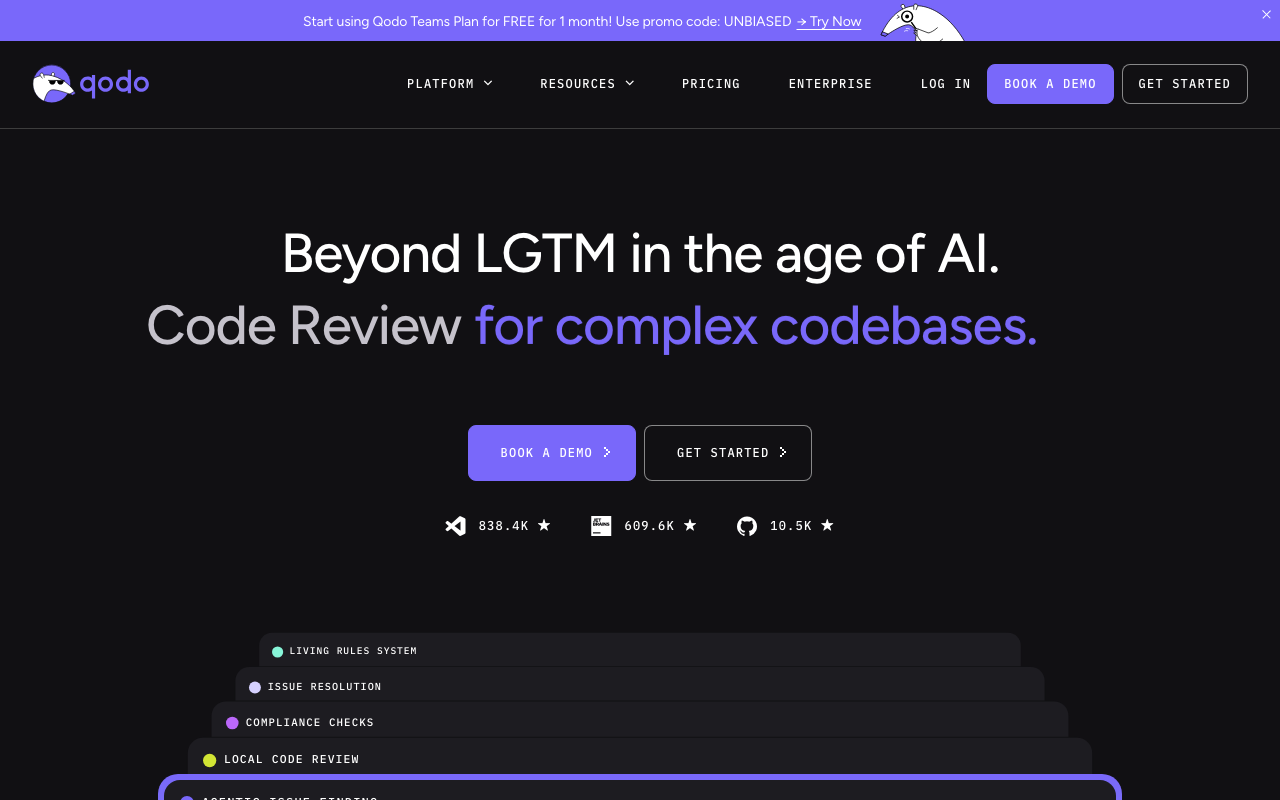
Qodo (formerly CodiumAI) approaches code quality from the testing angle. Instead of scanning for bugs directly, it analyzes your code changes and generates test cases that exercise edge cases, failure modes, and boundary conditions you might not have considered. This is a fundamentally different quality strategy - instead of telling you what is wrong, it shows you what you have not tested, which often reveals the same bugs through a different lens.
What makes Qodo different: The test generation is genuinely useful, not just scaffolding. Qodo produces meaningful assertions that cover boundary conditions, null inputs, error paths, race conditions, and type edge cases. If you write a function that parses user input, Qodo generates tests for empty strings, Unicode edge cases, injection attempts, and boundary values - the kinds of tests that developers often skip under deadline pressure. The generated tests are designed to be committed directly into your test suite rather than serving as throwaway examples.
Where Qodo excels: Improving test coverage as part of the development workflow. The IDE extension works in VS Code and JetBrains IDEs, generating test suggestions as you write code. The PR integration comments with suggested tests directly on the diff, making it easy to add coverage for new code. For teams that struggle with low test coverage, Qodo provides an automated way to close the gap.
Where Qodo falls short: Code review capabilities beyond test generation are relatively thin. Qodo is best used alongside another review tool rather than as a standalone replacement. The generated tests sometimes need manual adjustment for complex mocking scenarios or when tests depend on external services. The free tier is limited to basic IDE features.
Pricing: Free tier with basic IDE features. Pro at $19/user/month. Enterprise pricing is custom.
Best for: Teams that want to improve test coverage systematically. Pairs well with CodeRabbit or Greptile for comprehensive code review plus test generation.
How to build an AI-powered development workflow
The most effective AI developer workflows do not rely on a single tool. They combine specialized tools across the development lifecycle, each handling the task it is best at. Here are three practical stack recommendations based on team size and needs.
Stack for individual developers and small teams
For solo developers or teams of 2-5 people, cost matters and simplicity is essential. This stack costs $0-$43/month per developer and covers the core workflow:
- Code generation: GitHub Copilot Free (or Amazon Q Developer free tier if you work with AWS)
- Code review: CodeRabbit Free (unlimited repos, AI-powered PR review at no cost)
- Bug detection: Cursor BugBot (free, zero-config GitHub app)
- Security: Snyk Code Free or DeepSource Free (basic security and quality scanning)
This combination gives you AI assistance while writing code, automated review when you open PRs, bug detection without any additional noise, and baseline security scanning. The total cost is zero if you use free tiers throughout, or $19/month if you want Copilot’s paid tier for better completion quality.
Stack for mid-size engineering teams (10-50 developers)
At this scale, review quality and consistency become critical. Developers are reviewing each other’s code across parts of the codebase they do not fully know, which is exactly where AI review tools provide the most value.
- Code generation: GitHub Copilot Pro+ ($39/user/month for multi-model access) or Claude Code (usage-based for complex refactoring tasks)
- Code review: CodeRabbit Pro ($24/user/month for deep cross-file analysis with learning)
- Testing: Qodo Teams ($30/user/month for AI test generation)
- Security: Snyk Code Team ($25/user/month for SAST in IDE and CI/CD)
- Quality: DeepSource Team ($24/user/month for low-noise static analysis)
The total cost per developer ranges from $63 to $137/month depending on which tools you adopt. For a team of 25 developers, the annual cost would be approximately $19,000 to $41,000. This is a significant investment, but it is modest compared to the cost of the developer time it saves on manual review, test writing, and bug triage.
Stack for large engineering organizations (50+ developers)
Large organizations benefit most from tools that understand the full codebase and enforce consistency at scale. At this size, the context-aware tools justify their enterprise pricing.
- Code generation: GitHub Copilot Enterprise ($39/user/month) plus Claude Code for complex agentic tasks
- Codebase intelligence: Sourcegraph Cody (enterprise pricing) for codebase-wide search and context
- Code review: CodeRabbit Enterprise (custom pricing) with Greptile (custom pricing) for cross-repo analysis
- Testing: Qodo Enterprise for organization-wide test generation standards
- Security: Snyk Enterprise for comprehensive application security (SAST, SCA, container scanning)
- Quality: DeepSource Enterprise for organization-wide code health dashboards
The key at this scale is integration. These tools should feed into centralized dashboards, connect to your incident management system, and produce metrics that engineering leadership can use to track quality and velocity trends. Most enterprise-tier plans include API access, SSO, and the integration capabilities needed to build this unified view.
Practical integration tips
Regardless of team size, here are practical tips for integrating AI tools effectively:
Start with one tool per category. Do not install five code generation tools simultaneously. Pick one, use it for a month, and evaluate whether it actually improves your workflow before adding more tools.
Configure review tools before rolling out to the whole team. Spend a week customizing CodeRabbit or PR-Agent with your team’s specific conventions and priorities. Unconfigured review tools produce generic comments that teams ignore, which poisons the well for future tool adoption.
Set up your CI/CD pipeline to run AI tools as checks, not blockers. AI review comments should be informational, not blocking. Let teams build trust in the tools before making their feedback mandatory. Once a tool proves its value over several weeks, you can optionally gate merges on its findings.
Create a feedback channel. Set up a Slack channel where developers can share notably helpful or notably wrong AI tool outputs. This feedback helps tool administrators adjust configurations and helps the team develop shared norms for when to accept and when to override AI suggestions.
Measure impact. Track metrics before and after adoption: PR cycle time, defect escape rate, test coverage, and developer satisfaction survey scores. If a tool is not moving these metrics after 90 days, it is probably not worth the cost.
What AI tools cannot do
Honest assessment of limitations matters more than marketing hype. Understanding what AI developer tools cannot do helps you set appropriate expectations and avoid the disappointment that comes from believing the hype.
Architecture and system design
AI tools cannot make architecture decisions for your project. They can generate code that follows a pattern you have established, but they cannot evaluate whether the pattern is right for your use case. Choosing between a monolith and microservices, selecting a database technology, designing a caching strategy, or structuring your module boundaries - these decisions require understanding business requirements, scalability needs, team capabilities, and operational constraints that AI tools do not have access to.
When AI tools make architectural suggestions, they tend to default to whatever pattern appears most frequently in their training data, which is not necessarily appropriate for your specific situation. A pattern that works well for a consumer web application may be a poor choice for an embedded system or a high-frequency trading platform.
Business logic correctness
AI tools can check whether your code is syntactically correct, typesafe, and follows common patterns. They cannot check whether the code does what the business actually needs. If your pricing calculation should apply a 15% discount for orders over $500, the AI has no way to verify that this rule is correct - only that the code implementing it compiles and follows reasonable patterns.
This is why AI tools complement human review rather than replacing it. Human reviewers bring domain knowledge that the AI does not have. The most effective workflow is to let the AI handle mechanical correctness - null checks, error handling, type safety, security patterns - so human reviewers can focus on business logic, requirements alignment, and architectural concerns.
Novel problem solving
AI code generation tools are excellent at implementing well-known patterns. They struggle with genuinely novel problems - algorithms that do not resemble anything in the training data, domain-specific optimizations that require understanding physics or mathematics, and integrations with obscure or proprietary systems. For cutting-edge work, AI tools can still help with boilerplate and scaffolding, but the core algorithmic work remains a human responsibility.
Security guarantees
AI security tools can identify known vulnerability patterns and catch common mistakes. They cannot guarantee that your code is secure. Security is an arms race where new attack vectors emerge constantly, and AI tools are always training on yesterday’s vulnerabilities. Defense-in-depth principles still apply: use AI tools as one layer in a multi-layered security strategy that includes threat modeling, penetration testing, dependency auditing, and security-focused code review by human experts.
Long-term maintainability decisions
AI tools optimize for the immediate task. They do not consider how a piece of code will need to evolve over the next two years, whether a dependency will be maintained, or whether a particular abstraction will make future feature development easier or harder. These long-term considerations require experience, domain knowledge, and judgment that current AI tools cannot provide.
Conclusion
The AI developer tools market in 2026 is mature enough that every professional developer should be using at least some AI assistance. The tools genuinely save time, catch real bugs, and reduce the tedium of repetitive coding tasks. But they are tools, not replacements - they work best when wielded by experienced developers who understand their limitations.
For code generation, GitHub Copilot remains the default choice for most developers due to its broad IDE support and polished autocomplete experience. Claude Code leads the agentic category for developers who need multi-file refactoring and autonomous task execution. Amazon Q Developer and Gemini Code Assist are strong choices for teams deep in the AWS or Google Cloud ecosystems respectively.
For code review, CodeRabbit is the clear leader with its cross-file analysis, natural language configuration, and genuinely useful free tier. Greptile provides the deepest codebase understanding for large-scale projects. PR-Agent offers the best open-source option for teams that want self-hosted control.
For security and quality, DeepSource provides the cleanest static analysis output with minimal false positives. Snyk Code offers the best developer-friendly SAST experience. Qodo fills a unique niche with AI-powered test generation that improves coverage as part of the development workflow.
The most practical advice is to start with one tool in each category, configure it properly for your team’s conventions, and measure the impact over 90 days before expanding. AI developer tools deliver real value in 2026 - but only when teams adopt them thoughtfully rather than chasing every new tool that launches.
Frequently Asked Questions
What is the best AI coding tool in 2026?
GitHub Copilot remains the most widely adopted AI coding tool with the deepest IDE integration. Claude Code (from Anthropic) leads in agentic coding - handling multi-file changes and complex refactors autonomously. CodeRabbit is the best for AI code review specifically. The best choice depends on whether you primarily need code generation, code review, or debugging assistance.
Is GitHub Copilot worth $19 per month?
For most professional developers, yes. GitHub Copilot saves measurable time on boilerplate code, test writing, and documentation. GitHub's internal data shows 30-55% of code suggestions are accepted. The Pro+ tier at $39/month adds Claude Sonnet and Gemini models. For budget-conscious teams, free alternatives like Cody (unlimited for individuals) and Amazon Q Developer (free tier) are worth trying first.
Can AI tools replace developers?
No. AI coding tools accelerate developers but cannot replace the judgment needed for architecture decisions, business logic, security considerations, and system design. They are best at generating boilerplate, writing tests, catching bugs, and handling repetitive tasks. The developers who use AI tools effectively are more productive than those who do not, but the AI cannot operate independently on real-world projects.
What is the difference between AI code generation and AI code review?
AI code generation tools (GitHub Copilot, Claude Code, Tabnine) help write new code by suggesting completions, generating functions, or making multi-file changes. AI code review tools (CodeRabbit, Greptile, PR-Agent) analyze existing code changes in pull requests to find bugs, security issues, and improvement opportunities. Many developers use both - generation while writing and review before merging.
Are AI coding tools safe for production code?
AI-generated code requires the same review process as human-written code. The tools can introduce subtle bugs, use deprecated APIs, or miss edge cases. Best practices include running AI suggestions through code review tools, maintaining comprehensive test suites, and never blindly accepting suggestions in security-critical code paths. Most enterprise teams use AI tools with guardrails rather than avoiding them entirely.
Which AI tool is best for code review?
CodeRabbit is the leading AI code review tool - it provides line-by-line PR review with natural language explanations, learns from your codebase, and offers a generous free tier. Greptile excels at understanding large codebases for context-aware review. PR-Agent (by Qodo) is the best open-source option. GitHub Copilot's code review feature is improving but still trails dedicated review tools.
What is the difference between GitHub Copilot and Claude Code?
GitHub Copilot is an IDE-based tool that excels at inline autocomplete and code suggestions with the lowest latency in the market. Claude Code is a terminal-based agentic tool that handles multi-file refactoring, autonomous task execution, and complex debugging. Copilot is best for everyday coding speed; Claude Code is best for complex changes that span multiple files and require planning.
Are there free AI coding tools worth using?
Yes, several free options provide genuine value. GitHub Copilot Free offers limited completions and chat. Amazon Q Developer's free tier includes code completion and security scanning with no time limit. CodeRabbit provides unlimited free AI code reviews on public and private repos. Cursor BugBot offers free automated bug detection on GitHub PRs. DeepSource's free tier covers individual developers with unlimited repos.
What is the best AI tool for debugging code?
Claude Code excels at debugging because it can explore your codebase, follow error traces across files, and reason about root causes rather than just pattern-matching on error messages. GitHub Copilot's chat feature is useful for quick debugging questions within the IDE. Cursor BugBot automatically detects potential bugs in pull requests. For systematic bug detection at scale, DeepSource's static analysis with sub-5% false positives is highly reliable.
Can AI tools generate unit tests automatically?
Yes. Qodo (formerly CodiumAI) specializes in AI test generation, producing meaningful test cases that cover edge cases, boundary conditions, and error paths. GitHub Copilot can generate tests when prompted in the IDE. Claude Code can write comprehensive test suites as part of multi-file tasks. The generated tests often need minor adjustments for complex mocking scenarios but save significant time compared to writing tests from scratch.
What AI tools work best for Python developers?
Sourcery is purpose-built for Python with deep understanding of Pythonic patterns and refactoring suggestions. CodeRabbit provides strong AI code review with Python, Django, and FastAPI awareness. GitHub Copilot and Claude Code both handle Python well for code generation. DeepSource has over 150 Python-specific analysis rules. For security, Semgrep and Bandit offer Python-specific vulnerability detection.
How do AI coding tools handle security and privacy?
Most cloud-based AI tools send code snippets to external APIs for processing. For teams with strict privacy requirements, Tabnine offers fully self-hosted deployment where no code leaves your infrastructure. PR-Agent is open source and can be self-hosted with your own LLM keys. GitHub Copilot Enterprise includes data isolation and does not train on your code. Always review a tool's data handling policy before connecting production repositories.
What is the best AI tool for large codebases?
Sourcegraph Cody provides the deepest codebase-wide context by indexing your entire repository and understanding relationships between functions, types, and modules. Greptile indexes your full codebase for context-aware code review that catches cross-file issues. Augment Code builds a rich understanding of project architecture including connected documentation and tickets. For smaller codebases under 50,000 lines, standard tools like Copilot and CodeRabbit are sufficient.
Explore More
Tool Reviews
-
 GitHub Copilot Code Review Review
-
 Claude Code Review
-
 CodeRabbit Review
-
 OpenAI Codex Review
-
 Gemini Code Assist Review
-
 Amazon Q Developer Review
-
 Sourcegraph Cody Review
-
 Tabnine Review
-
 Cursor BugBot Review
-
 Greptile Review
-
 Qodo Review
-
 Sourcery Review
-
 Augment Code Review
-
 DeepSource Review
-
 Snyk Code Review
Related Articles
Free Newsletter
Stay ahead with AI dev tools
Weekly insights on AI code review, static analysis, and developer productivity. No spam, unsubscribe anytime.
Join developers getting weekly AI tool insights.
Related Articles
Best AI Code Review Tools for Pull Requests in 2026
10 best AI PR review tools compared. Features, pricing, and real-world performance for CodeRabbit, Qodo, GitHub Copilot, and more.
March 13, 2026
best-ofBest AI Test Generation Tools in 2026: Complete Guide
Compare 9 AI test generation tools for unit, integration, and E2E testing. Features, pricing, language support, and IDE integrations reviewed.
March 13, 2026
best-ofI Reviewed 32 SAST Tools - Here Are the Ones Actually Worth Using (2026)
Tested 32 SAST tools across enterprise, open-source, and AI-native options - ranked by real vulnerability detection and false positive rates.
March 13, 2026